Terminal window in a N++ tab
-
Hi,
I am thinking of using Claude Code in combinaison with N++ (my favourite Editor).
As Claude Code is simply running in a shell / powershell window, I was wondering if that Terminal window could be opened in a Notepad++ tab (usefully sent to the other view).
I searched a plugin capable of doing that (this is broader than just Claude Code), but did not found any.
Should I send a request for plugin ?
Is there any chance that a plugin can do that or would it need an enhancement of the core ?Best regards to everyone.
Arnaud -
@arnaud-derette said in Terminal window in a N++ tab:
I searched a plugin capable of doing that
NppConsole was rescued from oblivion a few years by @Michael-Vincent, but never put into the Plugins Admin. That literally runs cmd.exe (or other executable, like powershell) in a panel in Notepad++ (the command that it runs is defined through the About box, rather than a separate config dialog).
Or the NppExec plugin (available thru Plugins Admin), which can be used to launch anything (and has a whole scripting language to go with it), and it has a console window that such commands can show their output in.
Either one of those plugins should work for you.
-
@PeterJones
Hi Peter,
Thank you for the link to NppConsole.
That’s what i was thinking of.
I installed it successfully and tried it, but unfortunately I got some problems using it, essentially UI problems :- at launch, the console is displayed empty and grey, the content of the terminal is not displayed until i move the window to the side (for example).
- if i change the command in the about box to set it to powershell, i get straight the powershell windows at opening, but its size does not fit to the screen, so no line wrap. Changing the width of the NPP console window does not change anything.
- Nevertheless, if i run powershell from cmd (in NppConsole), the width is OK.
- When the NppConsole is opened, if i reduce the Npp window, i can’t get it back, my air cooler goes mad -i have to kill both NPP and the terminal host process.
So it’s more or less unusable at the moment, I’m going to create an issue on the NppConsole github.
I still think that running Claude Code from NPP could be an asset.
Cheers
ArnaudRem : NPP v8.9.3 & NppConsole_1_3_0_2_x64
-
@arnaud-derette said in Terminal window in a N++ tab:
NppConsole_1_3_0_2_x64
Where’d you get that version? @Michael-Vincent’s fork here only goes thru 1.2.8.1
I had been using 1.2.4.1 (one of @Michael-Vincent’s earliest versions), and the console displayed correctly for both cmd and powershell – and poweshell does the line wrap the way I would expect when I run a new command after resizing the Notepad++ and/or console
Just to make sure, I also grabbed 1.2.8.1, and that also worked for me (and had renamed “About” to the more meaningful “Settings”)
So you may have found some different fork of the original, and I don’t know the pedigree of the 1.3.0.2 that you are using. You might want to try the one I linked to, if the 1.3.0.2 that you found isn’t working for you.
And alternatively, NppExec still might be a good choice, as it allows running any external command in its console
-
@PeterJones said in Terminal window in a N++ tab:
So you may have found some different fork of the original, and I don’t know the pedigree of the 1.3.0.2 that you are using. You might want to try the one I linked to, if the 1.3.0.2 that you found isn’t working for you.
Interesting. After more searching, I found that the original author has published an updated version at https://sourceforge.net/projects/nppconsole/files/NppConsole_1_3_0_2/ in 2024 – it has the ability to do dark mode, but doesn’t have all the other fixes that @Michael-Vincent had incorporated. For me, even the original-author’s newest version doesn’t have the problems you reported. But I’d still try @Michael-Vincent’s fork…
And if that doesn’t work for you, then try NppExec, as it’s a really useful tool to keep in your toolbox.
-
@PeterJones
Yes, you found it -I had followed the sourceforge link from https://github.com/vinsworldcom/nppConsole, as i could not found any bin file on the github (i am new to github, really…).
I will try 1.2.8.1.Thanks
-
@PeterJones
I installed v1.2.8.1 (i can tell that it is the one running from the different menu options), but i have sometimes () similar issues :
grey console at launch.
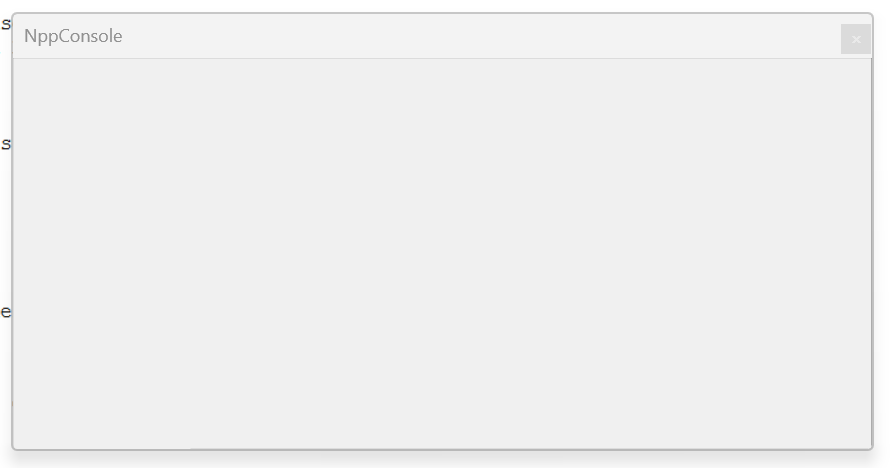
() it seems to be sensitive to history.OK, i think i get it : It does not handle correctly 4K screen.
When N++ is opened in the 4K screen, i noticed that the terminal within the NppConsole does not occupy the full window -and cannot be resized to occupy the full window.
So i guess that when the Nppconsole is grey, the terminal within is out of bounds.
Restart console does not (always) help .
This time, i get :
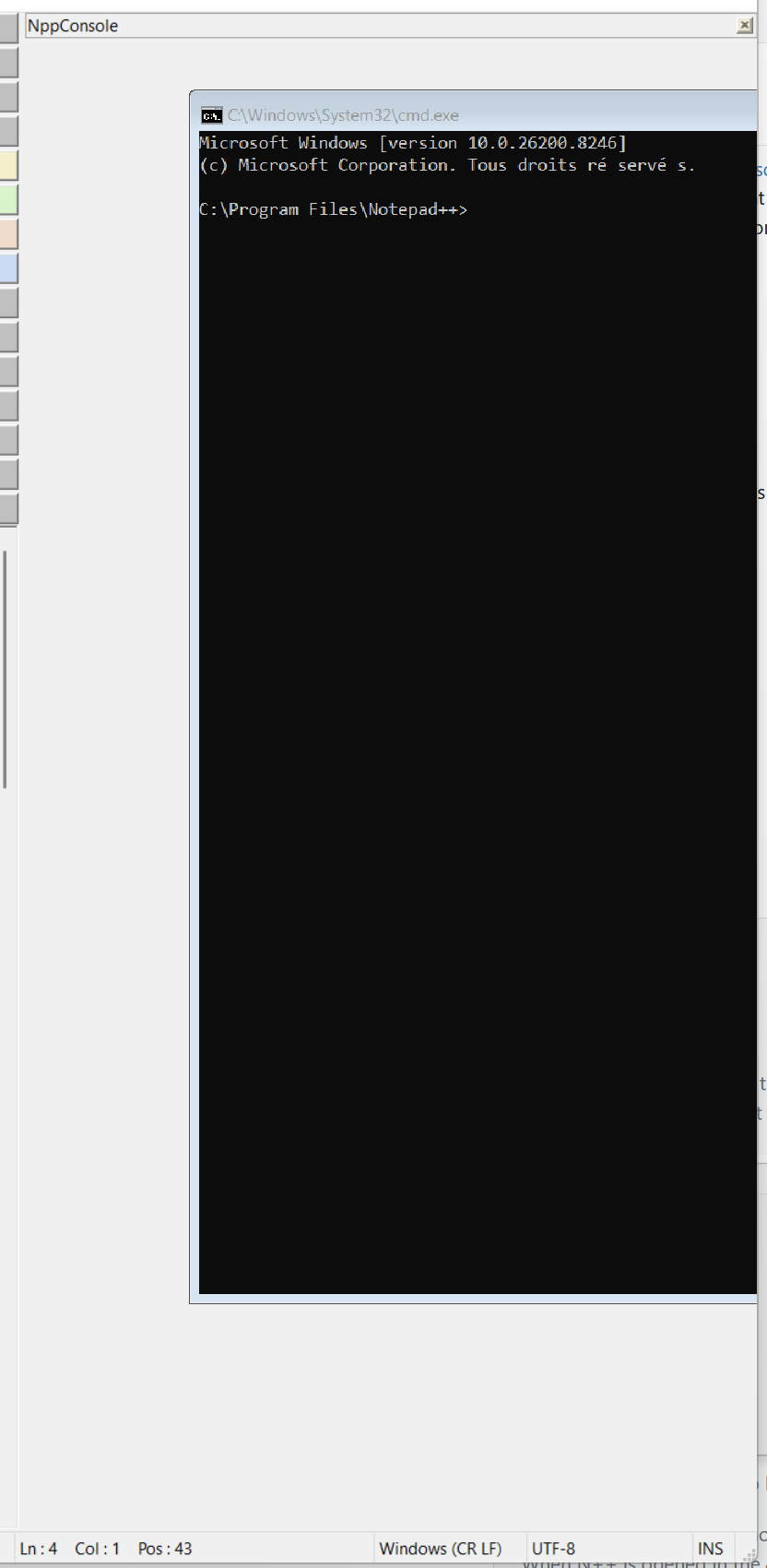
-
@arnaud-derette said in Terminal window in a N++ tab:
i think i get it : It does not handle correctly 4K screen.
That does not surprise me. Notepad++ is still not great for high-DPI environments, and it’s been taking a long time to finish some of the last-remaining high-DPI issues. And if the main app, with lots of contributors, still has issues, then it should come as no surprise that the plugins, which usually only have one developer (if they remain interested), whose skillset usually focuses on the feature that their plugin implements, rather than on the generics of all the edge cases of modern win32 coding. (At least, I know that’s true for me on my plugin(s).)
I don’t have a High-DPI environment, so I don’t know and can’t test for you, but maybe the NppExec plugin handles high-DPI better than NppConsole does (whether the original, or the intermediate fork)


Hello! It looks like you're interested in this conversation, but you don't have an account yet.
Getting fed up of having to scroll through the same posts each visit? When you register for an account, you'll always come back to exactly where you were before, and choose to be notified of new replies (either via email, or push notification). You'll also be able to save bookmarks and upvote posts to show your appreciation to other community members.
With your input, this post could be even better 💗
Register Login