-
Editor’s Note: This FAQ entry was written some years ago. A more up-to-date FAQ entry, which includes the differences for more recent versions of Notepad++, can be found as FAQ Desk: Automatic File Extensions. This old FAQ has been moved to the Blogs section and marked as “Retired”
-----
Notepad++ can be configured to use either the old fashioned dialogs like
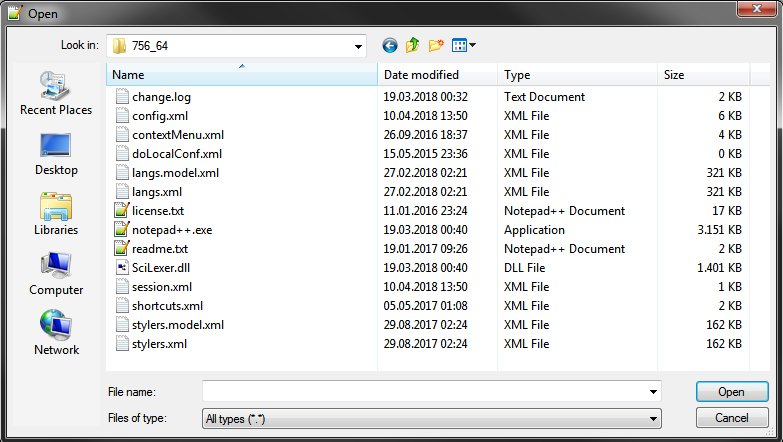
and
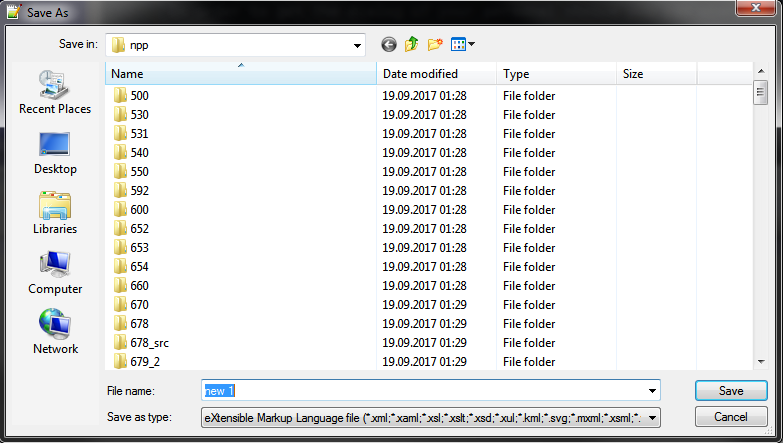
or the new way of doing it like
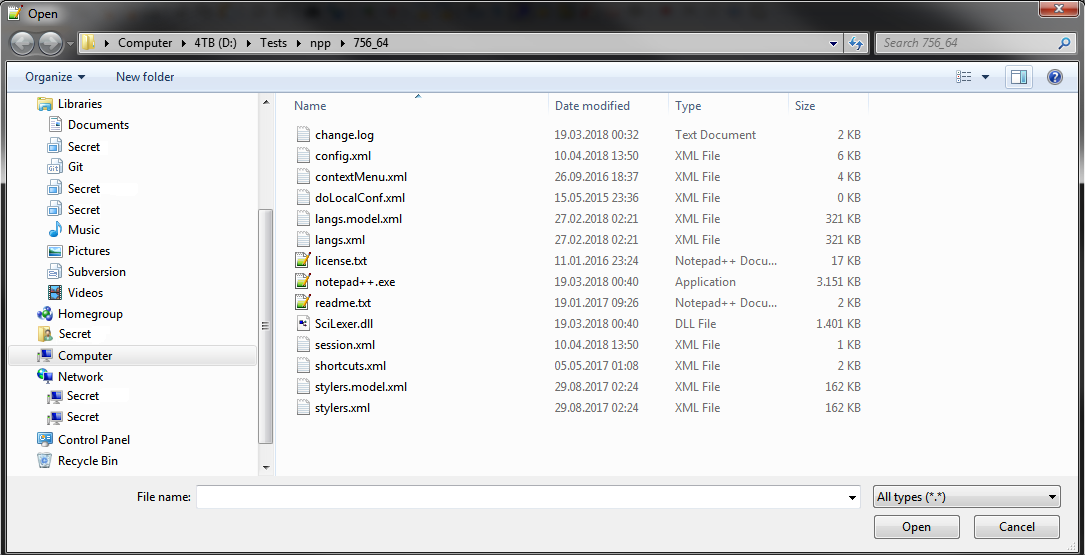
and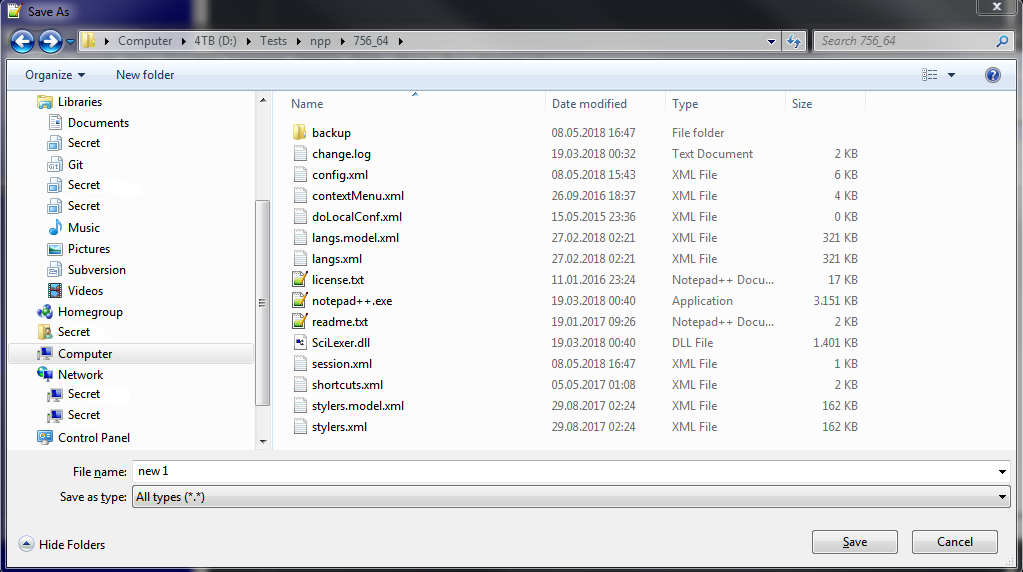
In order to get the dialogs of your personal choice you can goto
Settings->Preferences->Default Directory and check/uncheck the related box.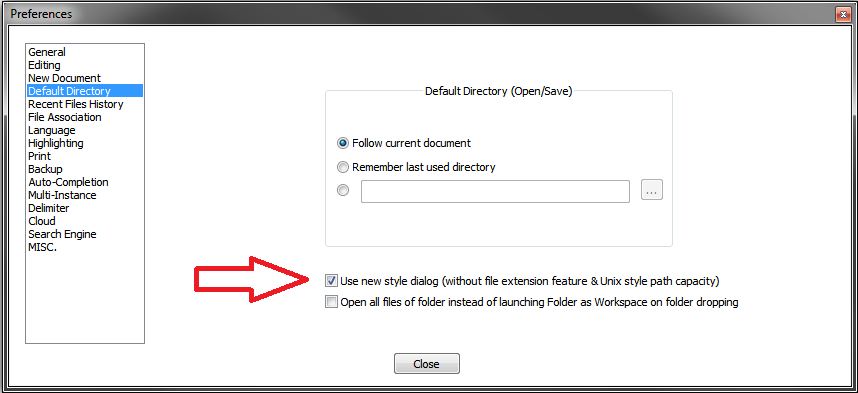
-
M mkupper referenced this topic on
-
P PeterJones moved this topic from FAQ on

Hello! It looks like you're interested in this conversation, but you don't have an account yet.
Getting fed up of having to scroll through the same posts each visit? When you register for an account, you'll always come back to exactly where you were before, and choose to be notified of new replies (either via email, or push notification). You'll also be able to save bookmarks and upvote posts to show your appreciation to other community members.
With your input, this post could be even better 💗
Register Login