Displaying an image as the background of a webpage
-
Hi there,
I am new to NPP.
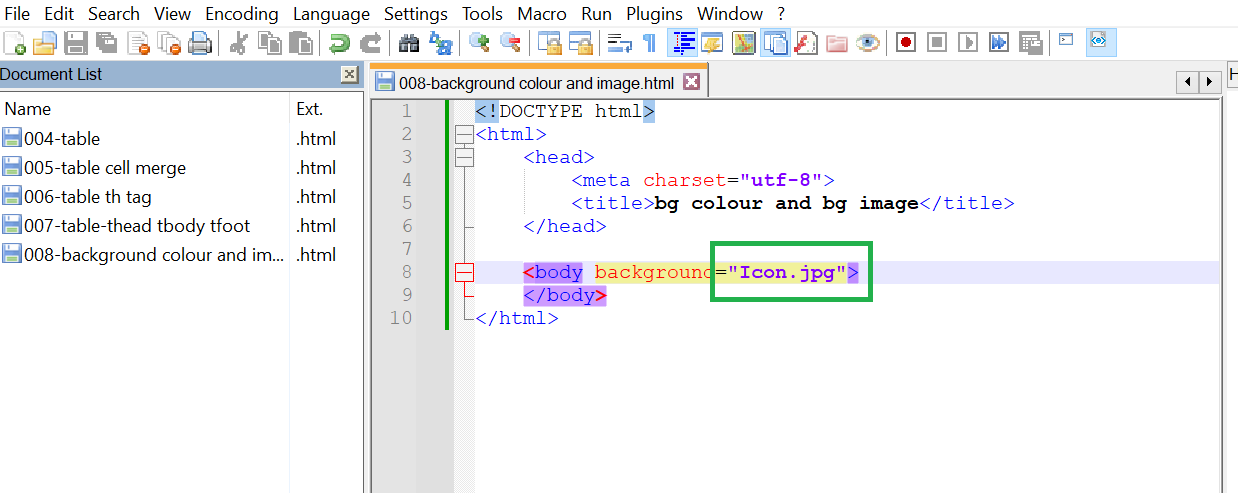
I have an image which I would like to use it as the background image for a webpage.
This image is in the folder named 'Notepad++".
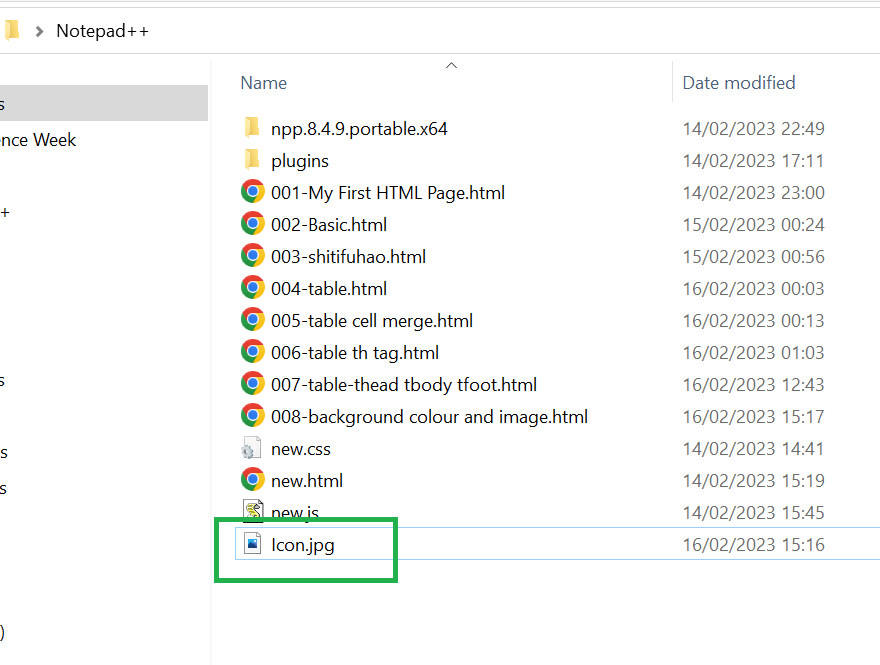
However it didn’t show in the ‘document list’. I am wondering whether ‘document list’ is the wrong thing to do. How can I have a navigation pane on the left in the editor so that I can put all the files needed in the so called ‘current folder’ that NPP can display this image as the background without going to find this image with a specific path.
-
This post is deleted! -
@Ku-Qiu said in Displaying an image as the background of a webpage:
it didn’t show in the ‘document list’
It would only show in the Document List if you open the
Icon.jpgfile into a Notepad++ tab. And that’s something you wouldn’t reasonably do because .jpg files are not text files and N++ is a text editor.The remainder of your post seems to address HTML type questions which aren’t on-topic for a discussion forum about Notepad++.
-
@Alan-Kilborn Thanks for your reply.
It does seem work perfectly if I open the image file in NPP in advance.
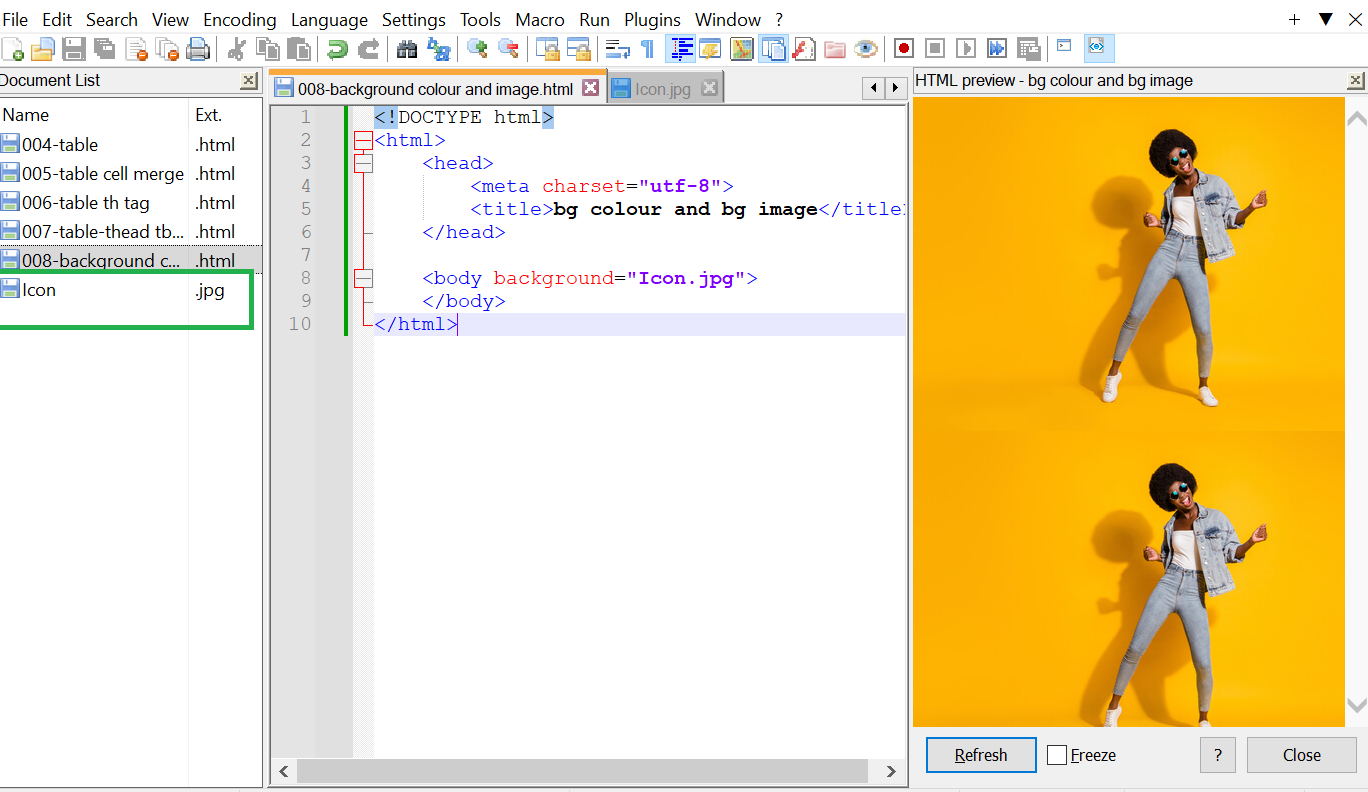
But still I am not sure whether document list is the best way for my intention. I used to use Matlab. And they have a navigation pane on the left where you can put all the files you need in the ‘current folder’ so that only files in that folder can be used/run. I am just wondering whether NPP do anything in the similar fashion.
-
@Ku-Qiu said in Displaying an image as the background of a webpage:
I am wondering whether ‘document list’ is the wrong thing to do.
Yes, it is the wrong feature. Document List shows all the documents that are open in Notepad++. You don’t (normally) open image files in a text editor (because they aren’t text).
But if you want the warm fuzzies of seeing a directory listing in Notepad++ that shows Icon.jpg so you can be more confident that it’s there, you could use the File > Open Folder As Workspace… (“FaW”) on the current directory, and that will give you a directory listing. Or you could View > Project Panels > Project Panel #, and create a new project in the workspace , then add that folder to the project. (But really, I think FaW is your best bet.)
that NPP can display this image as the background without going to find this image with a specific path.
Notepad++ is a text editor. It doesn’t natively display images, and it does not natively render HTML for you. If you want to render HTML inside Notepad++, you can use the PreviewHTML plugin (available through Plugins > Plugins Admin). Or you could just use View > View Current File In > … and pick your favorite browser, which would then launch that browser with the saved version of the HTML page you are actively browsing.
-—
Ahh, your reply post shows that it appears that you are using PreviewHTML . You should have listed that among your assets.
But still I am not sure whether document list is the best way for my intention
Nope. (See above)
I used to use Matlab.
Using matrix math application for editing webpages? I’m confused.
And they have a navigation pane on the left where you can put all the files you need in the ‘current folder’ so that only files in that folder can be used/run.
Ah, maybe you were just talking about the UI concepts.
No, you cannot limit what files your webpage will see based on what’s in some list in Notepad++. The webpage (and the HTML renderer in whatever plugin you are using) are Notepad++ agnostic: they don’t know, and don’t care, about anything that Notepad++ is doing (and it especially wouldn’t once you used a real browser to view the page, and/or published it to a webserver).
But if you want to be able to see non-text filenames in a panel on the left, so that you can remember image filenames more easily, use the Folder As Workspace feature, not Document List.



Hello! It looks like you're interested in this conversation, but you don't have an account yet.
Getting fed up of having to scroll through the same posts each visit? When you register for an account, you'll always come back to exactly where you were before, and choose to be notified of new replies (either via email, or push notification). You'll also be able to save bookmarks and upvote posts to show your appreciation to other community members.
With your input, this post could be even better 💗
Register Login