T-SQL highlighting problem: backslash is not an escape character here
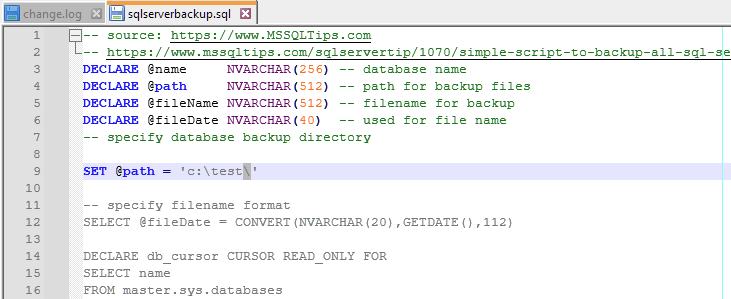
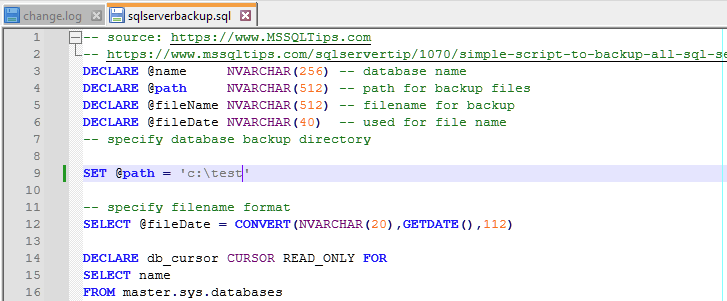
-
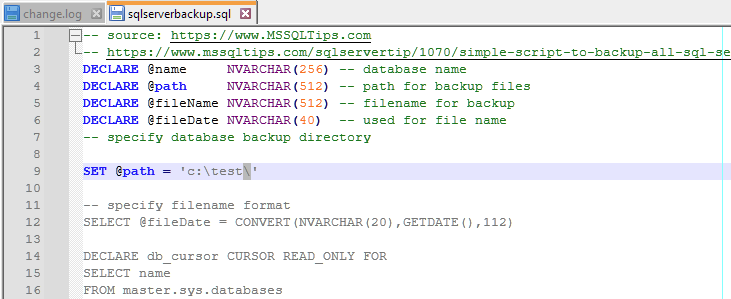
The backslash at the end of the 9th line in the string breaks highlighting:
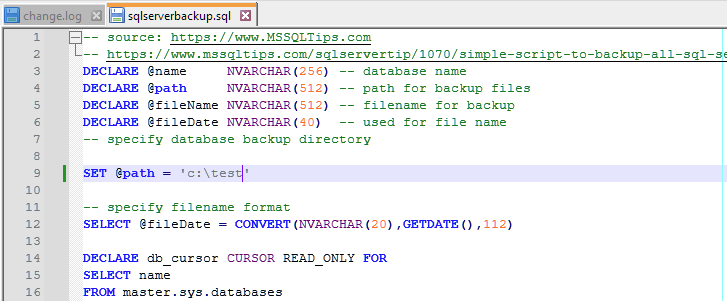
Removing the backslash the highlighting gets good, but the script turns to be wrong:
Can it be fixed? Should I try to edit the langs.xml file?
Best regards,
PeterNotepad++ v8.5.8 (64-bit)
Build time : Oct 15 2023 - 21:43:56
Path : C:\Program Files\Notepad++\notepad++.exe
Command Line :
Admin mode : OFF
Local Conf mode : OFF
Cloud Config : OFF
OS Name : Windows 10 Pro (64-bit)
OS Version : 22H2
OS Build : 19045.3570
Current ANSI codepage : 1250
Plugins :
AutoCodepage (1.2.6)
FWDataViz (2.6.2)
JsonTools (5.6)
MarkdownViewerPlusPlus (0.8.2)
mimeTools (2.9)
NppConverter (4.5)
nppcrypt (1.0.1.6)
NppExport (0.4)
RestApiToText (1.4.0.1)
urlPlugin (1.2)
XMLTools (3.1.1.13)
_CustomizeToolbar (5.3) -
-
The styling looks like the
SQLlexer (for SQLite3,…) which is not the correct lexer for T-SQL. The @variables are not colored as they should. Problems with escapes…From the Language menu, select the
Microsoft Transact-SQLlexer and you may see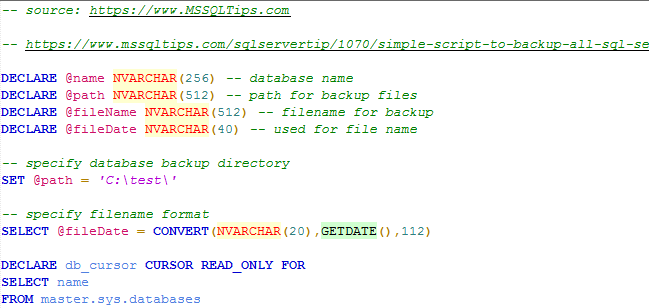
Should I try to edit the langs.xml file?
The langs.xml file in
%AppData%\Notepad++may need updating ifMicrosoft Transact-SQLis not in the menu. Compare it withlangs.model.xmlthat is in%ProgramFiles%\Notepad++.



Hello! It looks like you're interested in this conversation, but you don't have an account yet.
Getting fed up of having to scroll through the same posts each visit? When you register for an account, you'll always come back to exactly where you were before, and choose to be notified of new replies (either via email, or push notification). You'll also be able to save bookmarks and upvote posts to show your appreciation to other community members.
With your input, this post could be even better 💗
Register Login