Other thoughts regarding the "ReWrap Text to (Clipboard or 72) width" of the old "TextFX" plugin
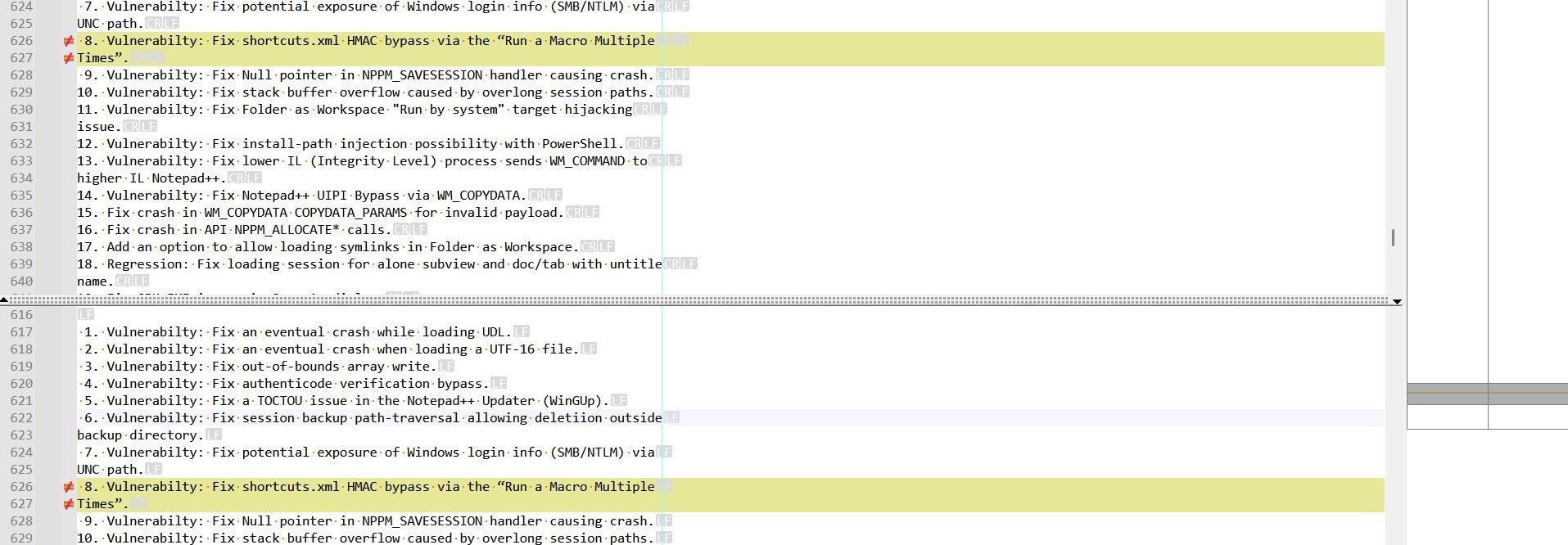
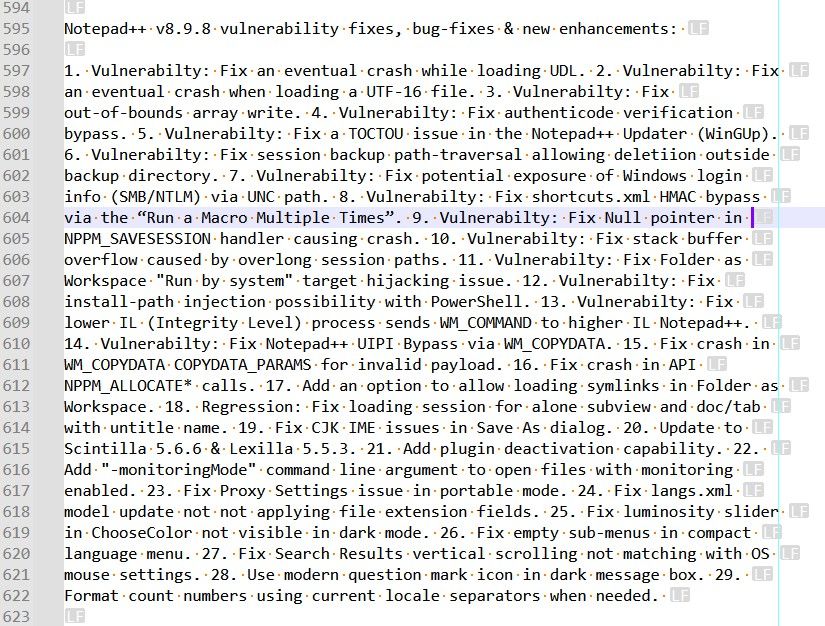
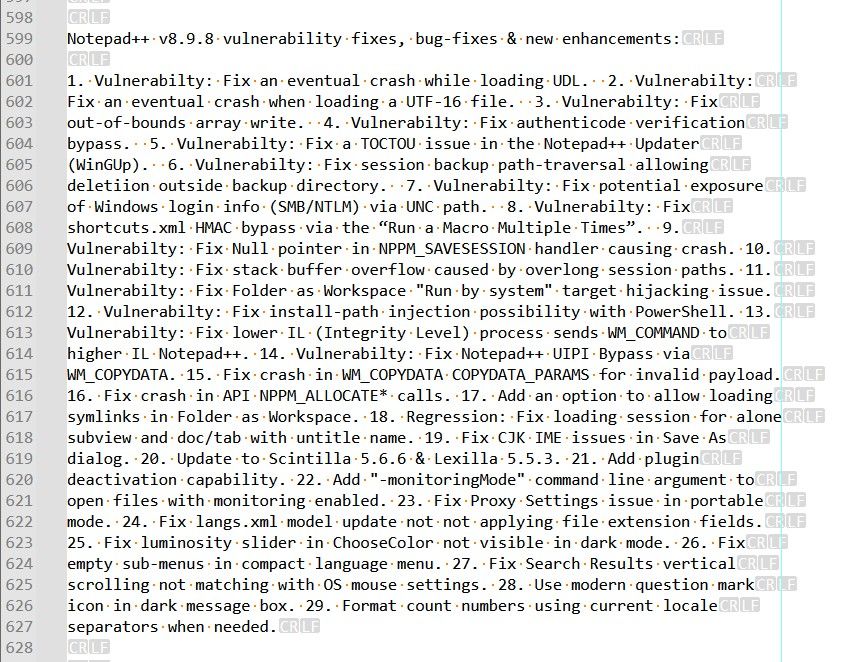
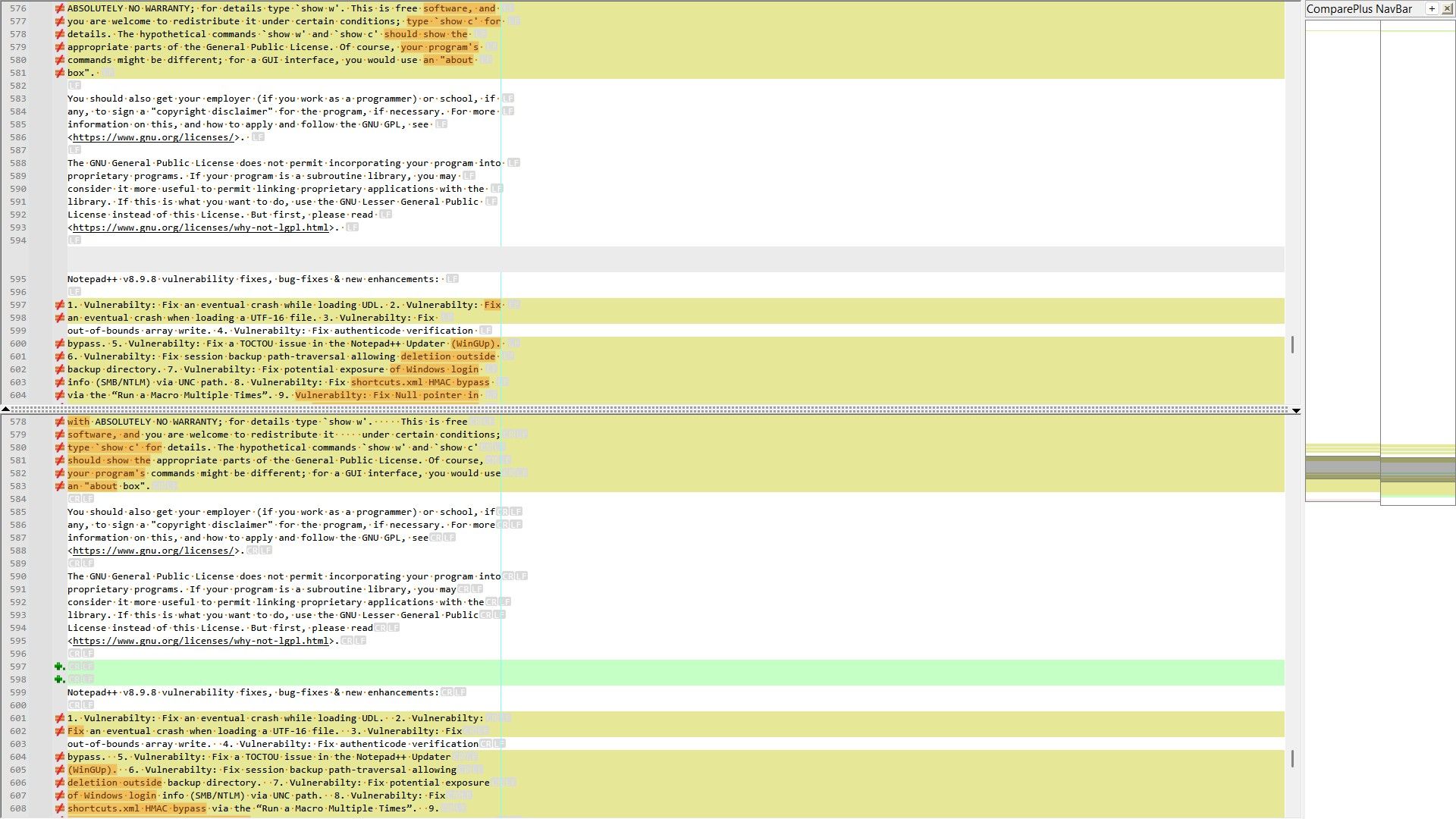
-
Hello, @alan-kilborn,
You said :
For clarity for future readers of this thread, which method is this one?
I was referring to these steps :
-
First, run a
Edit > Blank Operations > TAB to Spaceoption -
Then run the regex replacement below, where
Crepresents the maximum number of chars after you want a line-break :-
SEARCH
[\x20\r\n]*\z|(?-s)^(?=.{C+1,}).{1,C}\K(?:\x20*\R|\x20+) -
REPLACE
\r\nfor Windows files or\nfor Unix files
-
-
Finally, run a
Edit > Blank operations > Trim Trailing Spaceoption
You then said :
And, because I’m currently away from my Notepad++ and can’t try it myself, why are these "must be OFF"s?
I must apologize because I was mistaken ! I did some other tests and it happens that the status of the
View > Word wrapdoes not matterBut I confirm that showing the line-endings chars breaks the correct spliting of text when using the
Edit > Line Operations > Split LinesoptionSTR :
-
In
Settings > Preferences... > Margins/Border/Edge > Vertical Edge Settingsinsert the value78, ONLY -
For clarity, just uncheck the
View > Word wrapoption and theView > Show Symboloption -
Paste the beginning of the
License.txtfile, below, in a new tab :
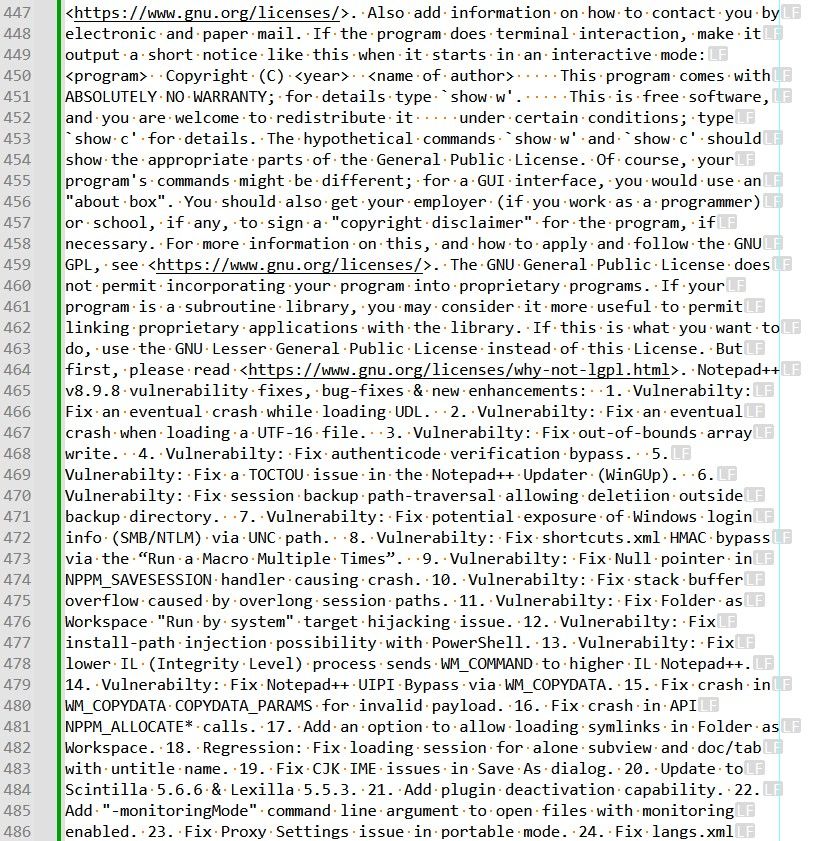
COPYING -- Describes the terms under which Notepad++ is distributed. A copy of the GNU GPL is appended to this file. IMPORTANT NOTEPAD++ LICENSE TERMS Copyright (C)2021 Don HO <don.h@free.fr>. This program is free software; you may redistribute and/or modify it under the terms of the GNU General Public License as published by the Free Software Foundation; Version 3 with the clarifications and exceptions described below. This guarantees your right to use, modify, and redistribute this software under certain conditions. This program is distributed in the hope that it will be useful, but WITHOUT ANY WARRANTY; without even the implied warranty of MERCHANTABILITY or FITNESS FOR A PARTICULAR PURPOSE. See the GNU General Public License for more details. ****************************************************************** GNU GENERAL PUBLIC LICENSE Version 3, 29 June 2007 Copyright (C) 2007 Free Software Foundation, Inc. <https://fsf.org/> Everyone is permitted to copy and distribute verbatim copies of this license document, but changing it is not allowed. Preamble The GNU General Public License is a free, copyleft license for software and other kinds of works. The licenses for most software and other practical works are designed to take away your freedom to share and change the works. By contrast, the GNU General Public License is intended to guarantee your freedom to share and change all versions of a program--to make sure it remains free software for all its users. We, the Free Software Foundation, use the GNU General Public License for most of our software; it applies also to any other work released this way by its authors. You can apply it to your programs, too.-
Now, in the new tab, select all this text with
Ctrl + A -
Run the
Edit > Line Operations > Slipt LinesorCtrl + Ioption
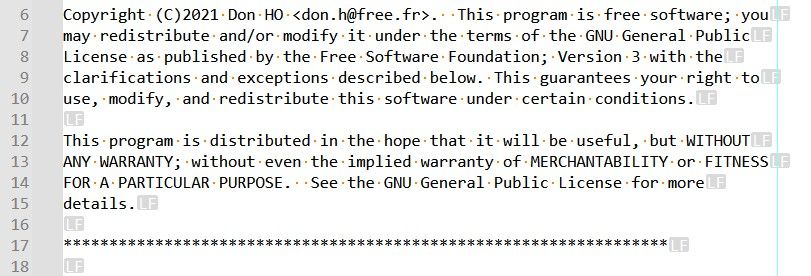
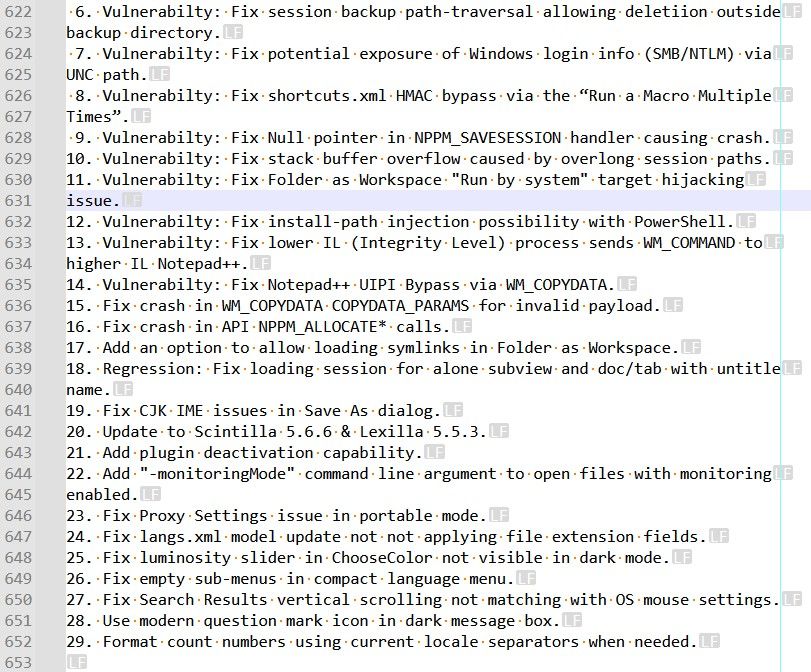
=> You should get the text below :
COPYING -- Describes the terms under which Notepad++ is distributed. A copy of the GNU GPL is appended to this file. IMPORTANT NOTEPAD++ LICENSE TERMS Copyright (C)2021 Don HO <don.h@free.fr>. This program is free software; you may redistribute and/or modify it under the terms of the GNU General Public License as published by the Free Software Foundation; Version 3 with the clarifications and exceptions described below. This guarantees your right to use, modify, and redistribute this software under certain conditions. This program is distributed in the hope that it will be useful, but WITHOUT ANY WARRANTY; without even the implied warranty of MERCHANTABILITY or FITNESS FOR A PARTICULAR PURPOSE. See the GNU General Public License for more details. ****************************************************************** GNU GENERAL PUBLIC LICENSE Version 3, 29 June 2007 Copyright (C) 2007 Free Software Foundation, Inc. <https://fsf.org/> Everyone is permitted to copy and distribute verbatim copies of this license document, but changing it is not allowed. Preamble The GNU General Public License is a free, copyleft license for software and other kinds of works. The licenses for most software and other practical works are designed to take away your freedom to share and change the works. By contrast, the GNU General Public License is intended to guarantee your freedom to share and change all versions of a program--to make sure it remains free software for all its users. We, the Free Software Foundation, use the GNU General Public License for most of our software; it applies also to any other work released this way by its authors. You can apply it to your programs, too.-
Now, undo, with
Ctrl + Z, the last action in order to return to the unwrapped text again -
Click on the
¶icon or run theView > Show Symbols > Show All Charactersoption -
RE-select all contents of the new tab
-
Run again the
Edit > Line Operations > Slipt LinesorCtrl + Ioption
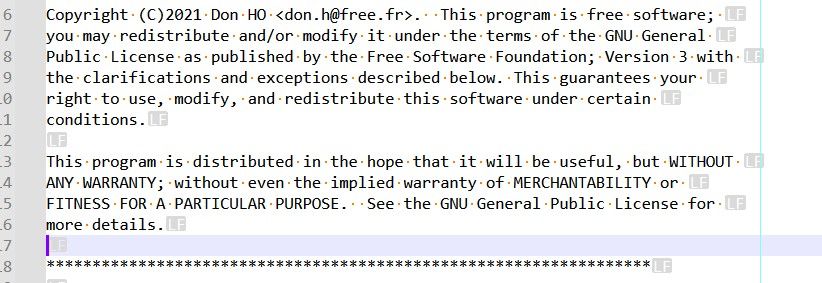
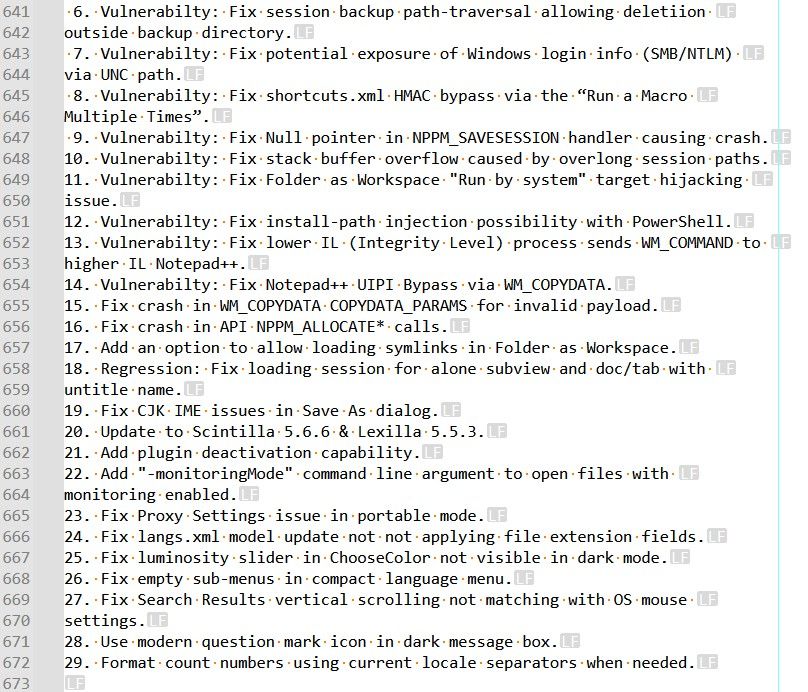
=> This time, you should get this text :
COPYING -- Describes the terms under which Notepad++ is distributed.
A copy of the GNU GPL is appended to this file.

IMPORTANT NOTEPAD++ LICENSE TERMS

Copyright (C)2021 Don HO <don.h@free.fr>.  This program is free software;
you may redistribute and/or modify it under the terms of the GNU
General
Public License as published by the Free Software Foundation; Version 3
with
the clarifications and exceptions described below. This guarantees your
right to use, modify, and redistribute this software under certain
conditions.

This program is distributed in the hope that it will be useful, but WITHOUT
ANY WARRANTY; without even the implied warranty of MERCHANTABILITY or
FITNESS FOR A PARTICULAR PURPOSE.  See the GNU General Public License
for
more details.

******************************************************************


GNU GENERAL PUBLIC LICENSE
Version 3, 29 June 2007

Copyright (C) 2007 Free Software Foundation, Inc. <https://fsf.org/>

Everyone is permitted to copy and distribute verbatim copies of this license
document, but changing it is not allowed.

Preamble
The GNU General Public License is a free, copyleft license for software and
other kinds of works.

The licenses for most software and other practical works are designed to
take away your freedom to share and change the works. By contrast, the
GNU
General Public License is intended to guarantee your freedom to share
and
change all versions of a program--to make sure it remains free software
for
all its users. We, the Free Software Foundation, use the GNU General
Public
License for most of our software; it applies also to any other work
released
this way by its authors. You can apply it to your programs, too.
And, obviously, these two texts are quite different !
Test done with a portable
N++ v8.9.8-64bits installation !Best Regards
guy038
-
-
I confirm that showing the line-endings chars breaks the correct spliting of text when using the Edit > Line Operations > Split Lines option
So then this is a Notepad++ bug, correct?
-
Hi, @alan-kilborn and All,
I suppose so ! But have you checked this behavior for yourself ?
BR
guy038
-
So then this is a Notepad++ bug, correct?
Considering that Notepad++ just uses Scintilla’s SCI_LINESSPLIT, it’s more of a Scintilla bug, if that project would consider it a bug. The documentation says that function finds split points “in a similar manner to line wrapping”; line wrapping also treats line endings as part of the line when they are visible.
However, I suppose Notepad++ could temporarily turn off showing line endings before doing the split.
-
Hi, @alan-kilborn, @coises and All,
From the
scintilladescription, below :SCI_LINESSPLIT(pixels pixelWidth) Split a range of lines indicated by the target into lines that are at most pixelWidth wide. Splitting occurs on word boundaries wherever possible in a similar manner to line wrapping. When pixelWidth is 0 then the width of the window is used.-
I made a try putting ONLY the
0value ( instead of78) InSettings > Preferences... > Margins/Border/Edge > Vertical Edge Settings. Well, it happens that for any value≤ 2, the spliting occurs after2characters -
I also tested with, for example, the value
220, which was larger than my physical screen. However, even in this case, the spliting occurs after220chars and not at the window’s width !
Of course, for these additional tests,
line-endingswere not enabled !
Oh, my God : I forgot to test with the
Settings > Preferences... > Margins/Border/Edge > Vertical Edge Settingswindow completely empty ! Well, in this specific case, the spliting does occur at the window’s width and takes in account the possible increase or decrease in the ZOOM factor !BR
guy038
-
-
-
Oh, my God : I forgot to test with
If you are interested in such things, you’ll find some very curious results using proportional fonts. When Vertical Edge Settings: Background mode is checked, the highlighting for overlong lines is based on counting characters; when it is not checked, the edge position is (or positions are) based on the width of a space in the default font. (You can see the difference by having a file with sufficiently long lines open, setting a proportional font, then opening Preferences to the Margin/Border/Edge panel, setting a single vertical edge, and toggling Background mode.)
The Notepad++ Split Lines command bases its division on the width of a capital “P” in the default font multiplied by the (last) edge column, and hence doesn’t match either.
Scintilla sets edge markers based on columns (counting in background mode, using the width of a space character otherwise), so there isn’t a lot Notepad++ can do about that. Scintilla does splitting based on pixel widths; there might be a fair argument for Notepad++ doing its own splitting instead of using Scintilla’s when splitting is based on an “edge” with Background mode checked. Except for the visible line ending oddity, splitting by view width (that is, when there is no edge) works as one would expect. Why Notepad++ uses the width of a capital “P” to get the width to which to split lines when Scintilla uses the width of a space to draw the edge line, I can’t guess.
-
Hello, @coises, @alan-kilborn and All,
I made a test :
-
First, disable the
View > Word wrapoption as well as theView > Show symboloption -
Put the value
78, ONLY, in theSettings > Preferences... > Margins/Border/Edge > Vertical Edge Settingsdialog -
Leave the
Background modeoption unchecked -
Then, insert this text below in a N++ new tab :
iiiiiiiiiiiiiiiiiiiiiiiiiiiiiiiiiiiiiiiiiiiiiiiiiiiiiiiiiiiiiiiiiiiiiiiiiiiiii
                                                                              <<<
WWWWWWWWWWWWWWWWWWWWWWWWWWWWWWWWWWWWWWWWWWWWWWWWWWWWWWWWWWWWWWWWWWWWWWWWWWWWWW
PPPPPPPPPPPPPPPPPPPPPPPPPPPPPPPPPPPPPPPPPPPPPPPPPPPPPPPPPPPPPPPPPPPPPPPPPPPPPP
______________________________________________________________________________


Copyright (C)2021 Don HO <don.h@free.fr>.  This program is free software; you may redistribute and/or modify it under the terms of the GNU General Public License as published by the Free Software Foundation; Version 3 with the clarifications and exceptions described below. This guarantees your right to use, modify, and redistribute this software under certain conditions.
Note : globally, the capital letter
Wis the largest letter in proportional fonts and the small letteriis the smallest letter in proportional fonts- Now, select the
78space characters, right before the string<<<
=> You can verify that the status bar contains
Col:79 Sel: 78indication-
Open the
Settings > Style configurator...dialog and selectGlobal Stylesfor Language andDefault Stylefor Style -
Now, click on the drop-down list of the
Font nameoption -
Use the
UpandDownarrow key to select an other font
=> It easy to verify, in the status bar, that, whatever the font used, even exotic ones, the selection of the gap of space characters stays identical to the value
78
Now if, for any font, you select all the text of that new tab and run an
Edit > Line Operations > Split Linesoperation, for most of them, indeed, the spliting behaviour occured right after the78capital letterP.However, for example :
-
For the proportional
Times New Romanfont, the spliting action occured after76lettersP -
For the fixed witdh
Consolasfont, the spliting action occured after77lettersP
Best Regards,
guy038
-
-
Now if, for any font, you select all the text of that new tab and run an
Edit > Line Operations > Split Linesoperation, for most of them, indeed, the spliting behaviour occured right after the78capital letterP.However, for eample :
-
For the proportional
Times New Romanfont, the spliting action occured after76lettersP -
For the fixed witdh **``Consolas font, the spliting action occured after
77lettersP
The explanation may lie in something I discovered while bug-hunting in the Elastic tabstops function of Columns++: when DirectWrite is in use, the width of characters can work out to fractional pixels (this is true for both fixed and proportional fonts); but Scintilla only reports the width of strings as integers. So due to the effect of rounding to integers, the width of a string of 78 letters
Pis not necessarily 78 times the (reported) width of one letterP. Notepad++ uses 78 times the width of one letterP. (Not that it matters much, since none of this is likely to be what anyone wants or expects anyway.) -
-
P PeterJones forked this topic on
-
Hello, @coises,
I confirm that, if I choose the
GDI (most compatible)rendering mode instead of theDirectWrite (default), the spliting action seems to always occur after78letters P !I verified this assumption with, both, the proportional
Times New Romanfont and the fixed widthConsolasfontBR
guy038



Hello! It looks like you're interested in this conversation, but you don't have an account yet.
Getting fed up of having to scroll through the same posts each visit? When you register for an account, you'll always come back to exactly where you were before, and choose to be notified of new replies (either via email, or push notification). You'll also be able to save bookmarks and upvote posts to show your appreciation to other community members.
With your input, this post could be even better 💗
Register Login