Vertical White Bar Appeared
-
Hi, a vertical white bar appeared after the last update… and I’d like to know what it is and how to make it black… thx! : )
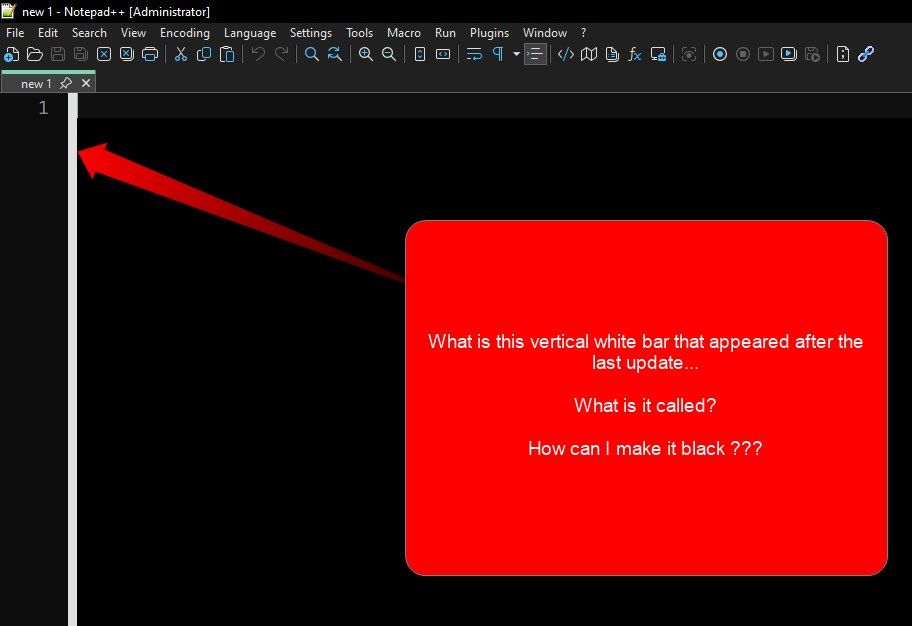
moderator restored the original post. please do not delete the original post of a discussion, as it removes context. if you solve the problem, but still have a related question (like you did), just posting the follow-on without deleting the original context is sufficient.
-
Ok, I found that it was the “Change History Margin”… but when I made the “Background: Gray” then it made things worse… the current line of words now disappears:
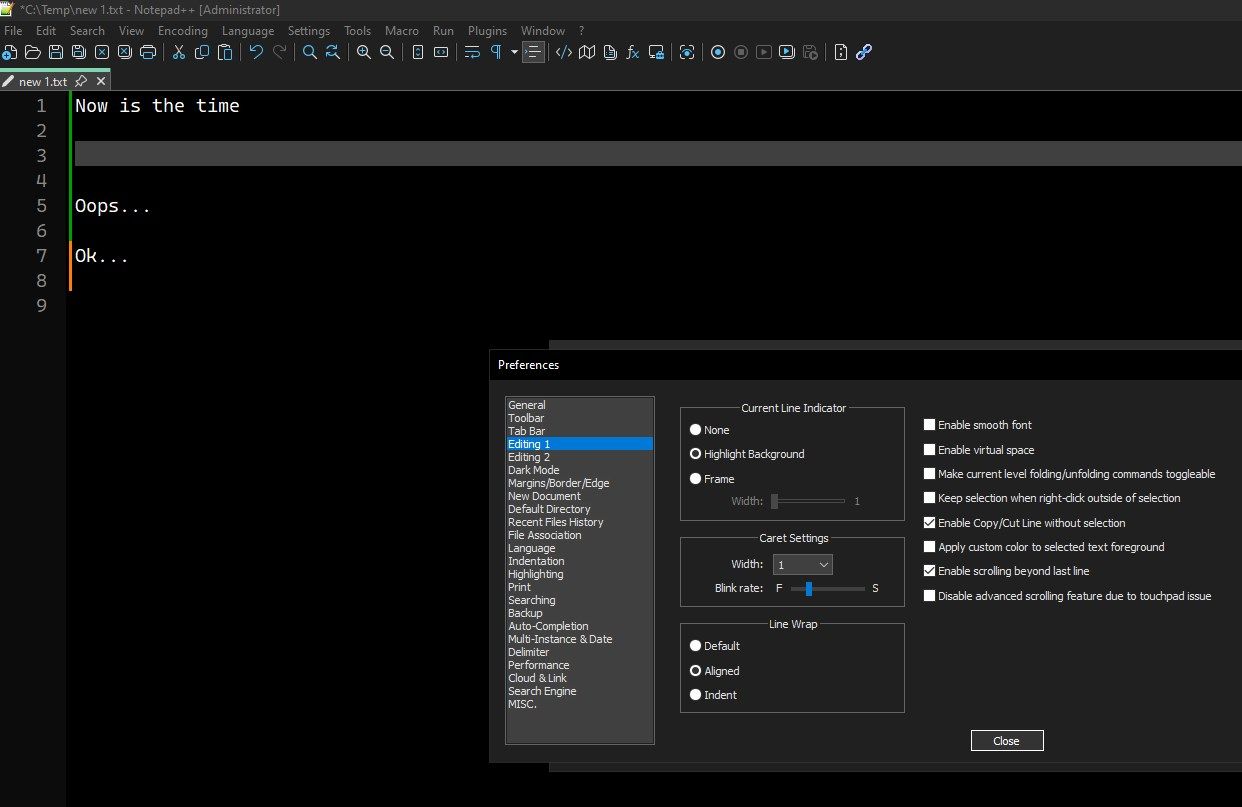
So I went into settings and changed the “Current Line Indicator” to “(*) Frame: Width=1” which is perfect:
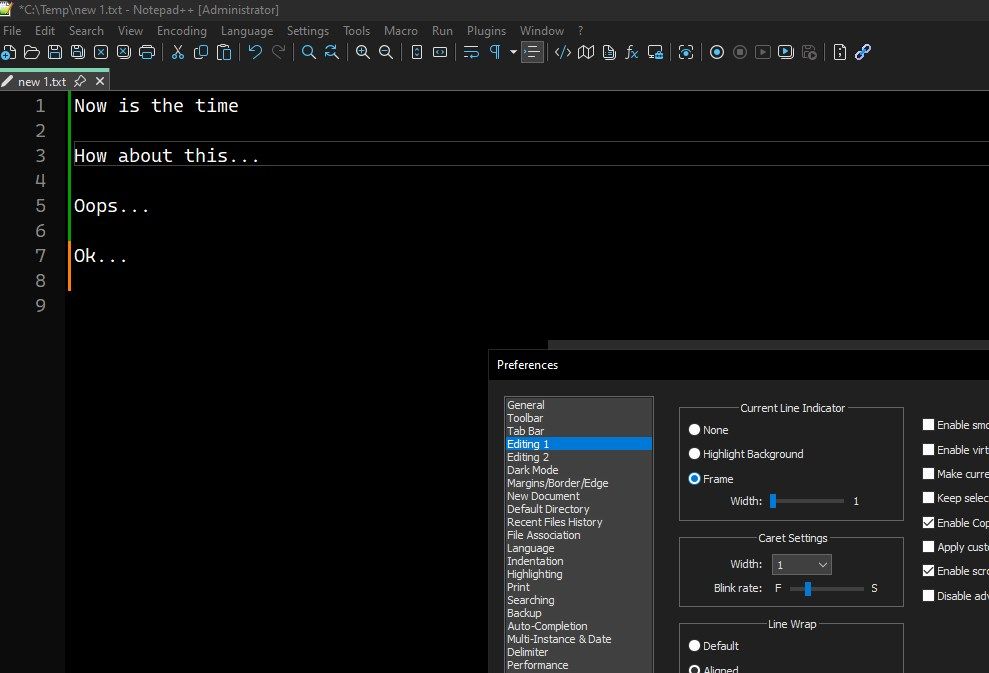
But, when I exit and restart NPP, the “Frame” setting does not “stick”…
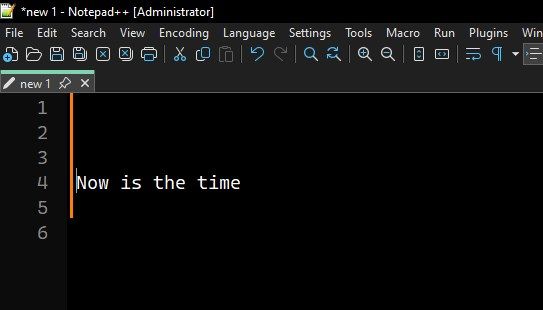
Can someone help me keep “Frame=On” active forever??
-
@networkproblemsolver said in Vertical White Bar Appeared:
Ok, I found that it was the “Change History Margin”…
see the FAQ
but when I made the “Background: Gray” then it made things worse… the current line of words now disappears:
They “Change History Margin” and “Current line background colour” are two separate entries in the Style configurator. One should not affect the other. I think you just hadn’t noticed.
I am curious which theme you are using, and which version of Notepad++ you upgraded from.
So I went into settings and changed the “Current Line Indicator” to “(*) Frame: Width=1” which is perfect:
But, when I exit and restart NPP, the “Frame” setting does not “stick”…It sticks for me. Are you sure you have only one instance of Notepad++ open? Because otherwise, the other instance might have control of the preferences instead of the instance where you changed it. Even if you think you’ve already done these steps:
- exit all copies of Notepad++
- run one copy
- change the Frame settings, CLOSE the dialog
- exit Notepad++
- run one copy: it should remember the Frame setting.
-
@networkproblemsolver
Your images show you seem to be running NPP as administrator. That could be the source of your problem.Read this thread, there might be the solution.
Terry

Hello! It looks like you're interested in this conversation, but you don't have an account yet.
Getting fed up of having to scroll through the same posts each visit? When you register for an account, you'll always come back to exactly where you were before, and choose to be notified of new replies (either via email, or push notification). You'll also be able to save bookmarks and upvote posts to show your appreciation to other community members.
With your input, this post could be even better 💗
Register Login