Mismatch Between Document List Sorting and Active Tab Order After Updating Notepad++ from 8.8.8 to 8.9
-
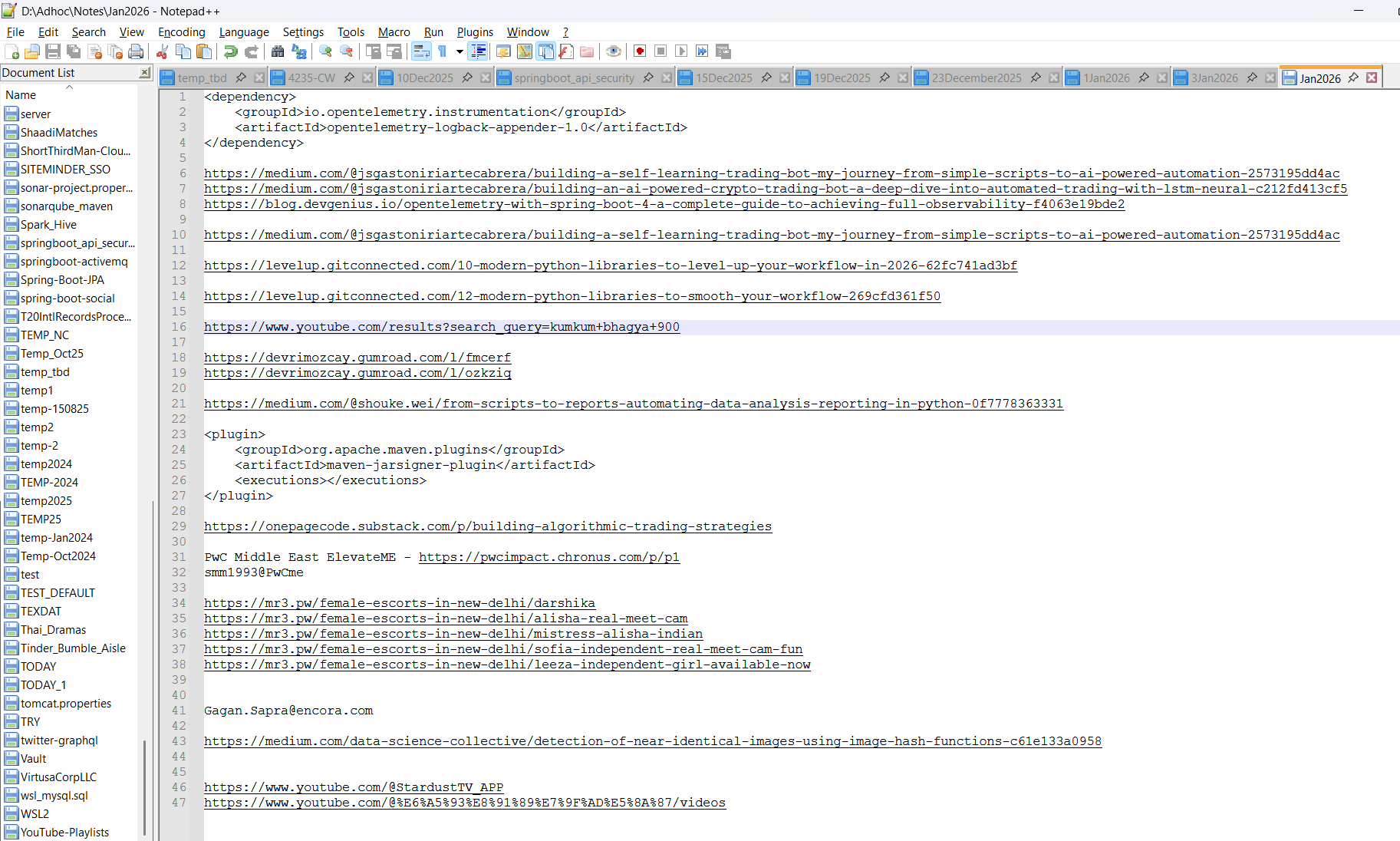
After upgrading Notepad++ from version 8.8.8 to 8.9, the Document List sorting no longer appears to match the order of open and active tabs. Has anyone else encountered this behavior, or is there a setting or change in 8.9 that affects how the Document List is ordered? Any insights or workarounds would be appreciated.
The list appears to follow a different or inconsistent ordering compared to the tab sequence, impacting navigation and workflow.
-
See that ︿ above the Name column of the Document List? Like most tabular data tools (spreadsheets, or the data tables in Wikipedia, or what have you), that indicates that the data is being sorted by that column (if you right click, and add the extension column, you can sort by either column). The sort indicator is a 3-state toggle: pointing up ︿ means it’s sorting in alphabetical order, pointing down ﹀ means it’s sorting in reverse-alphabetical, and gone means it’s sorted in the order of your tabs.
up ︿ down ﹀ none 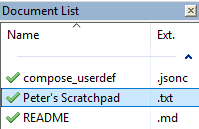
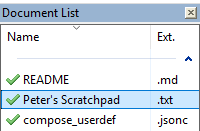
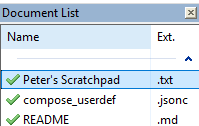
Nothing changed in Notepad++ itself; you just clicked that header once (intentionally or accidentally), so it’s now sorting alphabetically, like it thought you wanted. You just have to click it two more times to get it to match the tab order.

Hello! It looks like you're interested in this conversation, but you don't have an account yet.
Getting fed up of having to scroll through the same posts each visit? When you register for an account, you'll always come back to exactly where you were before, and choose to be notified of new replies (either via email, or push notification). You'll also be able to save bookmarks and upvote posts to show your appreciation to other community members.
With your input, this post could be even better 💗
Register Login