SQLinForm: new Usage Inspector finds unused variables in SQL
-
Hello, SQLinForm got another new function: the Usage Inspector. It sits right next to the Navigator I introduced a few weeks ago and answers a question I often had with inherited SQL: is this variable or column actually used anywhere, or is it dead code?
What it does
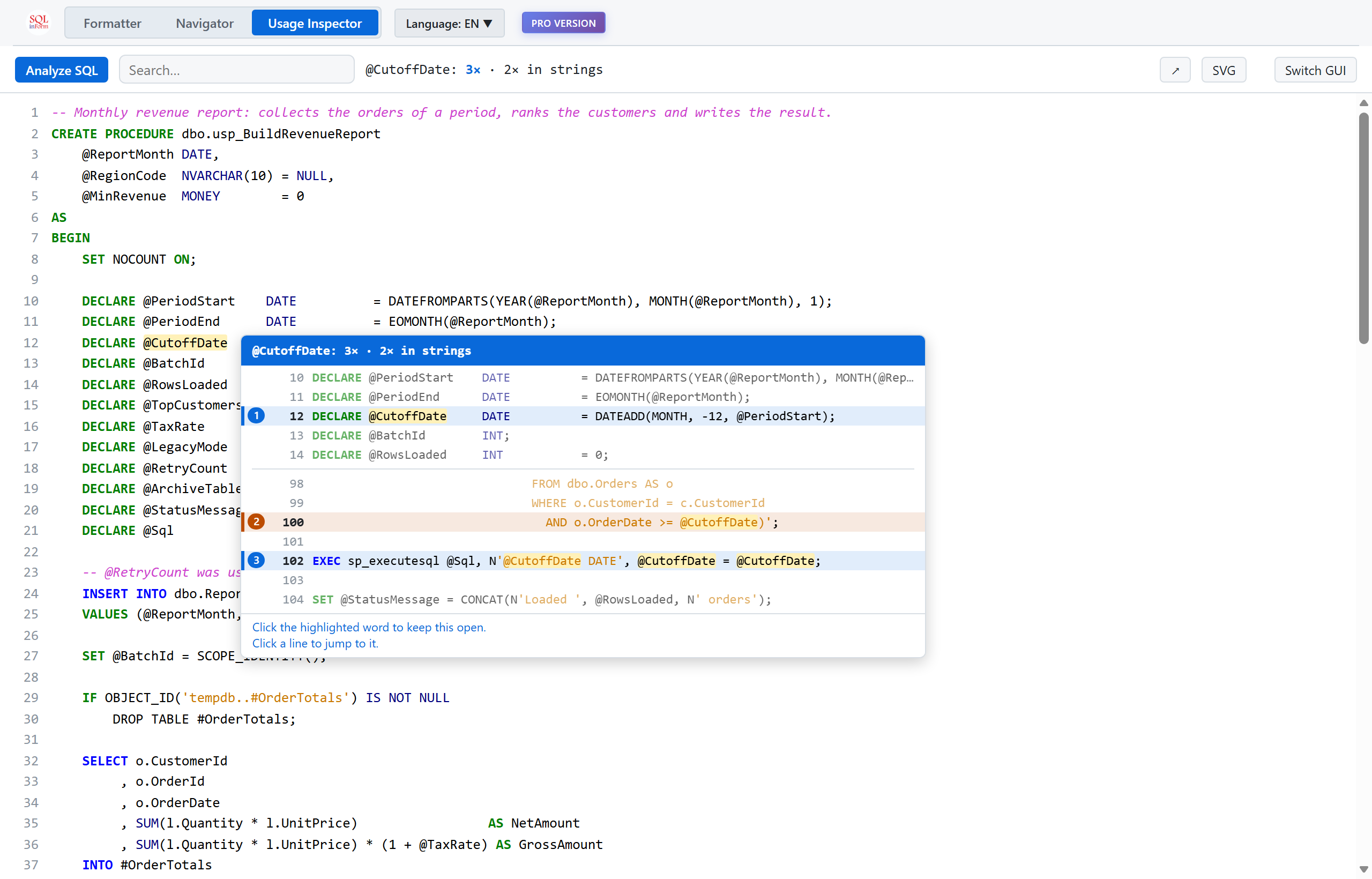
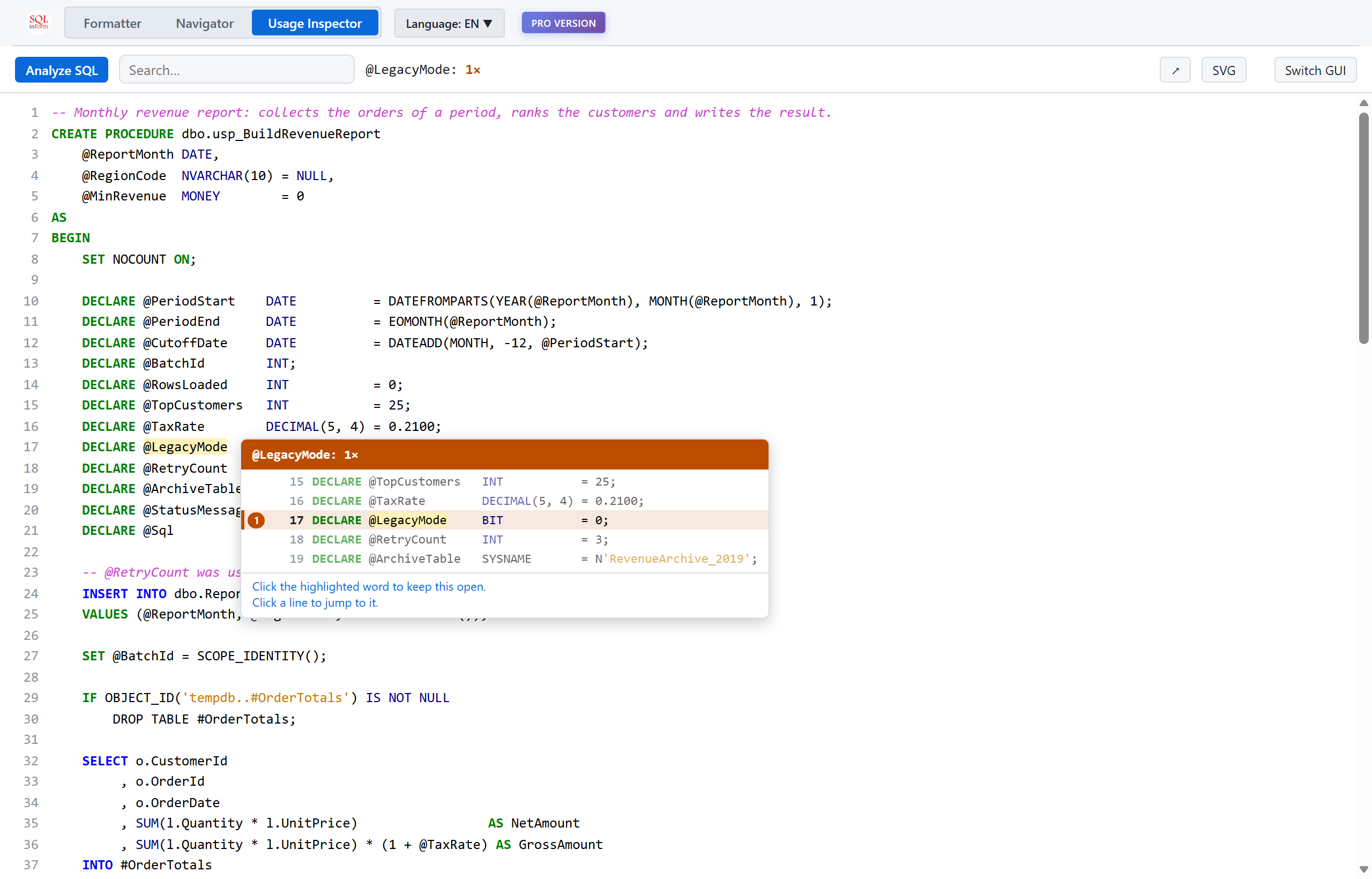
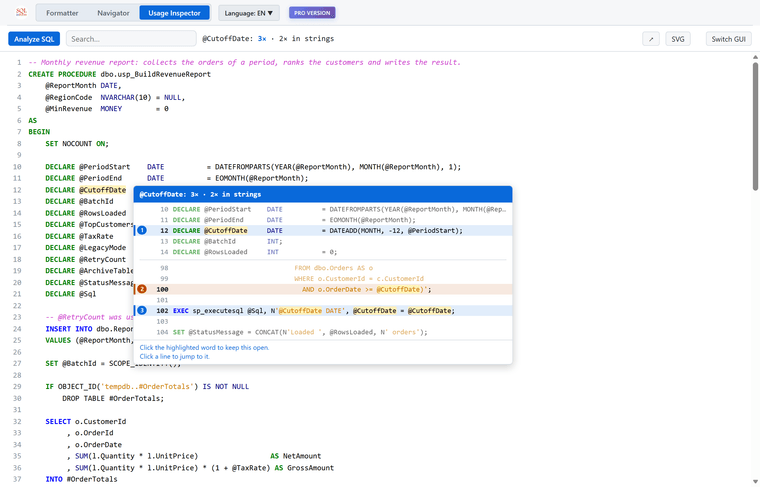
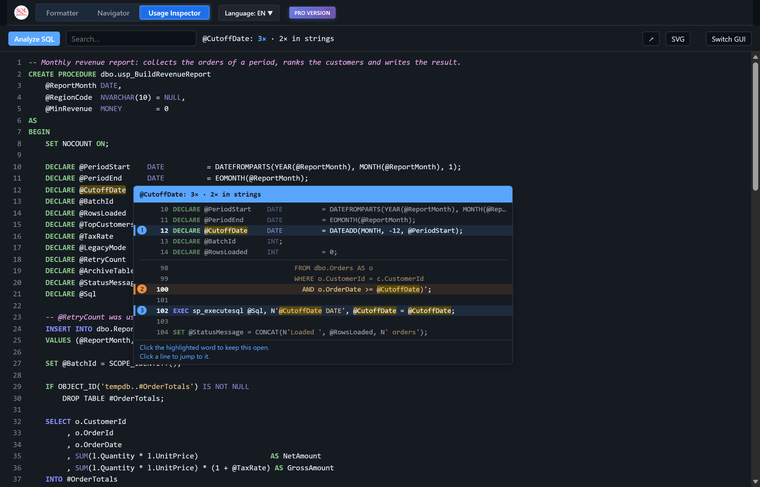
- Hover over any word: a pop-up shows how often it is used and every line where it appears, with a few lines of context.
- Spot unused items quickly: a word that appears only once gets a red-orange header. A variable that is declared and never used stands out immediately.
- Comments don’t count: a variable that is only mentioned in a comment still shows up as unused.
- Strings are counted separately: a variable that is only used in dynamic SQL is not reported as dead, e.g.
@CutoffDateinsideEXEC sp_executesql. - Click to keep and jump: click the word to keep the pop-up open, then click a line to jump to it.
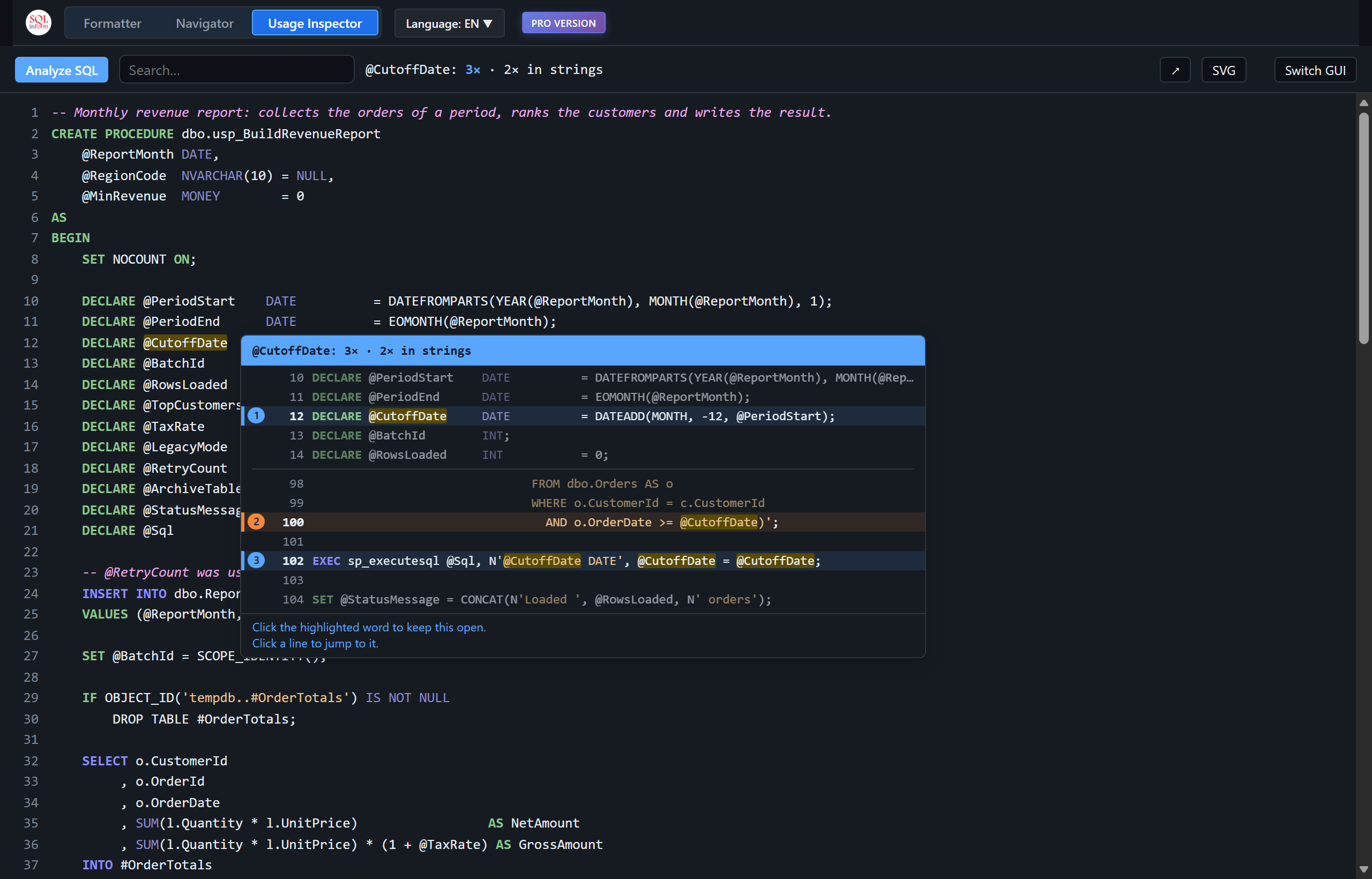
- Your colors: the SQL is shown in the colors of your SQLinForm profile. Light and dark themes are both supported.
- Everything is included: it reads the whole script, also parts the Navigator tree doesn’t show, such as
DECLARE.
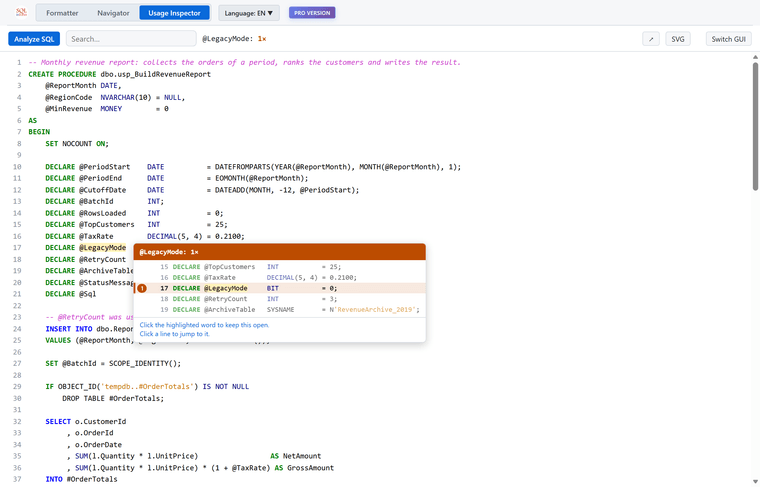
Like the Navigator, it needs no database connection and works with every dialect the formatter supports. It just counts words and does not parse or execute anything, so please treat the result as a hint, not a proof:
SET @x = 1counts as a use, for example.You can open it with the new magnifier button in the toolbar, or with the Usage Inspector tab next to Formatter and Navigator.
As before, I appreciate any suggestion or error feedback :-)

Hello! It looks like you're interested in this conversation, but you don't have an account yet.
Getting fed up of having to scroll through the same posts each visit? When you register for an account, you'll always come back to exactly where you were before, and choose to be notified of new replies (either via email, or push notification). You'll also be able to save bookmarks and upvote posts to show your appreciation to other community members.
With your input, this post could be even better 💗
Register Login