Join and break lines
-
I have a formatted HTML file
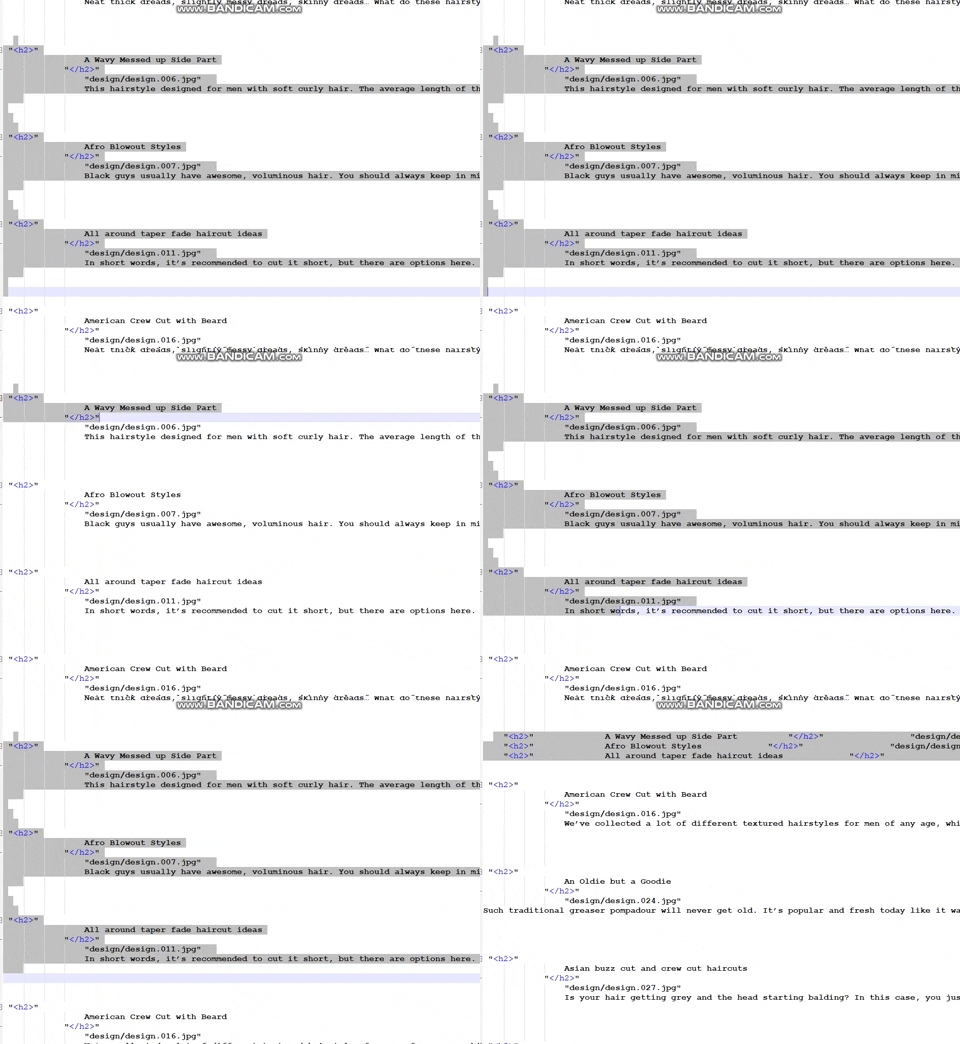
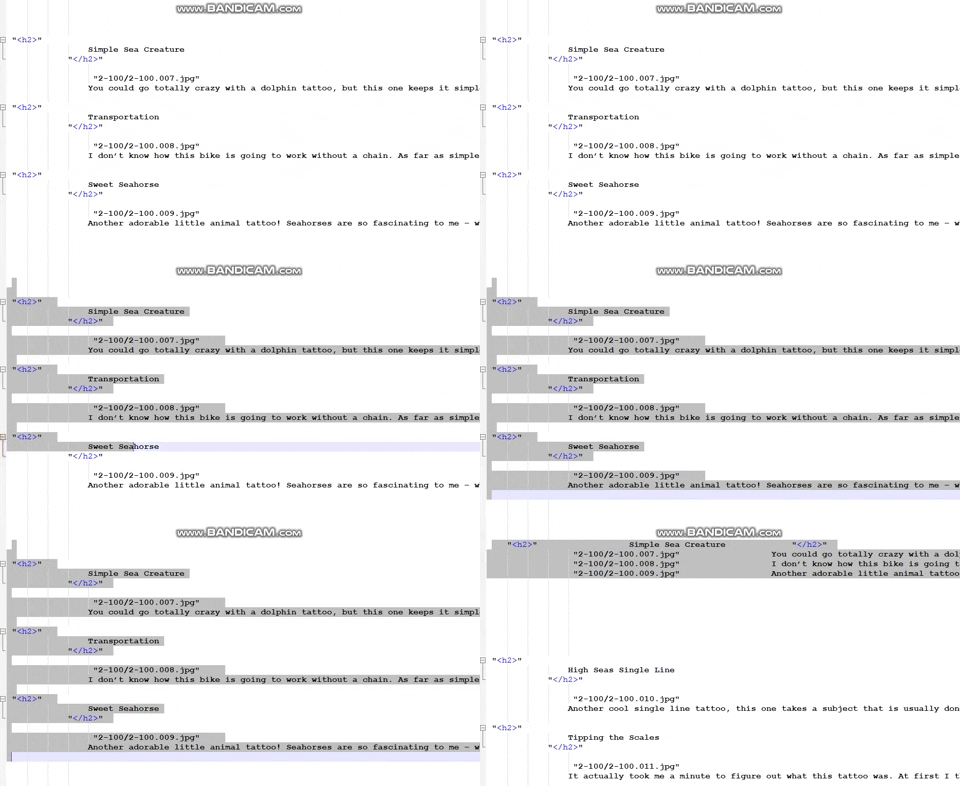
I want Join lines in Notepad ++ i use ctrl+j
example: https://media.giphy.com/media/TersKT6fu4m0vdnI68/giphy.gif
But now https://media.giphy.com/media/hvG3Dk1DfRHvW4CiR8/giphy.gif
Lines should start with < h2 > i don’t know why it starts from an image file. It could be something with breaking lines - \n but not sure.
notepad++
-
I for one am confused about how you obtained that behavior. My understanding is that the Join Lines feature will take the lines touched by a selection (this part seems fine for you) and replaces all line-endings in that selection with a single space. Thus, you should end up with exactly ONE line from your multi-line selection’s data. Which clearly you are NOT ending up with, unless I misunderstand. What version of Notepad++ are you using?
-
i’m using notepad 7.7.1


Hello! It looks like you're interested in this conversation, but you don't have an account yet.
Getting fed up of having to scroll through the same posts each visit? When you register for an account, you'll always come back to exactly where you were before, and choose to be notified of new replies (either via email, or push notification). You'll also be able to save bookmarks and upvote posts to show your appreciation to other community members.
With your input, this post could be even better 💗
Register Login