Selected text color issue?
-
I don’t know when this started but when I select using Alt I get a different color than expected.
This is normal selection without using Alt.
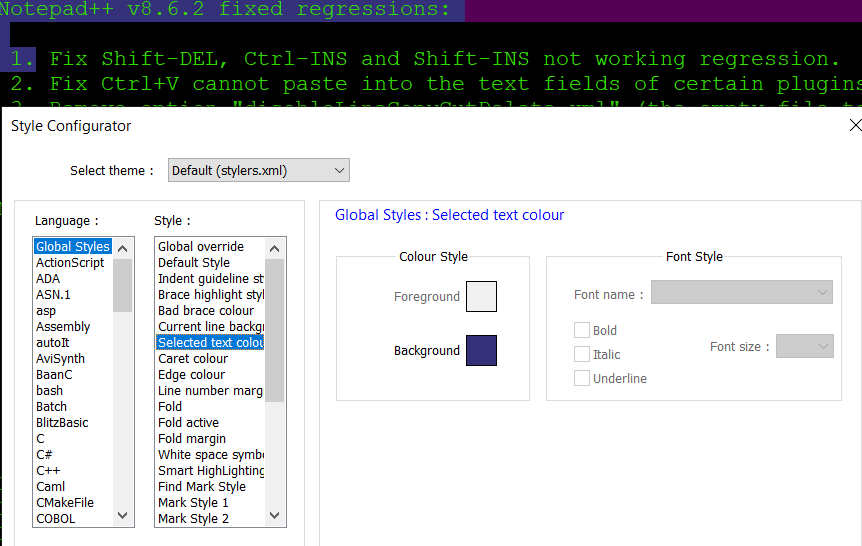
But using Alt to select text, I get an different background color such as on line 4, note below
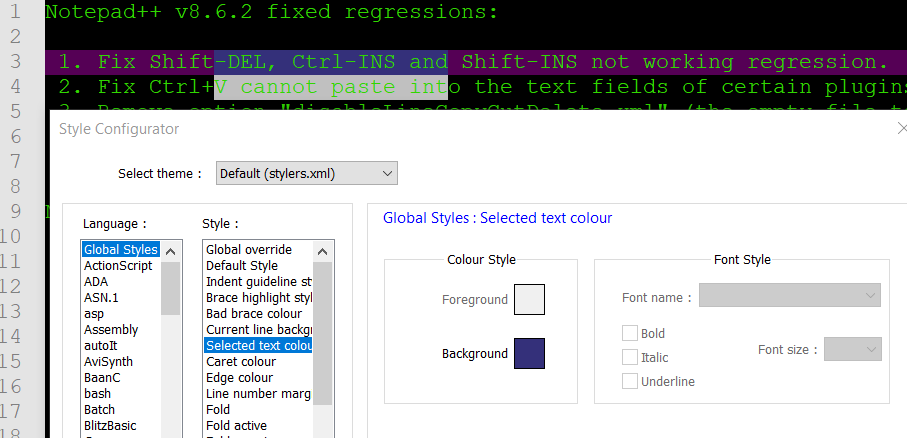
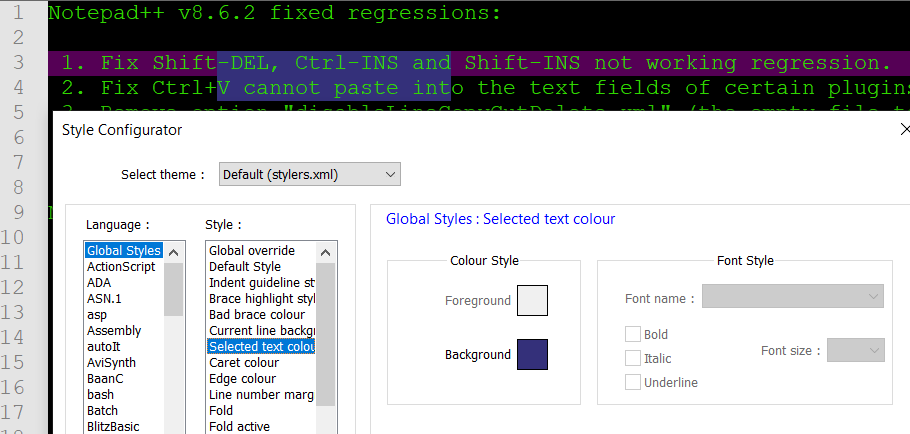
The even more odd part is that this color is only present when notepad++ is the active window. If another window is active then it goes back to the normal selected color, as shown below.
-
Do you have the CSVLint plugin installed?
I don’t know when this started . . .
If I guessed rightly, then v8.6 is the answer: https://community.notepad-plus-plus.org/post/90967
-
@rdipardo I do not. I have the following installed:
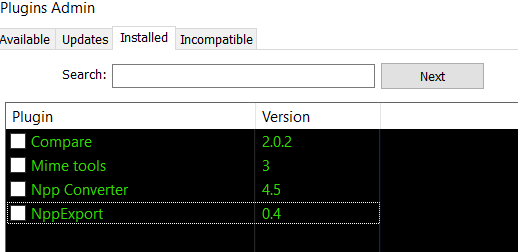
Sadly i didn’t think about removing my plugins to test but did so now and I’m still experiencing the same behavior without any plugin installed.
-
@Diehl-WithIt said in Selected text color issue?:
I don’t know when this started but when I select using Alt I get a different color than expected.
Starting in 8.6, Column-Select (
Alt+Select) and Multi-select are conjoined more intimately. And there is a specific Style for the Multiple Selection highlight, so you can tell the difference.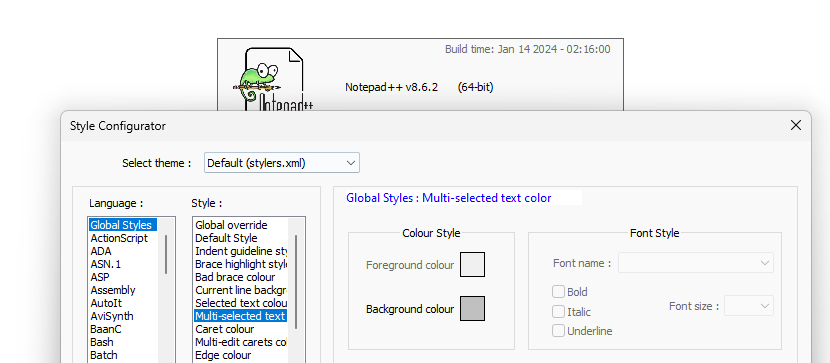
Your Style Configurator screenshots don’t show the Multi-selected text entry that I’ve clicked on in the screenshot, which means your copy of
stylers.xmlis out of date.- Exit Notepad++ completely.
- Open Notepad++ with files
c:\program files\notepad++\stylers.model.xmland%AppData%\Notepad++\stylers.xml - In the
<GlobalStyles>sections at the end, copy the<WidgetStyle name="Multi-edit carets color" ...line fromstylers.model.xmlinto your ``%AppData%\Notepad++\stylers.xml` and save. - Close Notepad++ completely.
- Open Notepad++. Your
Alt+Selectiontext should now be in bgcolor 0xC0C0C0, and your Style Configurator will now see the Multi-selected text entry available for changing the colors on.
For users who are using a different theme than the
default (stylers.xml), you will need to do the same, but using%AppData%\Notepad++\themes\ThemeNameHere.xmlas the destination file. -
@PeterJones Legit, you the man.
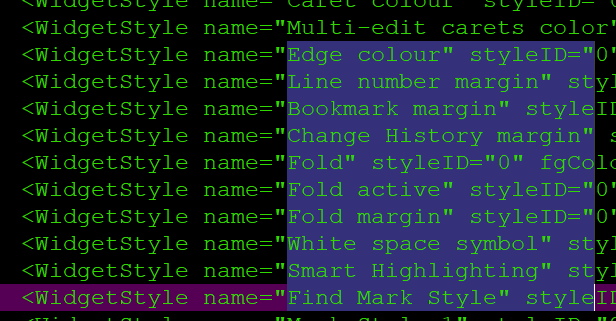
There were many styles I was missing so I’ve updated my styles.xml with them all now.
Thanks.



Hello! It looks like you're interested in this conversation, but you don't have an account yet.
Getting fed up of having to scroll through the same posts each visit? When you register for an account, you'll always come back to exactly where you were before, and choose to be notified of new replies (either via email, or push notification). You'll also be able to save bookmarks and upvote posts to show your appreciation to other community members.
With your input, this post could be even better 💗
Register Login