Notepad++ 7.9.5 When maximized and mouse is at top of the screen, the window behind is grabbed instead.
-
Very irritating issue. I move my windows around quite a bit on my three screens, and always have them maximized. Sometimes I have windows under Notepad++ and I want to move it to another screen. So out of force of habit, I throw my mouse to the very top of the screen, and click and drag. Instead of Notepad++ moving, the window behind is grabbed and moved. I have to purposefully not put the mouse all the way to the top of the window to move it. This is the only application I use on a daily basis to do this. Running Windows 10 and has been doing this for quite a long time.
-
I am sorry you are having difficulty, but I cannot replicate your issue.
When Notepad++ is maximized on one of my windows, it behaves like every other maximized window I deal with on Windows, and grabbing the top of its title bar grabs Notepad++, not some application behind Notepad++.
Are you certain that Notepad++ is really maximized, and not just sized so that it’s within a couple pixels of the top of the screen?
-
Here’s what is not captured about the repro steps (as i experience this too):
- This bug requires Dual Monitor setup
- Notepad is maximized on the SECONDARY display. --It works fine on the primary display
- When viewing Notepad++ on the second display you’ll notice a 1 or 2 pixel top bar that’s missing (like notepad++ isn’t really using the full display.)
- Move the mouse to the tip top and click— the window behind is grabbed instead.
-
@Keith-Kepler I’m not seeing the problem. I’m using Win 10, np++ 7.9.5, dual monitors.
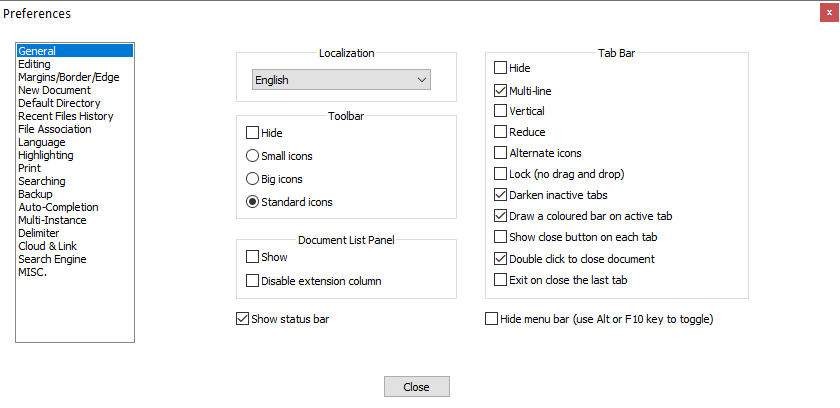
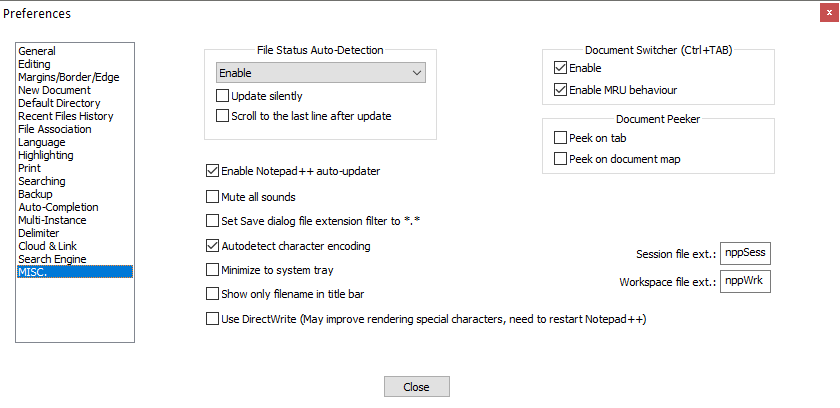
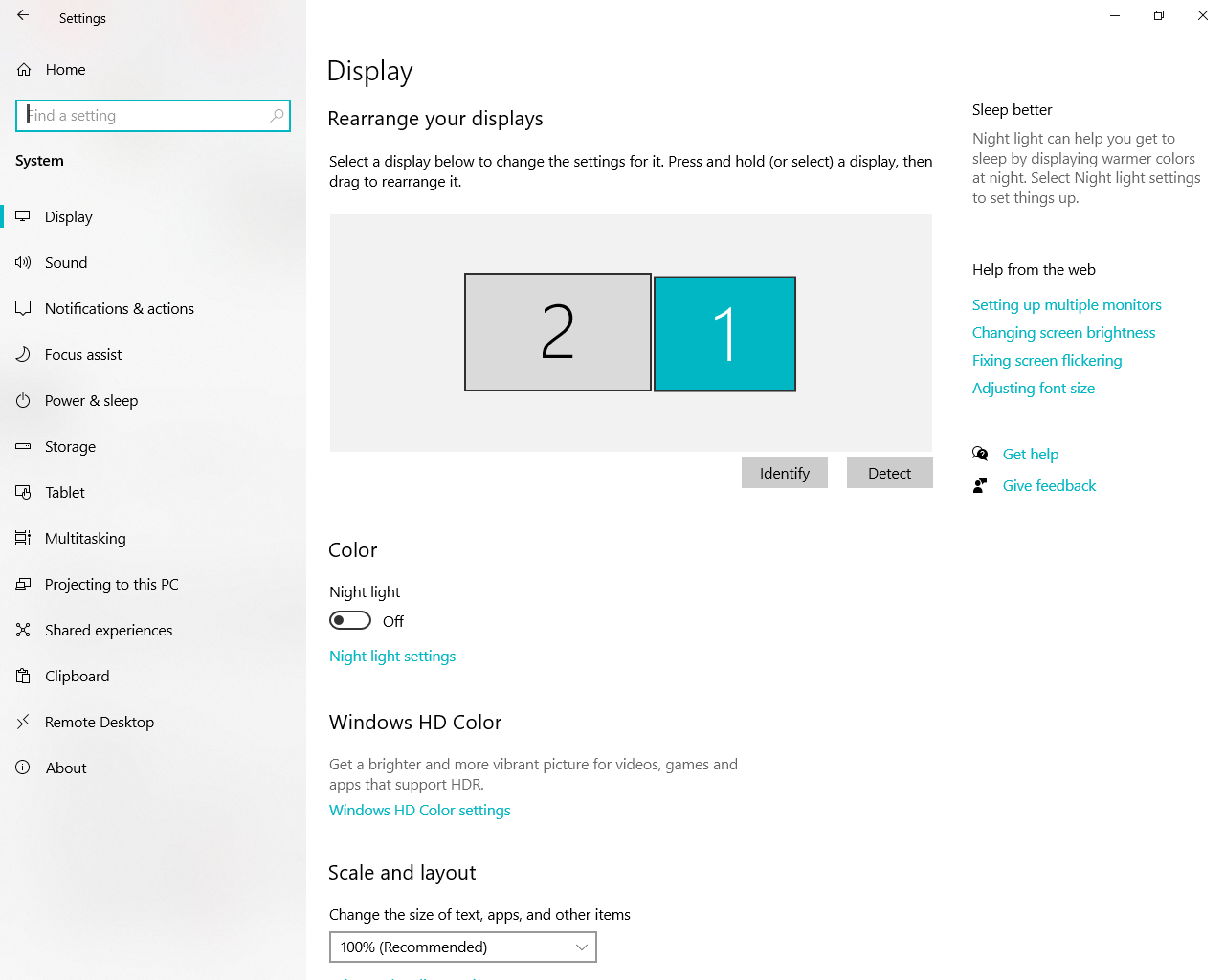
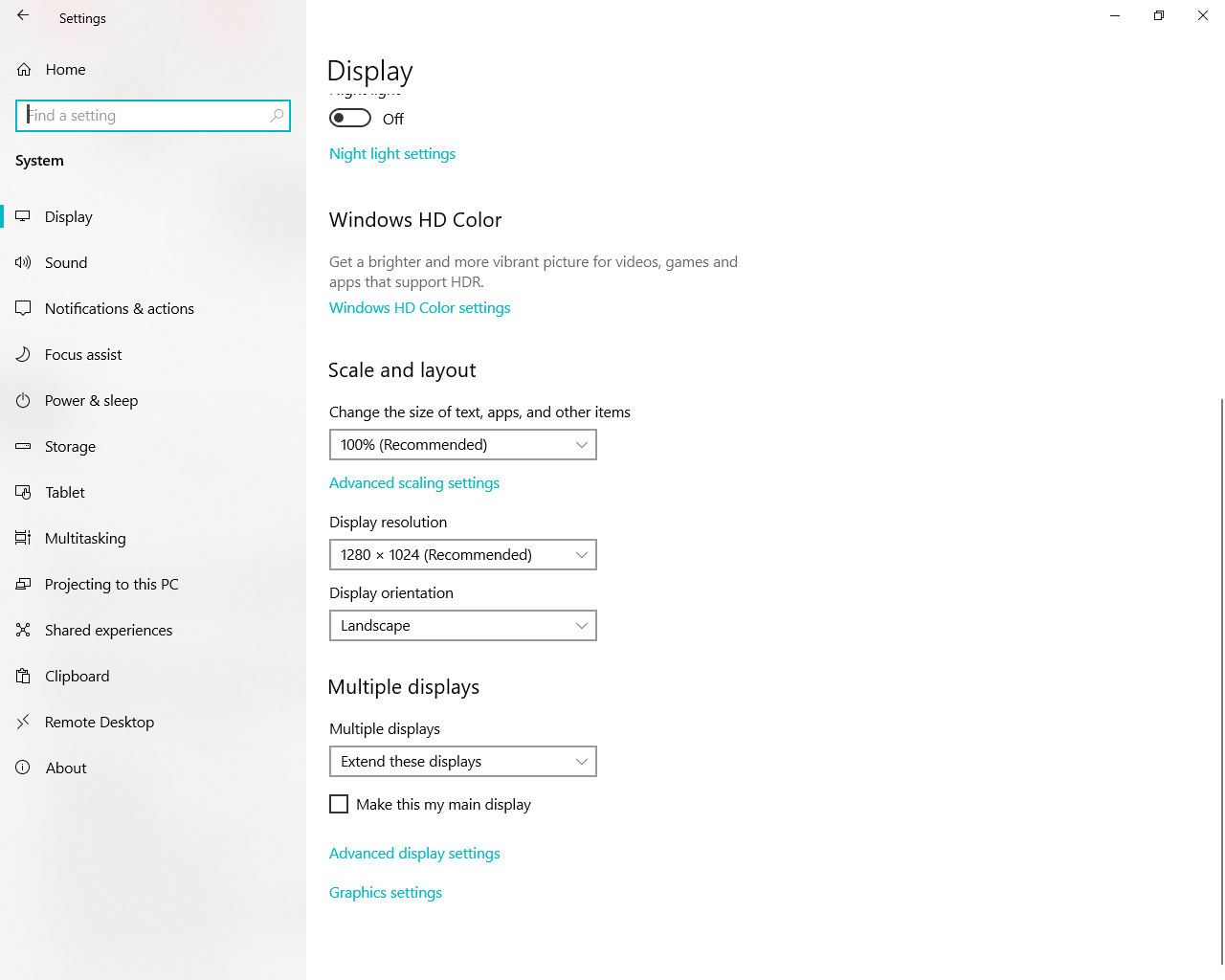
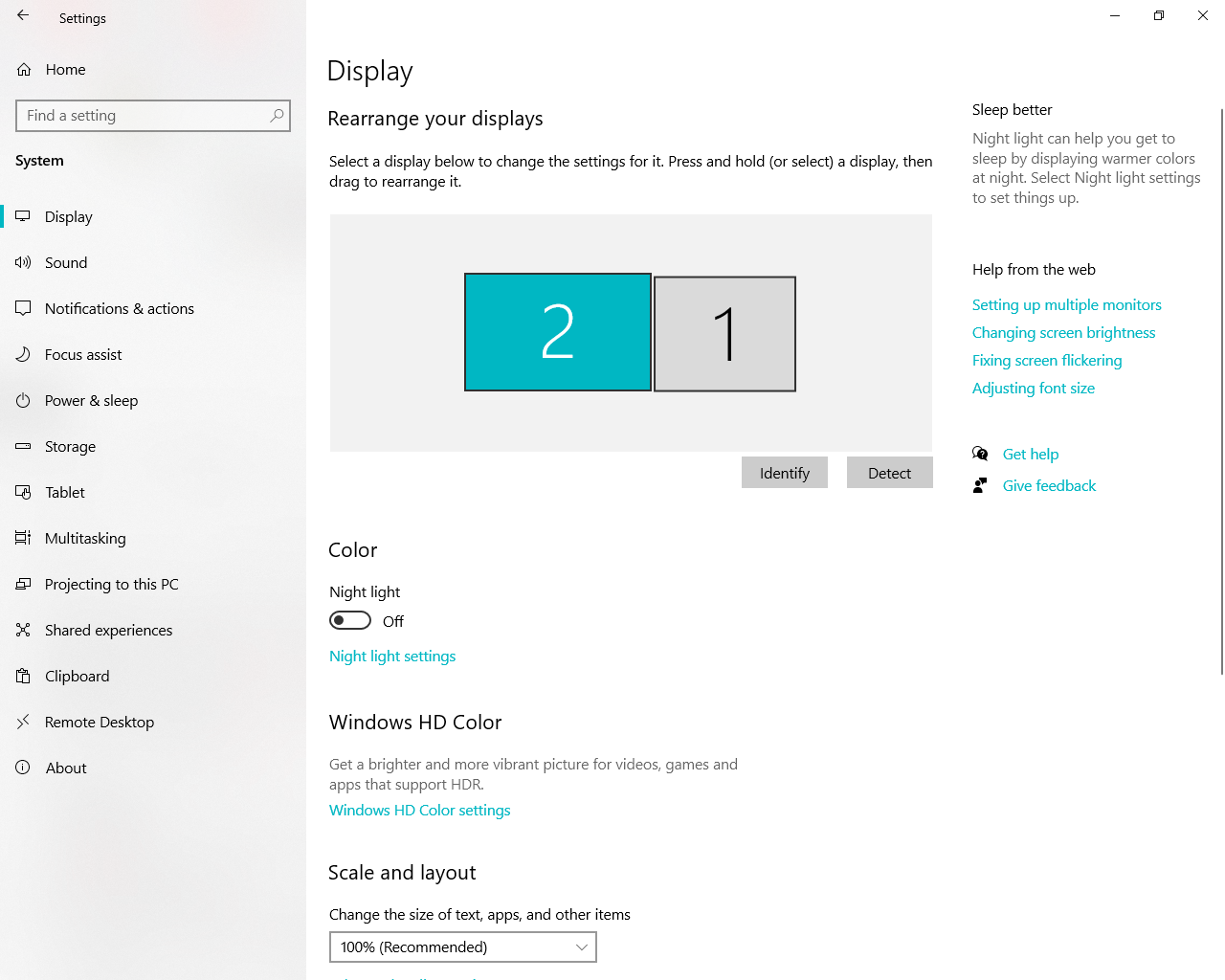
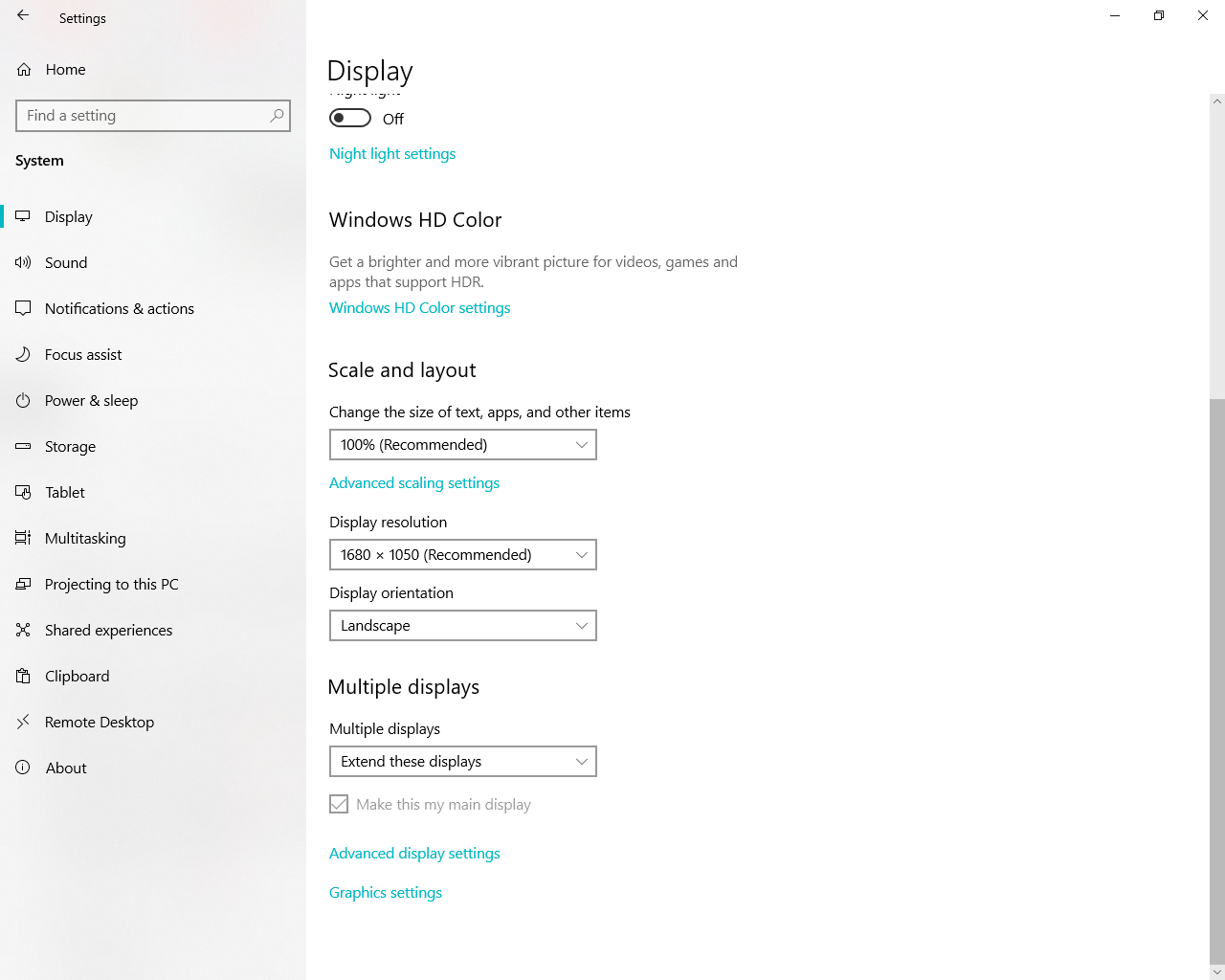
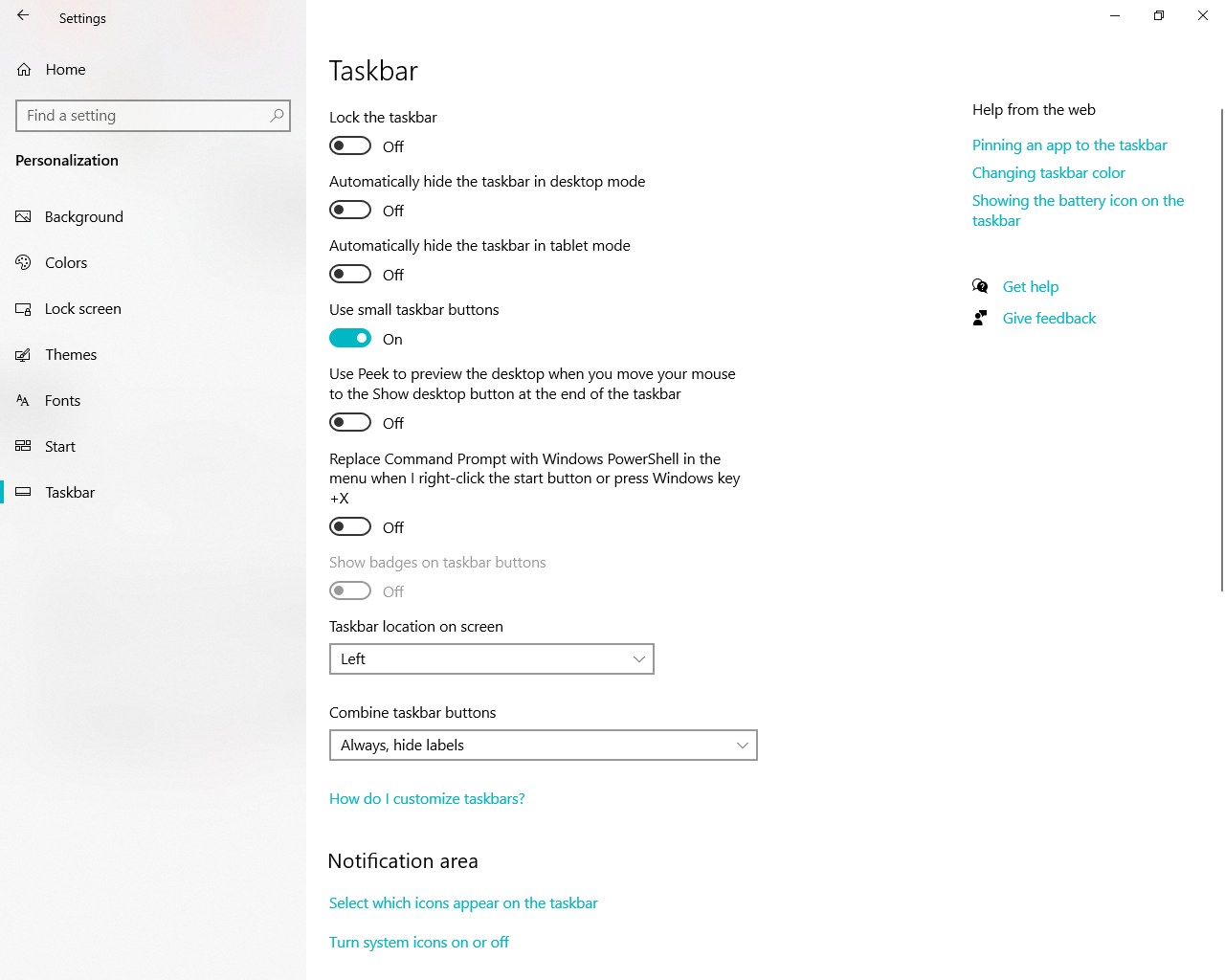
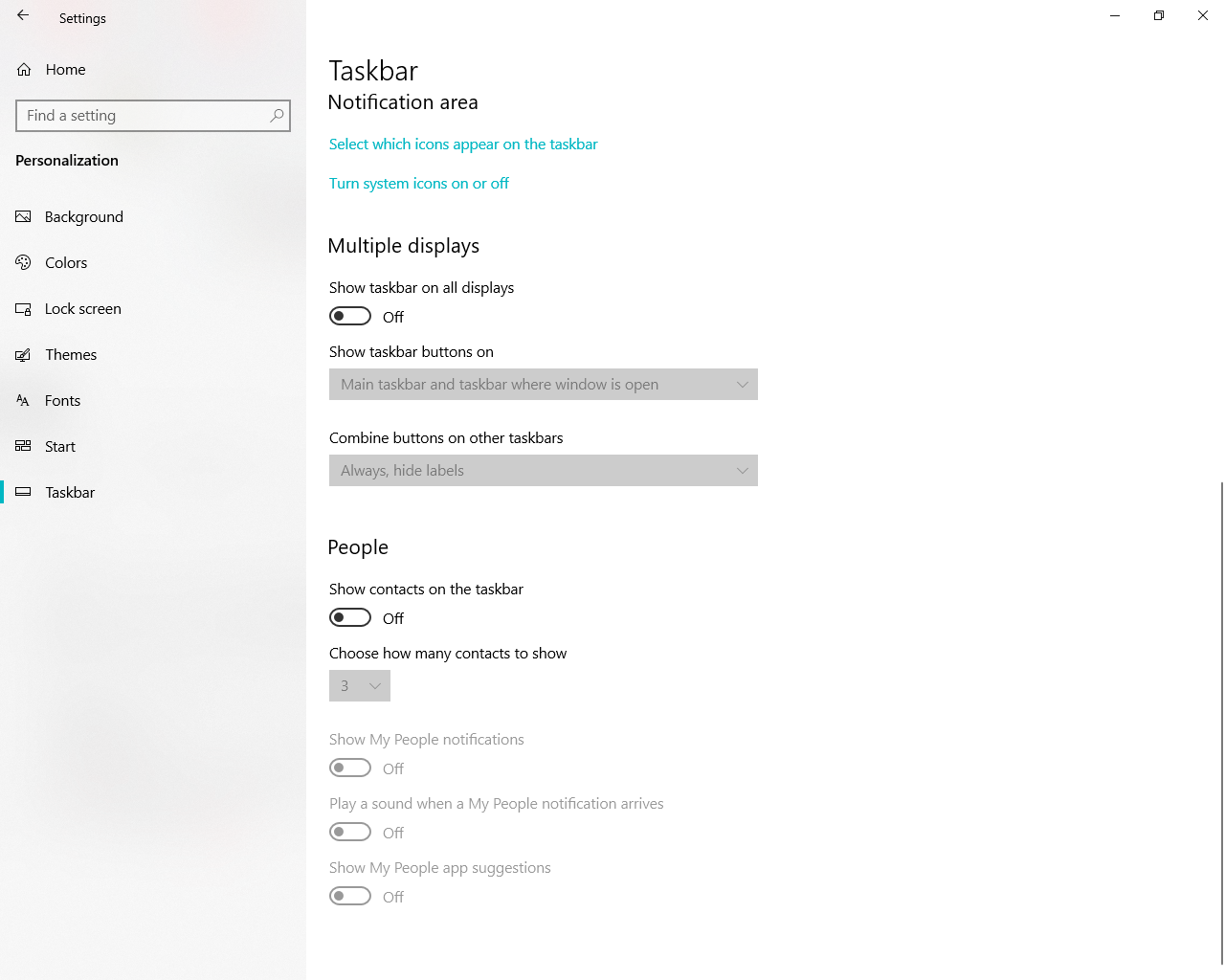
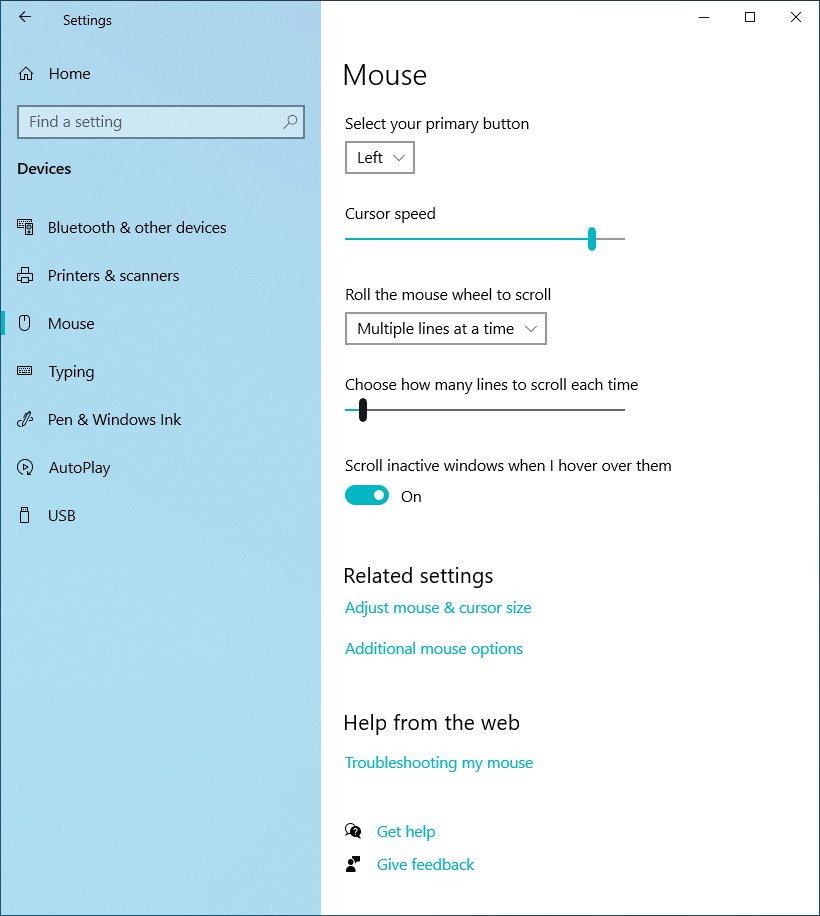
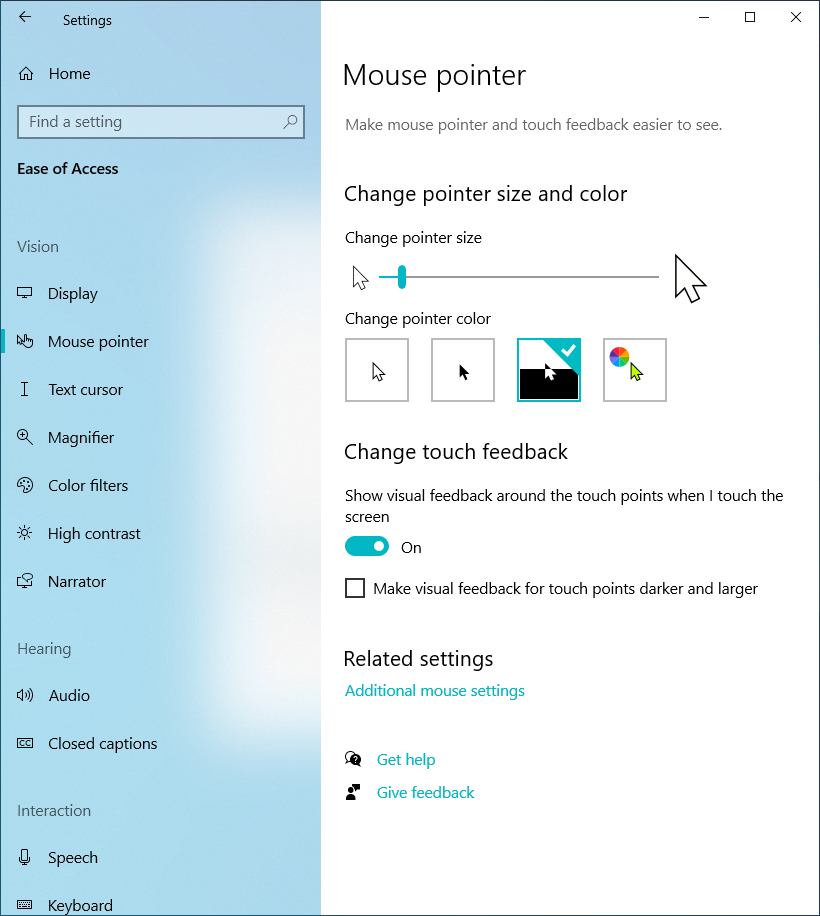
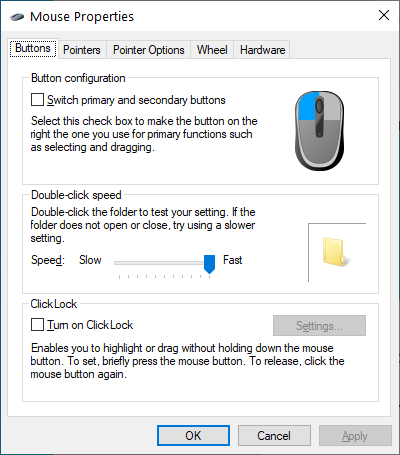
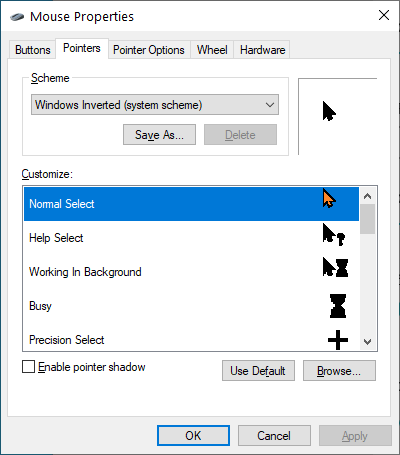
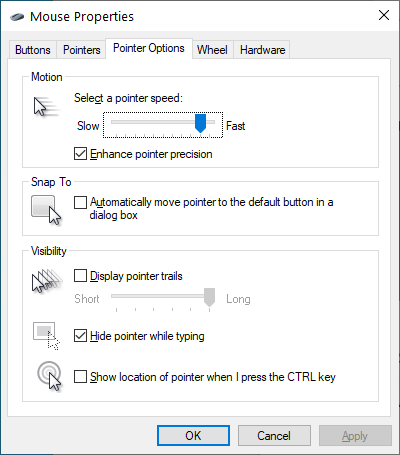
Other things to look at might be: npp++ preferences that impact window handling, and, Windows screen resolution, type of mouse pointer, various taskbar settings (where it’s located, auto-hide, and a good number of others).
Compare your settings with some of mine; maybe something will jump out.
-
J jareddaniel95 referenced this topic on
-
@Robert-McClung
Hello, I have the same problem with version current version 8.7.5.
Have you found a solution to this problem in the meantime?
Thanks. -
Notepad++ is currently DPI-aware (system aware), but not per-monitor DPI aware (PerMonitorV2) app.
There is a long term ongoing work on it but it is a lot of work so it will probably take much more time and effort to finish it.
You can try this workaround.
-
@xomx
Thanks for the advice, I’ll try it. -
@xomx Hello. I’m trying this solution DPI settings and it’s not working. I’ve tried all the options, including Application, System, and System (Enhanced).




Hello! It looks like you're interested in this conversation, but you don't have an account yet.
Getting fed up of having to scroll through the same posts each visit? When you register for an account, you'll always come back to exactly where you were before, and choose to be notified of new replies (either via email, or push notification). You'll also be able to save bookmarks and upvote posts to show your appreciation to other community members.
With your input, this post could be even better 💗
Register Login