no response after open file from WinSCP
-
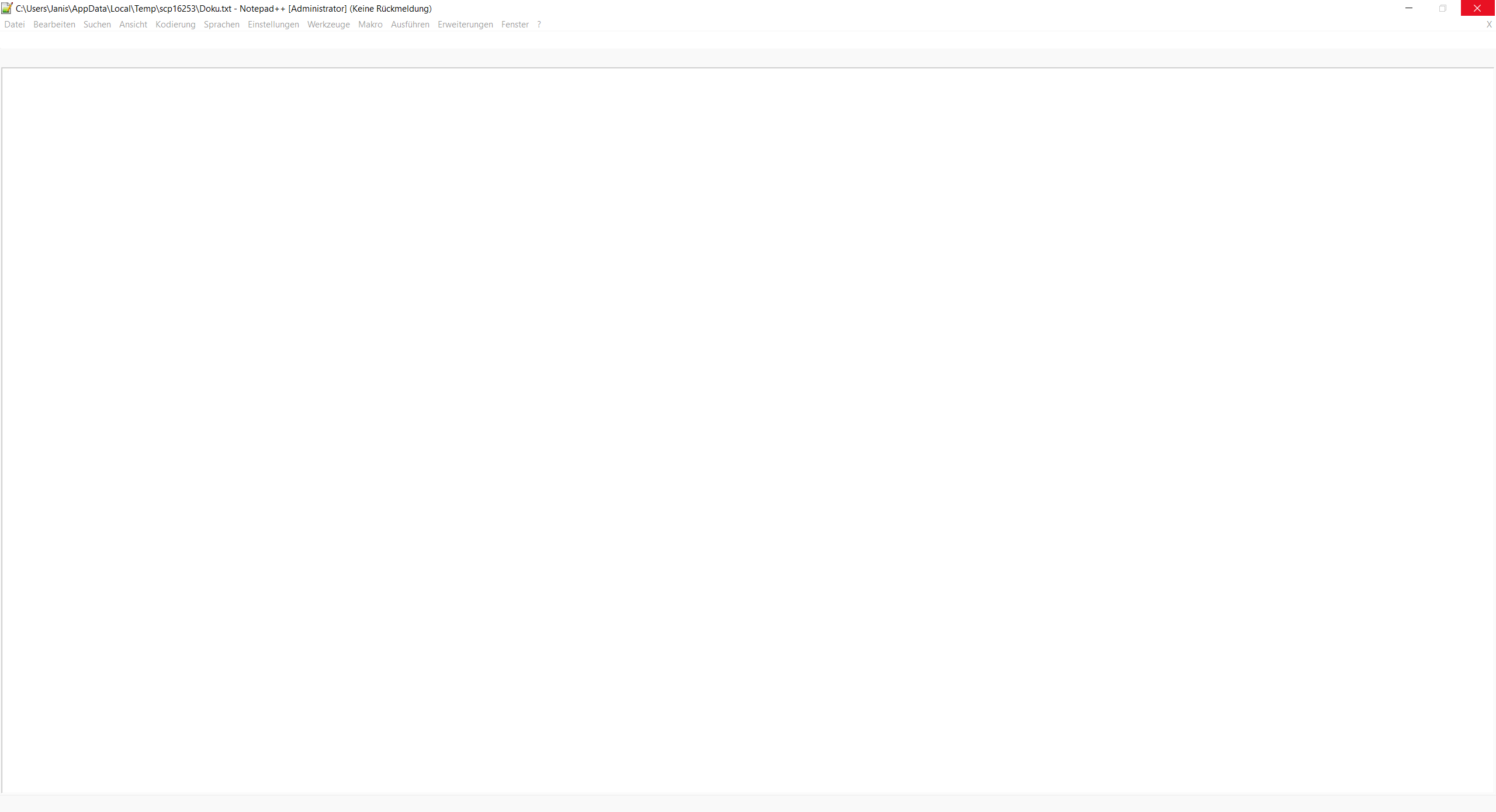
since I reinstalled windows sometimes Notepad++ crashs after I start editing a file from WinSCP… I just see white and immediately
“no response”. i have to exit with taskmanager. if I then start editing again, it mostly open the file.I tried 64bit and 32bit Version. I’m using windows 10 1809. is there a way to debug that ??
-
Could you provide the infos about N++, see https://notepad-plus-plus.org/community/topic/15739/faq-desk-request-for-help-without-sufficient-information-to-help-you. Is the download via winscp successful? Is the file still under access of winscp?
-
here:
Notepad++ v7.5.9 (32-bit)
Build time : Oct 14 2018 - 15:02:52
Path : C:\Program Files (x86)\Notepad++\notepad++.exe
Admin mode : OFF
Local Conf mode : OFF
OS : Windows 10 (64-bit)
Plugins : DSpellCheck.dll mimeTools.dll NppConverter.dll NppExport.dllI recognized now its not WinSCP, the problem is too when I just edit a file from desktop… In taskmanager in this Moment np++ is “inactive”…
-
At least there are some known performance issues with 7.5.9, see https://notepad-plus-plus.org/download/v7.6.html
Fix a regression of performance issue while word wrap option is enable.
Fix a performance issue for switching back to folded document.
Fix crash issue due to Unix style path input in Open file dialog.
, but the plugin handling changed also with this version of N++. You might want to give it a try as you just have installed the default plugins which are anyway delivered together with the N++ installer.
-
- [<h1>yzhooo</h1>
<h1>yzhooo</h1>
<h1>yzhooo</h1><h1>yzhooo</h1>
<h1>yzhooo</h1>
<h1>yzhooo</h1>
<h1>yzhooo</h1>](link url)
- [<h1>yzhooo</h1>


Hello! It looks like you're interested in this conversation, but you don't have an account yet.
Getting fed up of having to scroll through the same posts each visit? When you register for an account, you'll always come back to exactly where you were before, and choose to be notified of new replies (either via email, or push notification). You'll also be able to save bookmarks and upvote posts to show your appreciation to other community members.
With your input, this post could be even better 💗
Register Login