Newly installed font displayed as italic only in Notepad++
-
I downloaded and installed the font Courier Code. It works normally in other softwares (MS Notepad and LibreOffice Writer) but in Notepad++, it is always displayed as italic. Here are all the details:
- Windows builtin font manager does not display the roman font as italic.
- I restarted both Notepad++ and the computer multiple times and tried to run Notepad++ as an administrator.
- This site seems to be the original place where the font was released. I tried another site too but it did not change anything (even if the font was in another format).
- If I install only the roman TTF file, Notepad++ no longer displays all text as italic. I thought it could be a decent workaround, but the automatically generated bold and italic are not monospace…
Notepad++ debug info:
Notepad++ v7.8.9   (64-bit)
Build time : Jul 15 2020 - 20:31:49
Path : C:\Program Files\Notepad++\notepad++.exe
Admin mode : OFF
Local Conf mode : OFF
OS Name : Windows 10 Pro (64-bit)
OS Version : 1909
OS Build : 18363.959
Current ANSI codepage : 1252
Plugins : mimeTools.dll NppConverter.dll NppExport.dll
Note: Whenever I enter a hyperlink, the spam filter does not let me post…
-
This post is deleted! -
The spam filter does not allow links so as a replacement: you can find the font Courier Code with a simple search, just don’t mistake it with the more popular Courier Prime Code. The primary source is on Font Library and I also tried to download it from fontain.
-
Open any editor or font viewer.
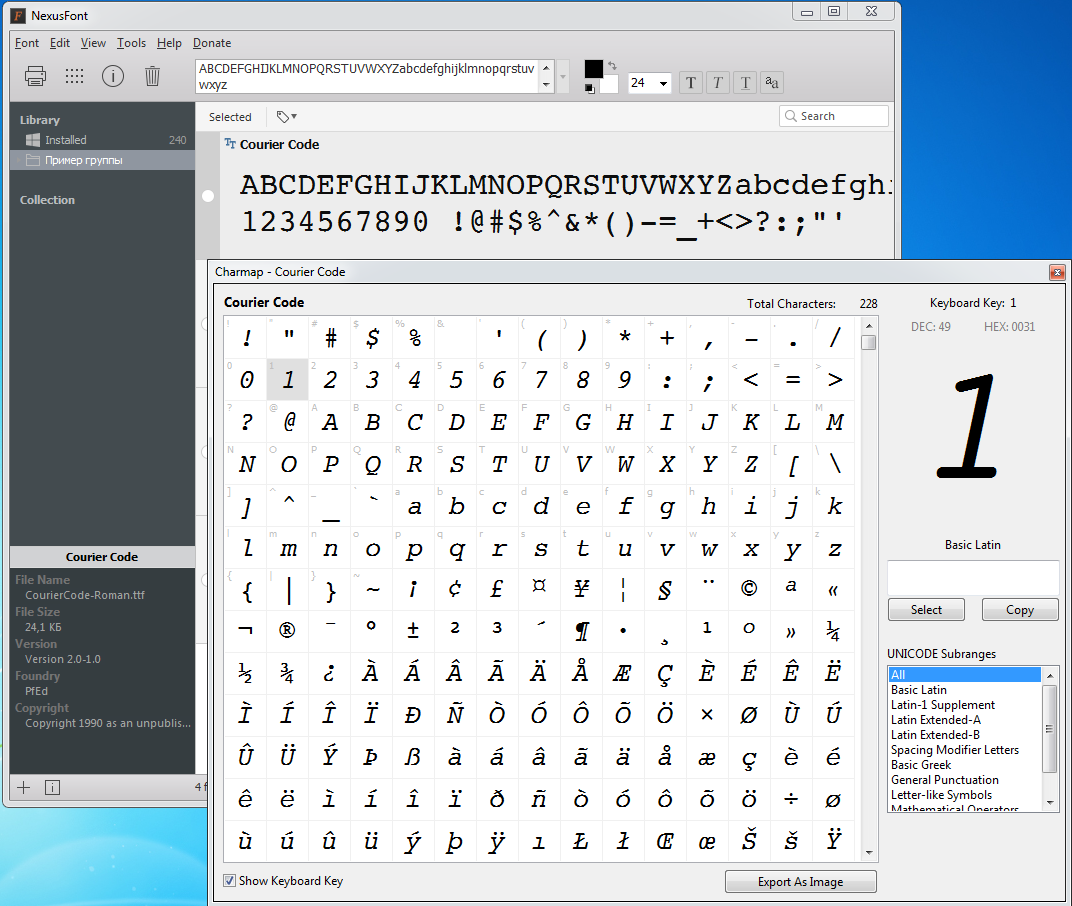
And you will see that the “Courier Code” font contains only italic characters!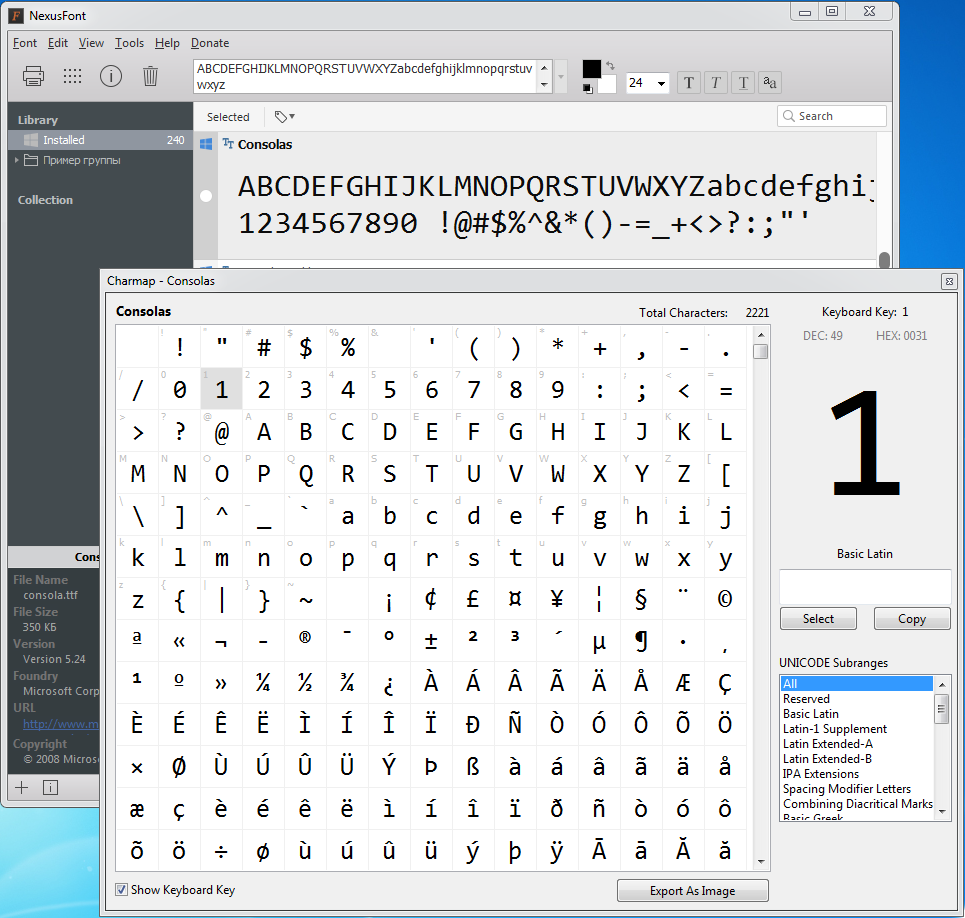

Hello! It looks like you're interested in this conversation, but you don't have an account yet.
Getting fed up of having to scroll through the same posts each visit? When you register for an account, you'll always come back to exactly where you were before, and choose to be notified of new replies (either via email, or push notification). You'll also be able to save bookmarks and upvote posts to show your appreciation to other community members.
With your input, this post could be even better 💗
Register Login