Ubuntu ctrl+tab behaviour
-
Is this a bug?
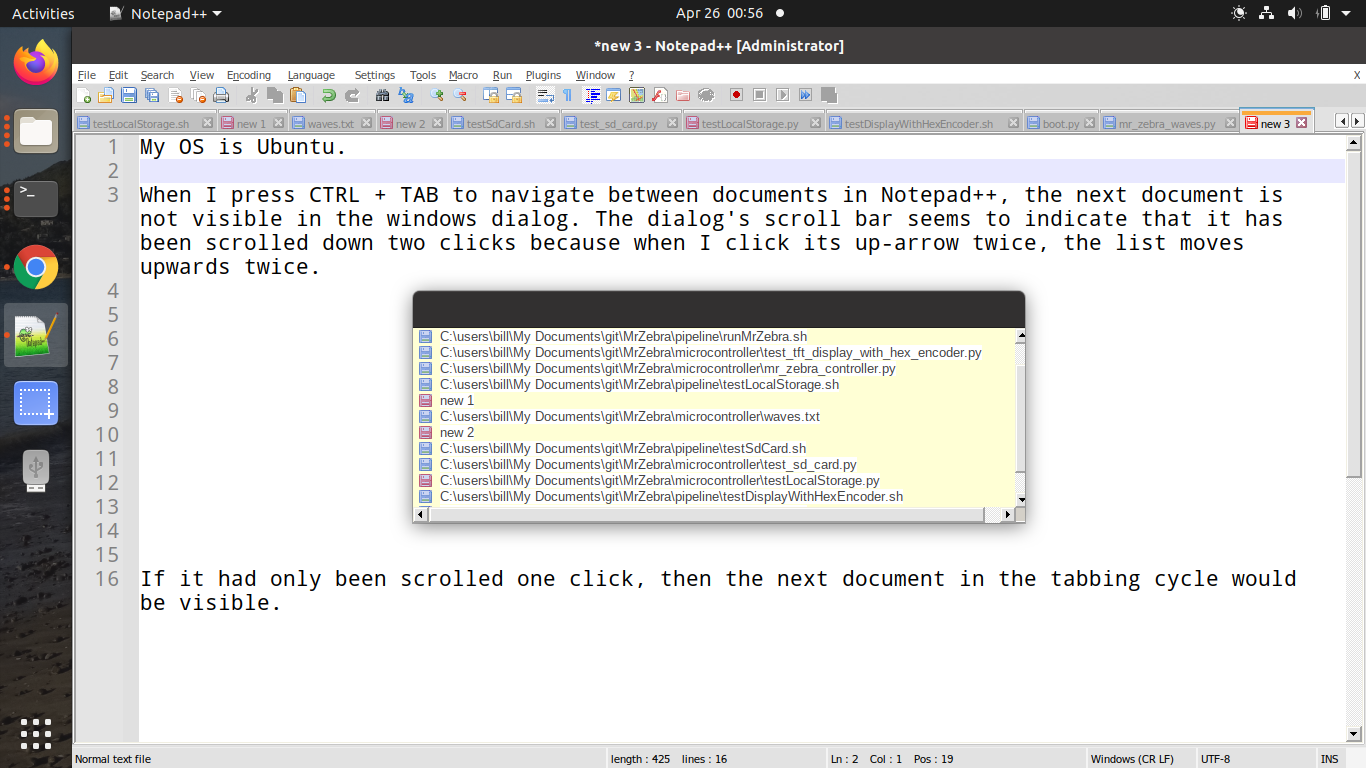
When I press CTRL + TAB to navigate between documents in Notepad++, the next document is not visible in the windows dialog. The dialog’s scroll bar seems to indicate that it has been scrolled down two clicks because when I click its up-arrow twice, the list moves upwards twice.
If it had only been scrolled one click, then the next document in the tabbing cycle would be visible.
-
I am sorry for your difficulty. Unfortunately, I don’t know of any of the regulars of this forum who use Notepad++ in Ubuntu.
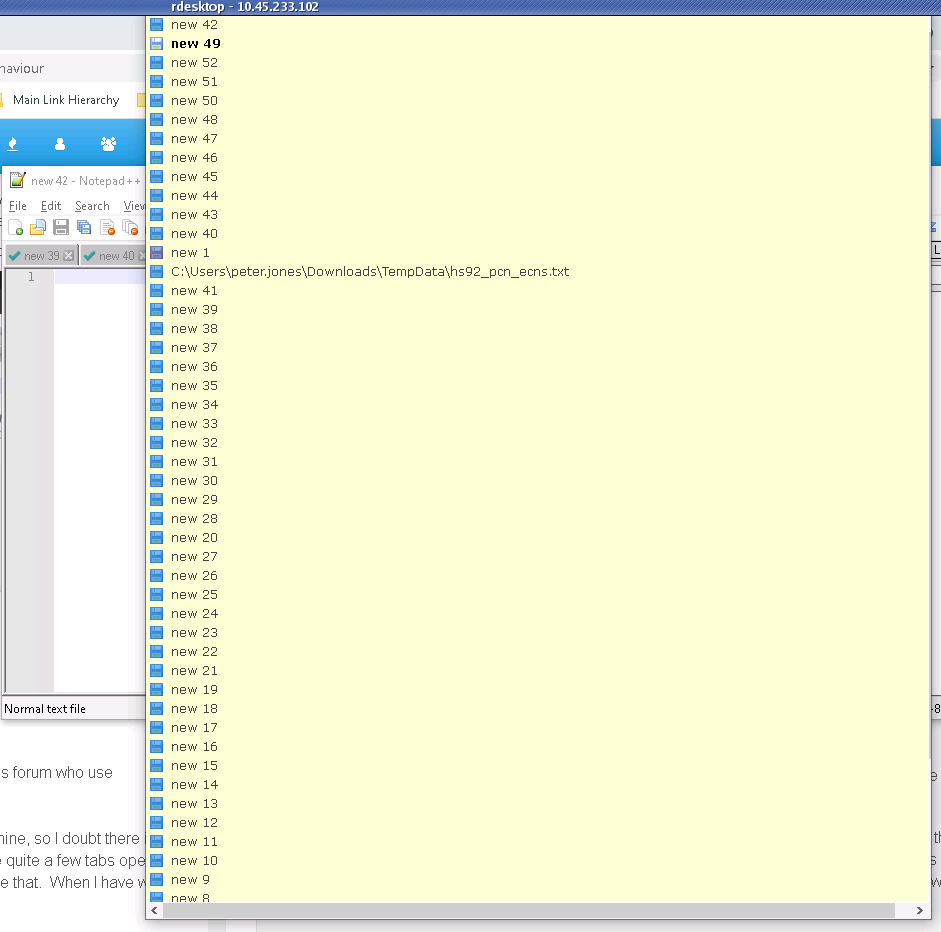
I don’t see a problem with the Ctrl+TAB selection dialog when on my Win10 machine, so I doubt there is a true bug. You have quite a few tabs open, and it looks like your Ctrl+TAB dialog has a scroll bar – so maybe you have to use that. When I have a large number of tabs open on Win10, if the dialog cannot grow big enough, then if I Ctrl+TAB and keep the Ctrl key pressed, I can use the arrow keys (with Ctrl still pressed) to move through all the files, with it scrolling when I hit the top or bottom. As far as I can tell, that dialog works properly in Windows environment, so I am guessing that the problem you have is with the Ubuntu interpretation of that Windows environment.
In case you didn’t know, Notepad++ is a Windows application, written with the standard Win32 API calls, which don’t directly translate to Linux (Ubuntu or otherwise). I am assuming that the way that Notepad++ is working at all on Ubuntu is that it’s going through Wine or some other translation-layer program which translates the Win32 commands into something that the Linux kernel can understand.
The Notepad++ developers have no control over how Wine (or other similar layers) interprets Win32 calls, and if you were to go to the official issues-reporting page (which isn’t this forum; see the forum’s FAQ section) and report a bug, it would be closed because Ubuntu is not supported by the development team. OTOH, if you can show that Notepad++ has the same problem in a native Win32 environment – ie, in a real Windows OS system – then such a bug report would be more likely to be worked on. (But, as I said above, AFAICT, it’s working as designed and as expected on Windows, so I don’t think there’s a bug on the Notepad++ side.)
-
@PeterJones Thank you Peter. You’re right, I’m running it using WINE. I also use N++ on Windows. I’ve never seen the behaviour I described above on Windows. Apart from this issue, it’s working really well on Ubuntu, and I’m very grateful that it does : )


Hello! It looks like you're interested in this conversation, but you don't have an account yet.
Getting fed up of having to scroll through the same posts each visit? When you register for an account, you'll always come back to exactly where you were before, and choose to be notified of new replies (either via email, or push notification). You'll also be able to save bookmarks and upvote posts to show your appreciation to other community members.
With your input, this post could be even better 💗
Register Login