Every since last patch, extreme slowness and "Not Responding"...
-
I found the above titled thread and thought “Hey, I am not the only one, Good!” Then I noticed that it is from 2018 and is closed. I have the same or similar issue using 7.9.5 ever since I downloaded it some time ago.
The issue started immediately upon running the new version. It runs and responds very slowly. Typically, for example, when I click the Open File or Save File menu item it takes almost 10 seconds for the menu to appear. Also, when I am two-finger typing it typically gets several characters behind <- it just took a few full seconds to catch up as I typed this. It was about 12 characters behind. [ OK, I copied this from my NotePad++ :) ]
This is with both the 32 and 64 bit versions on Windows 10. Re-installing, chosing just the basic program, no options, produces no change.
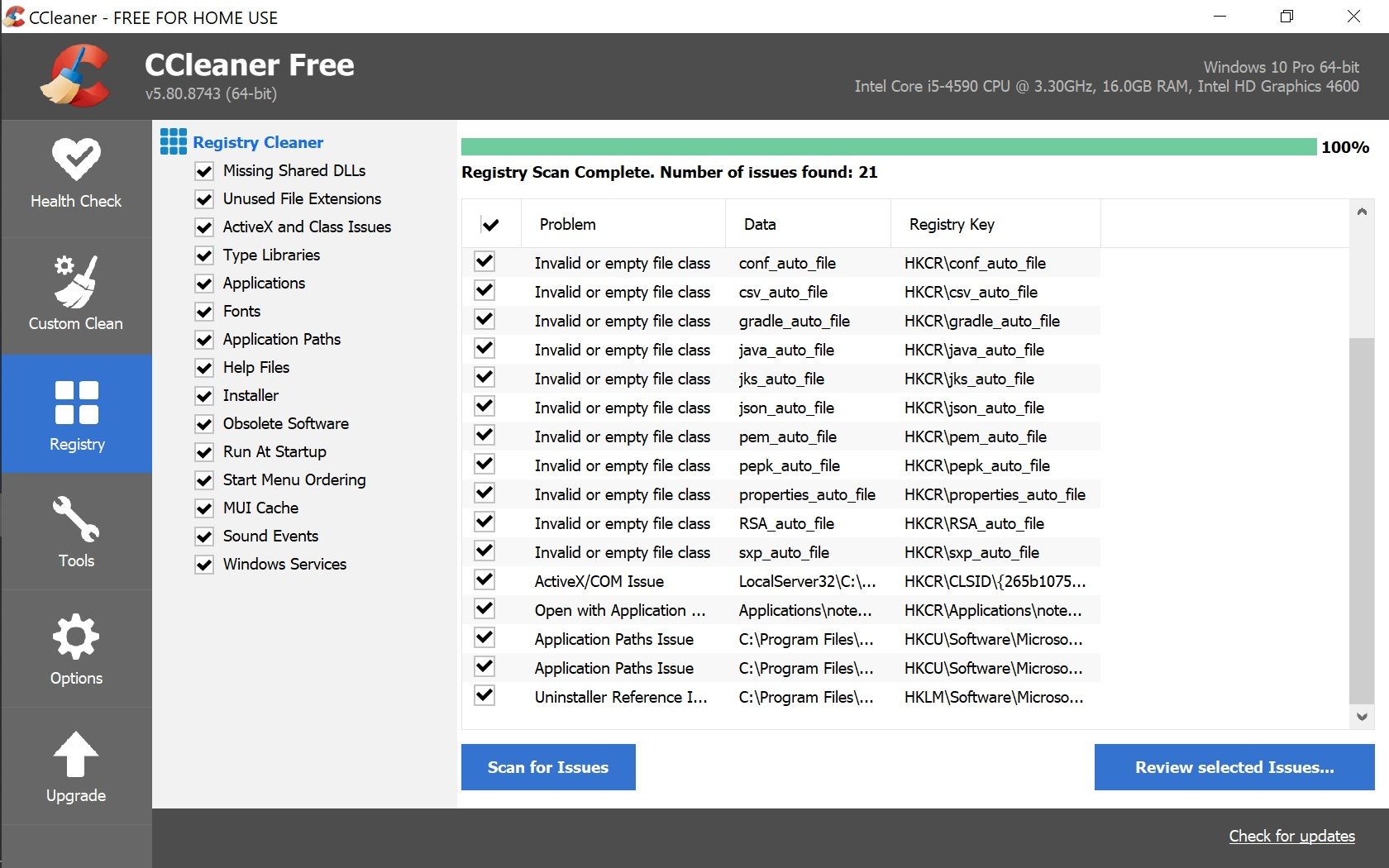
After uninstall NotePad++ and before re-install I ran ccleaner registry cleaner - there was a screenfull of items that I had not seen before so something was wrong. Here is the screen shot…
Any Help Appreciated,
Mick -
Other readers: Here’s a link to the post that @Mick-Dawdy mentioned:
The issue started immediately upon running the new version.
What version? Go to the ?-menu, Debug Info, and copy/paste that into your reply.
I don’t see what the CCleaner results have to do with it.
The issue for you might be network issues, or might be a confused plugin (and the Debug Info will list your plugins), or might be that the syntax highlighter is taking longer than you expect because you’ve got a humongous file that you’re editing, or it might be … Or it might be that your antivirus software is running a background scan at the time, or that an antimalware is scanning the new Notepad++ executable, or …


Hello! It looks like you're interested in this conversation, but you don't have an account yet.
Getting fed up of having to scroll through the same posts each visit? When you register for an account, you'll always come back to exactly where you were before, and choose to be notified of new replies (either via email, or push notification). You'll also be able to save bookmarks and upvote posts to show your appreciation to other community members.
With your input, this post could be even better 💗
Register Login