How to Trun on Windows 10 Text Cursor Indicator in Notepad++?
-
Hey.
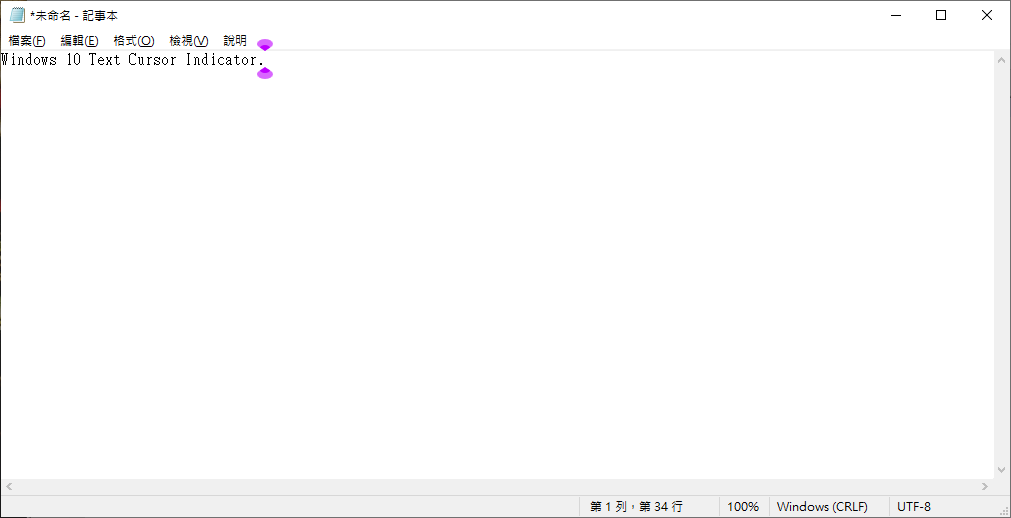
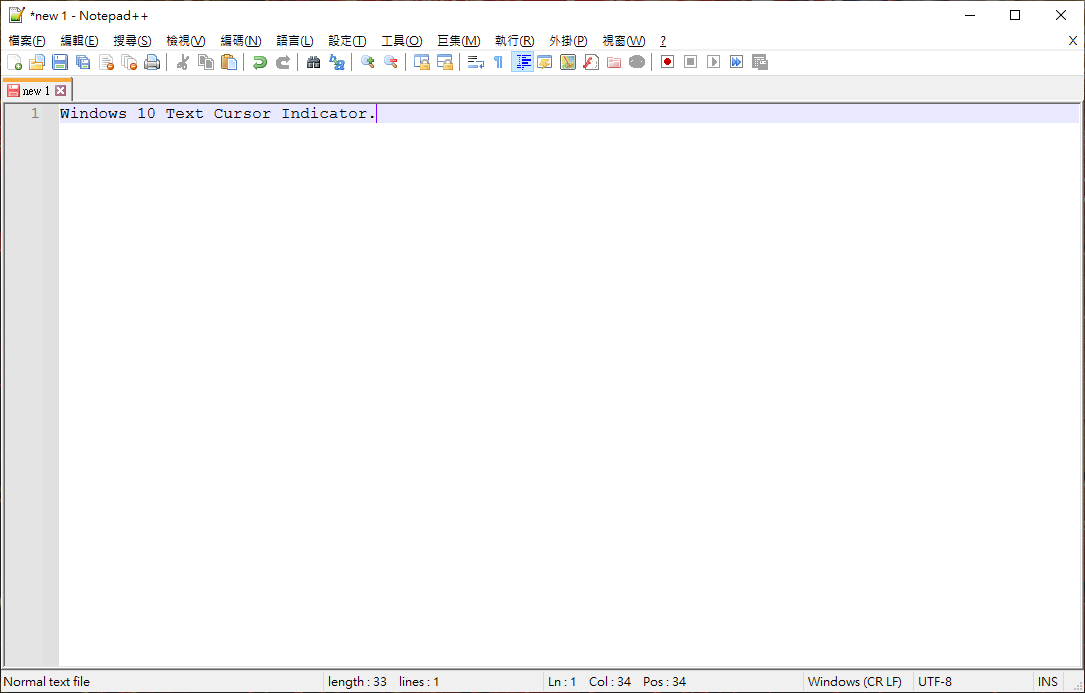
Anyone know how to Trun on Windows 10 Text Cursor Indicator in Notepad++?
Or in feature Notepad++ will support this feature?
-
In Notepad++ here are your options for setting the cursor (also known as the caret):
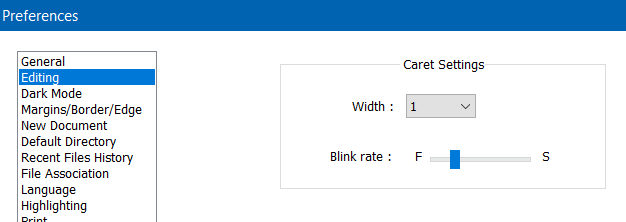
This window is accessed via the Settings menu; choose Preferences…
-
@tjor ,
I searched the internet for “windows 10 text cursor indicator” and found a variety of sites that mentioned the Windows 10 > Settings > Ease of Access > Text Cursor settings page. But none of them showed the nifty quarter-circle indicators above and below like you showed:
 The help pages I looked at (this and that) showed something that looked more like thick
 [characters instead of the normal|.But when I looked in my Windows 10, I didn’t have that setting. Mine, in the Ease of Access, has something called “Cursor & pointer” instead of “Text Cursor”, where you can change the size and shape of the arrow pointer and the thickness of the
|typing-cursor. And all of those are Windows settings, which appear to slightly vary from one version to the next (and/or maybe from one localization to the next, since you appear to be using a different native language than I use).Notepad++ for me honors the arrow settings (hollow/filled, size, etc) from “Cursor & Pointer”, but it doesn’t use the thickness setting. That’s probably because Notepad++ (or Scinitlla) is defining its own cursor caret thickness through the setting that @Alan-Kilborn already pointed out to you, rather than using the windows standard caret which is implemented in windows tools and applications (like windows dialogs, notepad.exe, and the like).



Hello! It looks like you're interested in this conversation, but you don't have an account yet.
Getting fed up of having to scroll through the same posts each visit? When you register for an account, you'll always come back to exactly where you were before, and choose to be notified of new replies (either via email, or push notification). You'll also be able to save bookmarks and upvote posts to show your appreciation to other community members.
With your input, this post could be even better 💗
Register Login