Jak naprawić to ( aplikacja świeżo po zainstalowaniu)
-
-
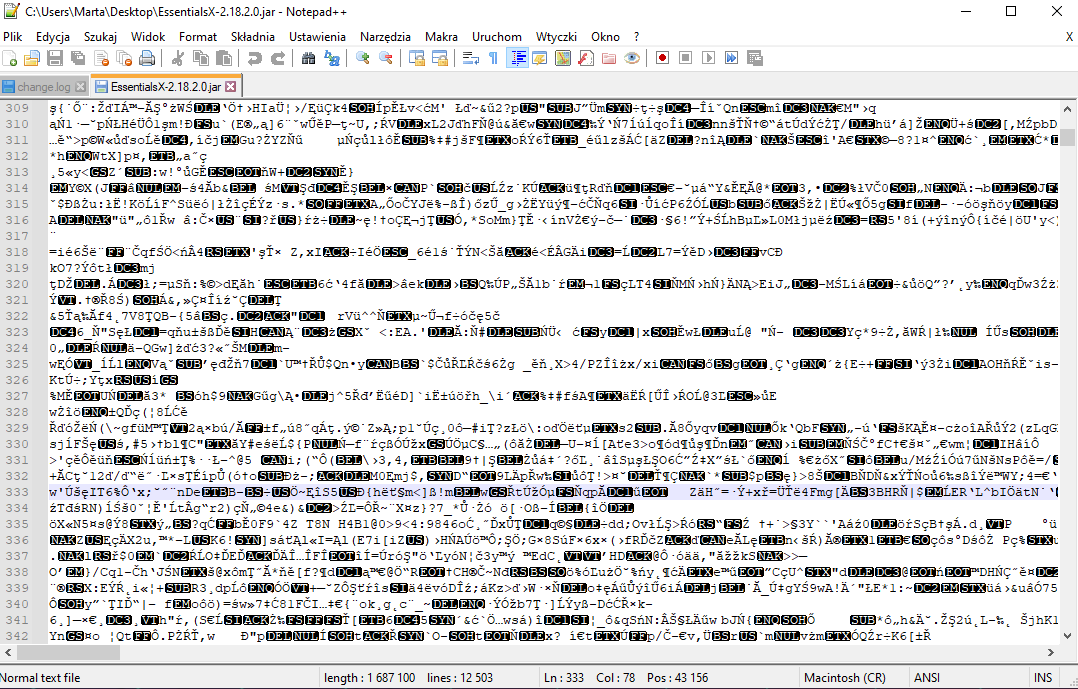
What do you want to fix? As far as I know, Java .jar files are binary files, not text files. Notepad++ is a text editor.
If you are trying to get at the Java source code behind the .jar file, your best bet is to find the source files for the .jar – if it’s open source, you should get that from the author/distributor; if it’s closed source, good luck. You might be able to find a Java forum where you could ask how to “uncompile” or “reverse compile” or otherwise extract the source code – that is not a topic for this forum, because it has nothing to do with Notepad++. I know with .exe compiled files, “reverse compilers” can come up with code that is effectively similar, but it won’t necessarily have the same readable structure that you would find in the original source code. But this Forum is not the right place to pursue such questions.
If you found a .jar-to-source-code conversion application elsewhere, and wanted to ask here “how can I use this in conjunction with Notepad++”, there are ways in Notepad++ to run external processes (like the Run menu, or NppExec plugin, or similar) – and the basic ideas are covered in the FAQ: “How do I use Notepad++ to Compile my Source Code (or Convert My Text)?”


Hello! It looks like you're interested in this conversation, but you don't have an account yet.
Getting fed up of having to scroll through the same posts each visit? When you register for an account, you'll always come back to exactly where you were before, and choose to be notified of new replies (either via email, or push notification). You'll also be able to save bookmarks and upvote posts to show your appreciation to other community members.
With your input, this post could be even better 💗
Register Login