Make files lists and open files from these lists
-
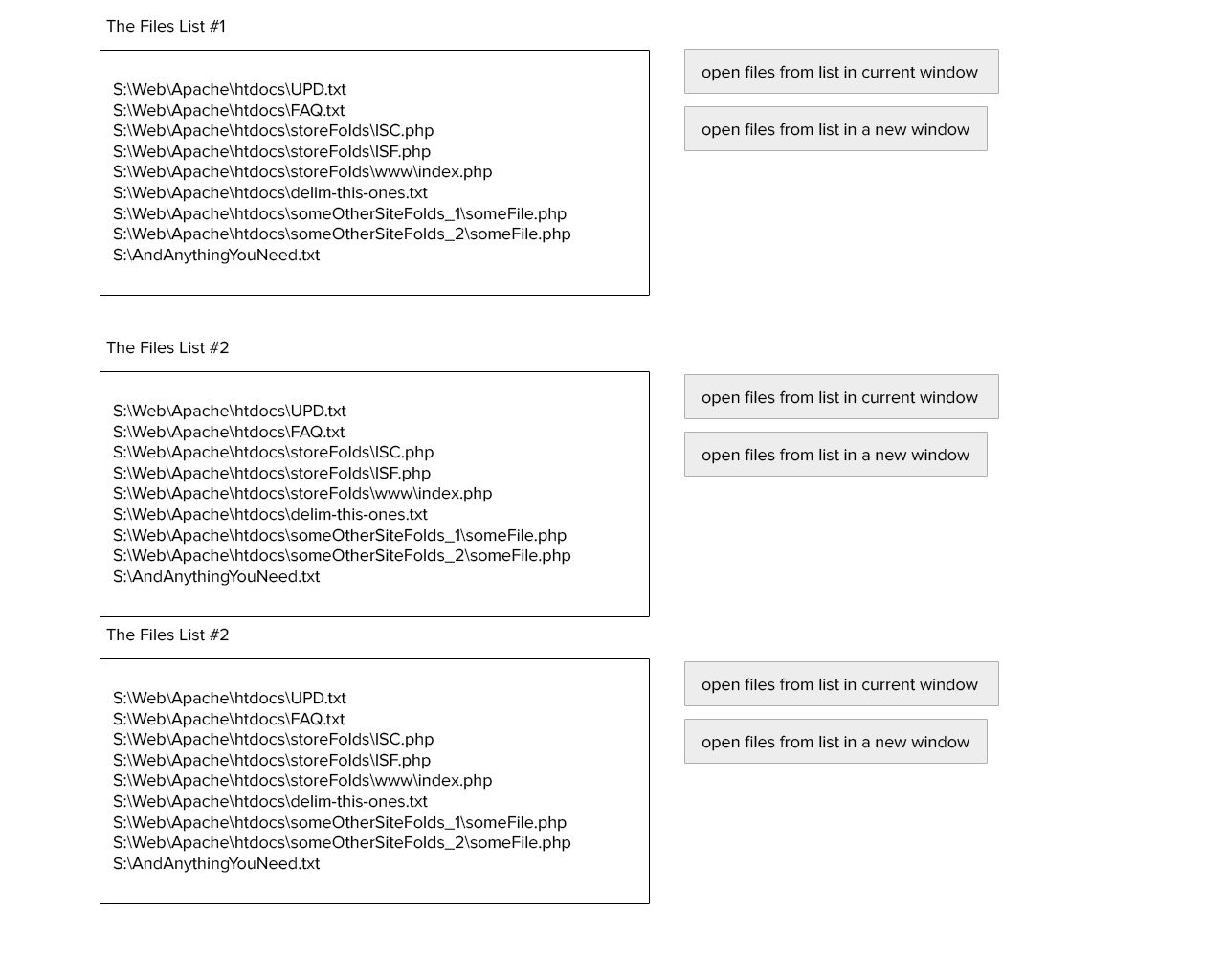
Hello, very often i work with many files at the same time and often i need the same file in several windows(1 to look something, 1 to write in, …) i know how to do it. But, is there a way to create list of files that i can open fast and can manage the lists and i’ts contents(files paths).
This is what i want. Is this feature exists? “Project folder” not my choose.
-
You could make “session” files.
Use the command File > Save Session… and then File > Load Session… later.
Or check out the Session Manager plugin. -
For more information on @Alan-Kilborn’s “session file” suggestion, see the docs at https://npp-user-manual.org/docs/session/
-
Also, if you just need to open a list of files, try passing the list through the command line. Example:
"C:\Program Files (x86)\Notepad++\notepad++.exe" "S:\file1.txt" "S:\file2.txt"etc




Hello! It looks like you're interested in this conversation, but you don't have an account yet.
Getting fed up of having to scroll through the same posts each visit? When you register for an account, you'll always come back to exactly where you were before, and choose to be notified of new replies (either via email, or push notification). You'll also be able to save bookmarks and upvote posts to show your appreciation to other community members.
With your input, this post could be even better 💗
Register Login