Delet specific part of the line
-
Hi,
At first, I apologize for my terrible English.
I have this problem: I would like to delete specific parts of the lines in the big text document. But there are so many options for what the text can look like. For example, I have about 500 lines:PoznamkaSlov!Prvé sväté prijímanie dňa: bez záznamu v, obci: Dolná Súča, PoznamkaSlov!Prvé sväté prijímanie dňa: 08.06.1969 v obci: Trenčín, PoznamkaSlov!Prvé sväté prijímanie dňa: 01.09.1999 v obci: Trenčín,and I need:
PoznamkaSlov! Dolná Súča,
PoznamkaSlov! Trenčín,
PoznamkaSlov! Trenčín,
O I have other 400 lines like:
PoznamkaSlov!Birmovaný dňa: 25.06.1972, Zapísané na RKFÚ: Soblahov
PoznamkaSlov!Birmovaný dňa: 21.09.1973, Zapísané na RKFÚ: Hlohovec
PoznamkaSlov!Birmovaný dňa: 17.4.2010, Zapísané na RKFÚ: Trenčín
and I need:
PoznamkaSlov!Soblahov
PoznamkaSlov!Hlohovec
PoznamkaSlov!Trenčín
Is there an easy way to do it? I was trying to search through google and read many discussions but I didn’t find it anywhere. I try to do it trought instructions from this web: https://stackoverflow.com/questions/31073512/how-to-delete-a-part-of-line-that-has-a-specific-beginning-and-ending-on-notepad, but it work only with their example, and I don´t know how to change the searching…
When I copy my text in “new document” it marks more lines:
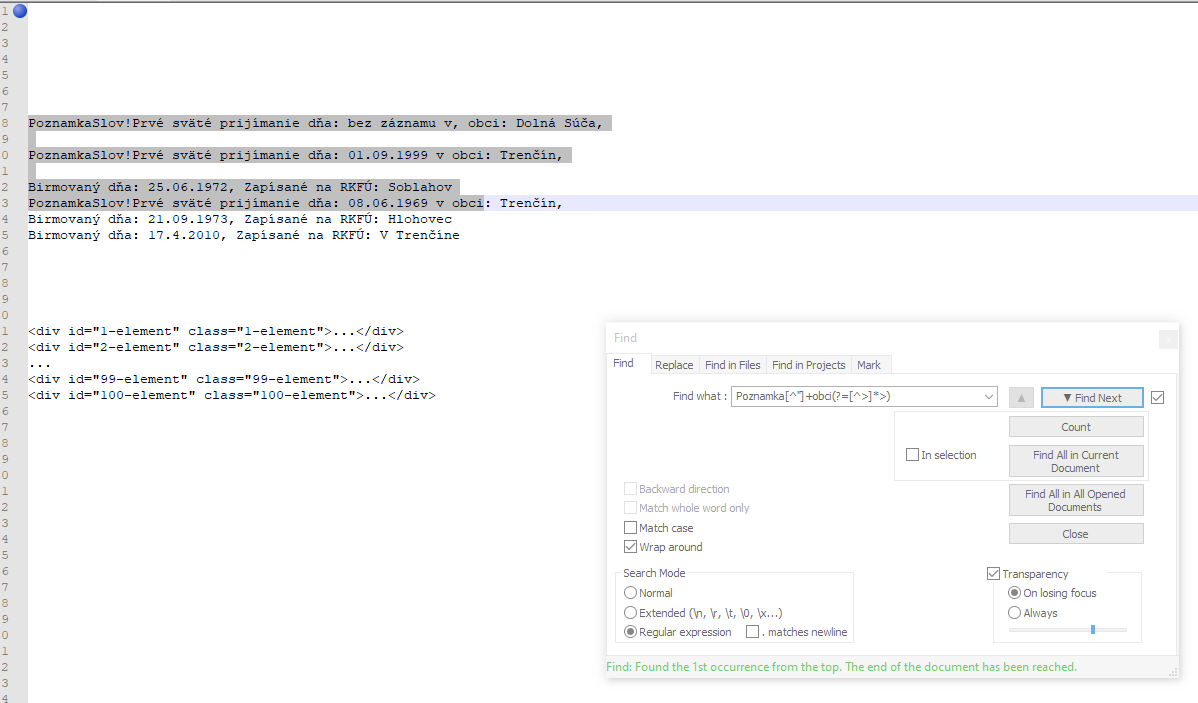
and when I try it, in my document, it no work… and writes: “Serch failed, Unexpected exception while searching”:
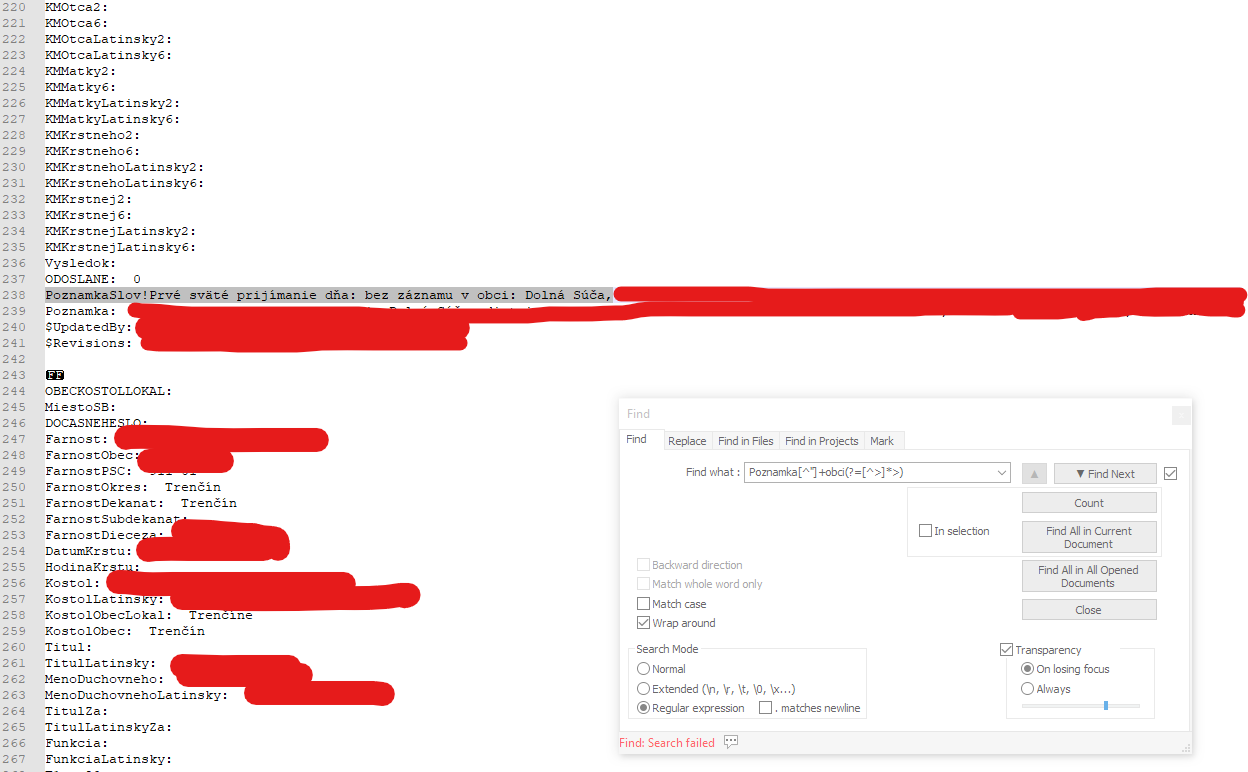
I don’t know if it’s even possible, but if you know some options, please help.
Thank you in advance for your answers. -
Using regular expressions is all about finding patterns.
If you can express your needs with a pattern, it is almost always possible to find a regex that does what you need.
Based on your explanation, I assume the pattern is the following.Each line starts with a word followed by an exclamation point, then any text, and ends with a colon followed by a space, some words followed by a comma. If this is the case, then the following should do what you want. If it doesn’t, try explaining the pattern you want.
find:
^(\w+!).+: (.+),
replace:\1 \2 -
Thank you so much. Your answer helps me understand how these shortcuts work and solved my problem.
Thanks for help.


Hello! It looks like you're interested in this conversation, but you don't have an account yet.
Getting fed up of having to scroll through the same posts each visit? When you register for an account, you'll always come back to exactly where you were before, and choose to be notified of new replies (either via email, or push notification). You'll also be able to save bookmarks and upvote posts to show your appreciation to other community members.
With your input, this post could be even better 💗
Register Login