Line feed in a notepad++ file
-
Hello
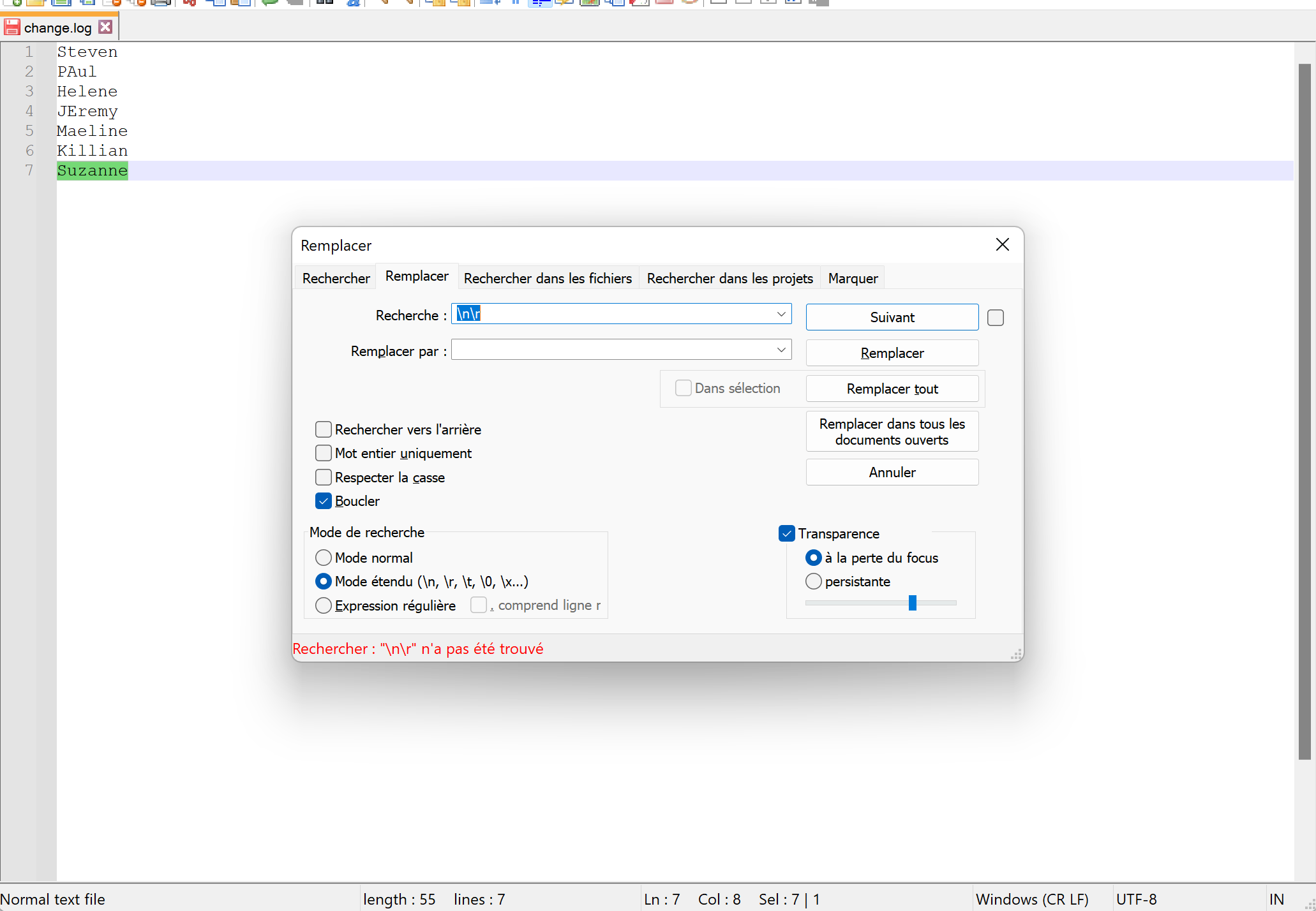
I’m trying to use the “replace” function in notepad to replace the “line breaks” with semicolons.
For that I use replace : \but notepad++ tells me that it doesn’t find anything. But my file has lines and line breaks.
How can I tell notepadd++ to modify the “return to line” by another sign ? Thank you in advance for your help community.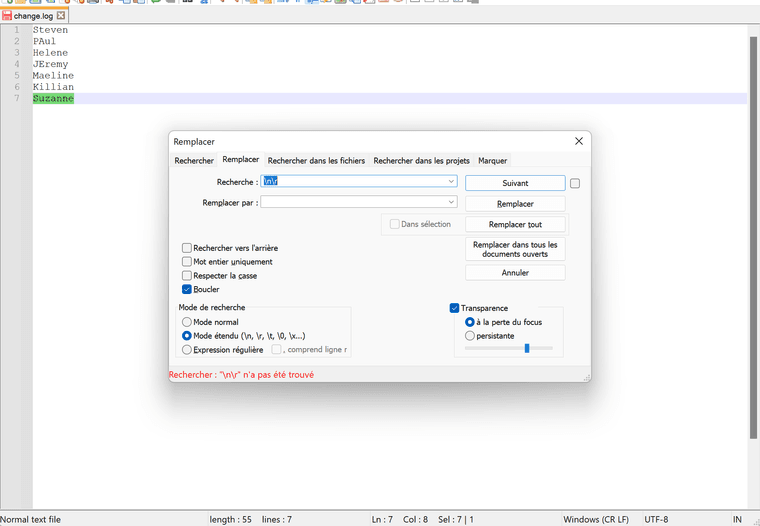
-
Why do you think it should find a line-ending as
\n\r?
In the status bar it says you have aWindows (CR LF)file.
As CR is\rand LF is\n, you should be searching for\r\nto find line-endings.
Or…better yet, use Regular expression mode and find any type of line-ending with\R -
@alan-kilborn I apologize I am a bit of a beginner. I just tried to follow a tutorial that explained how to replace “line breaks” with the “|” sign and despite your message, I don’t really understand how to do it.
Could you explain to me how I can do this?
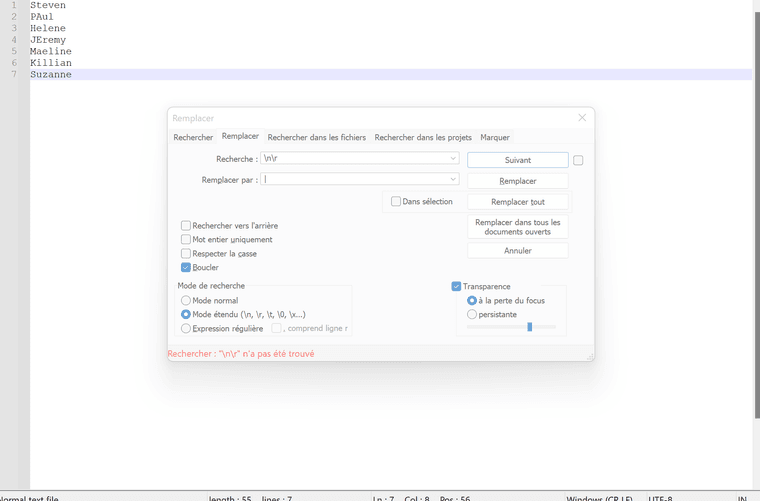
For the moment in the search tab I put : \nThey’re not the only ones.
and in the replace tab I put : " | ". but notepad does not find visibly in my file what corresponds to \n\r
I hope to have been clear
thank you for advance
-
@jo-business You didn’t take @alan-kilborn’s advice. Change what you have in the Recherche box to
\r\nand you should be fine.Also, play with the menu options under
View -> Show Symbol(or it’s equivalent in your language) to help you to see what is normally invisible but sometimes important.Finally, I’m pretty sure:
For the moment in the search tab I put : \nThey’re not the only ones.
is not what you actually typed. Have a look at https://community.notepad-plus-plus.org/topic/21965/please-read-before-posting/1 and learn to use the triple backquote techniques for (mostly) trouble free communication when posting here.



Hello! It looks like you're interested in this conversation, but you don't have an account yet.
Getting fed up of having to scroll through the same posts each visit? When you register for an account, you'll always come back to exactly where you were before, and choose to be notified of new replies (either via email, or push notification). You'll also be able to save bookmarks and upvote posts to show your appreciation to other community members.
With your input, this post could be even better 💗
Register Login