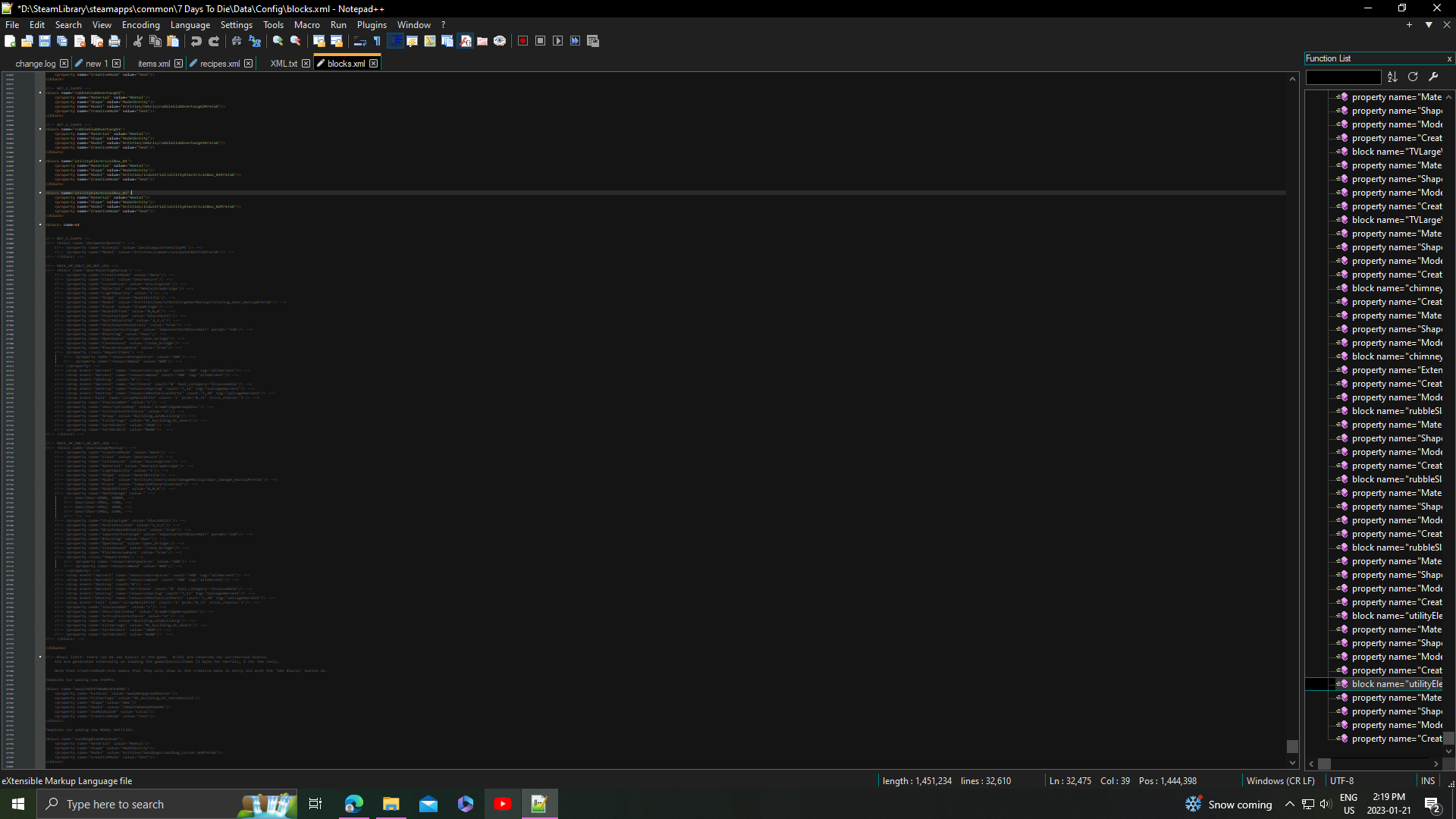
How do I change the size of text. I don't know what I did
-
-
You probably had Ctrl down while you scrolled the mouse wheel.
This is the Zoom feature.
See the View menu for the Zoom entry for more options.
-
@Alan-Kilborn thanks wasn’t expecting a response so quick and what you said is what I did I was scrolling through a very large file and I guess I accidently pressed control
-
@Majestic-Hellium Your question abd the resultant answer have solved an issue for me, as my old eyes have trouble seeing the default text on a laptop screen. Thanks.
-
If you’re always on that screen for that laptop, I would recommend changing Settings > Style Configurator > Language:
Global Styles> Style:Default Styleto use a bigger font size for the text, so that you don’t have to change the zoom. (The “zoom” feature was designed to be temporary, whereas setting the Default Style font size was designed as the perment way to set text size)




Hello! It looks like you're interested in this conversation, but you don't have an account yet.
Getting fed up of having to scroll through the same posts each visit? When you register for an account, you'll always come back to exactly where you were before, and choose to be notified of new replies (either via email, or push notification). You'll also be able to save bookmarks and upvote posts to show your appreciation to other community members.
With your input, this post could be even better 💗
Register Login