Changing the color of a letter in user defined language
-
I have a g-code language installed, but I want to change the color of the letters X, Y, and Z (each a different new color). Here are the photos of the tabs.
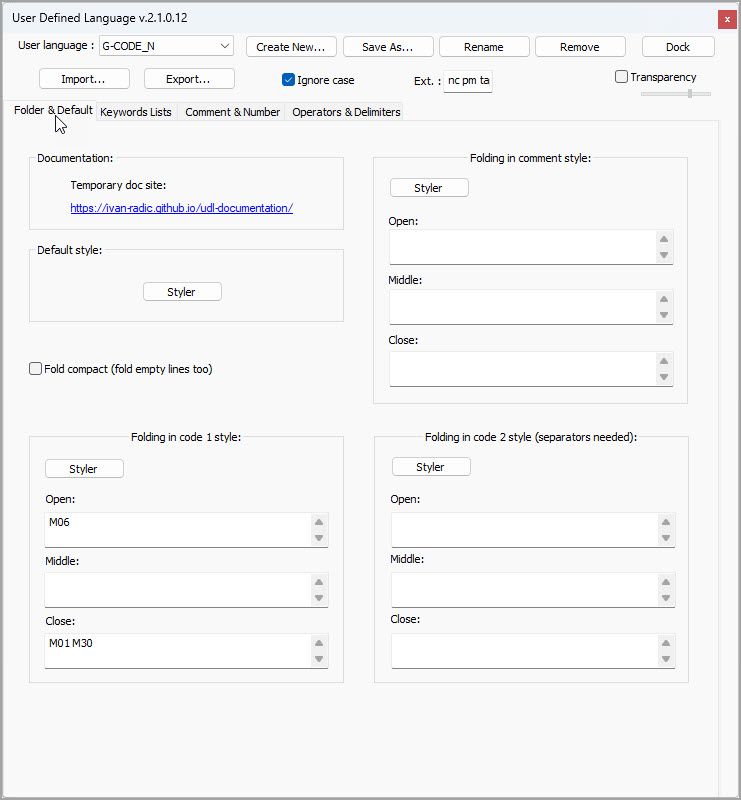
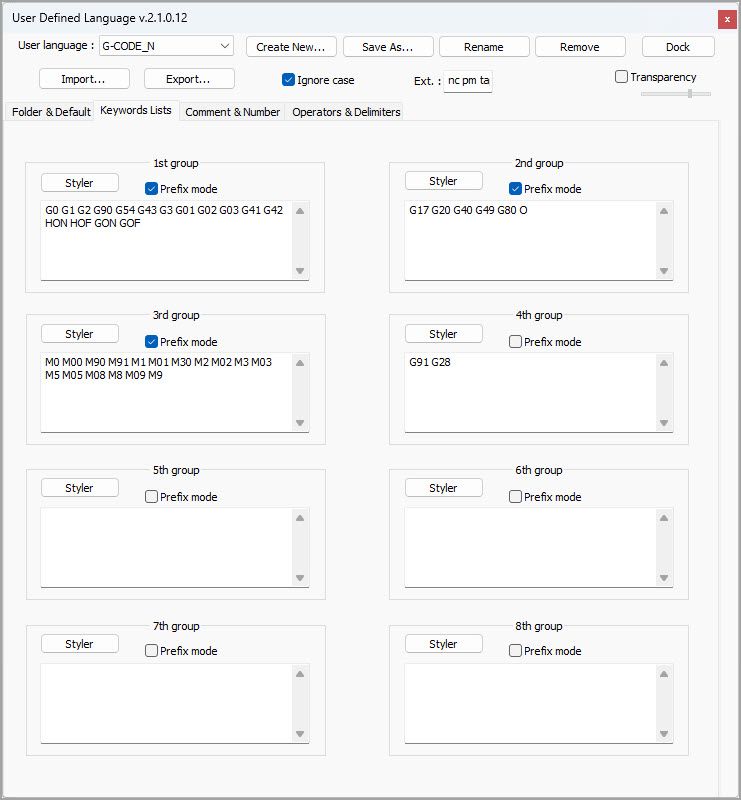
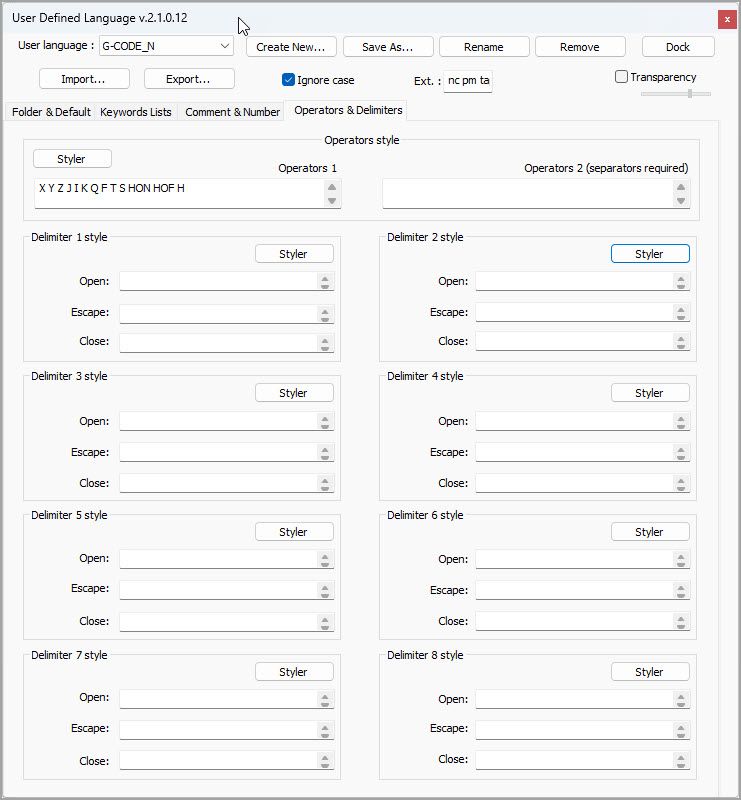
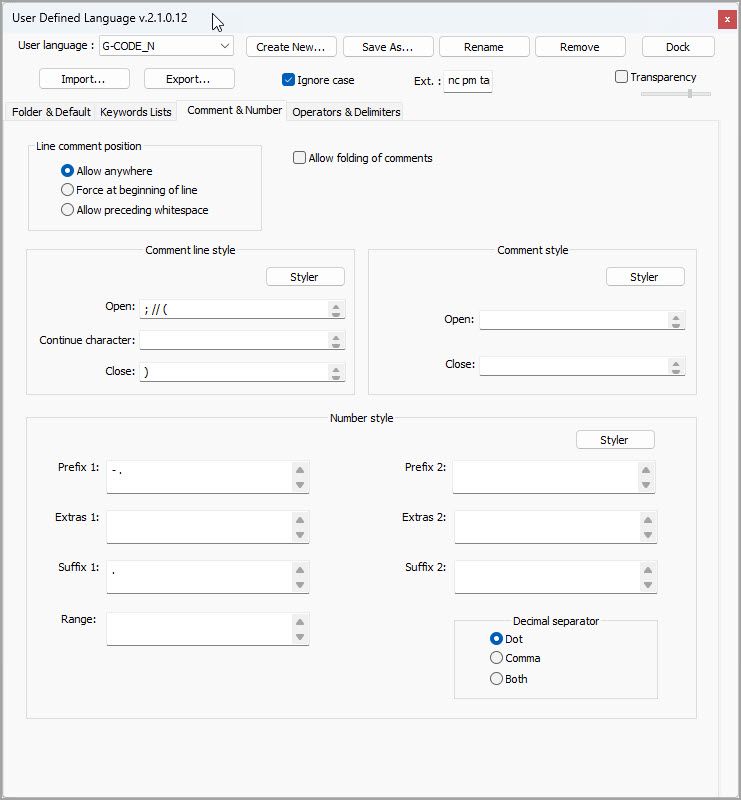
-
I want to change the color of the letters X, Y, and Z (each a different new color).
Then put them into three different keyword lists, and set a different color for each. It looks like you’re not using keywords 5, 6, 7, or 8, so you’ve got four keyword sets remaining, and have three terms that you want in three different colors. It seems like a natural fit to put X in Keywords 5, Y in Keywords 6, and Z in Keywords 7.


Hello! It looks like you're interested in this conversation, but you don't have an account yet.
Getting fed up of having to scroll through the same posts each visit? When you register for an account, you'll always come back to exactly where you were before, and choose to be notified of new replies (either via email, or push notification). You'll also be able to save bookmarks and upvote posts to show your appreciation to other community members.
With your input, this post could be even better 💗
Register Login