Using Replace function in PShell to modify Workspace file
-
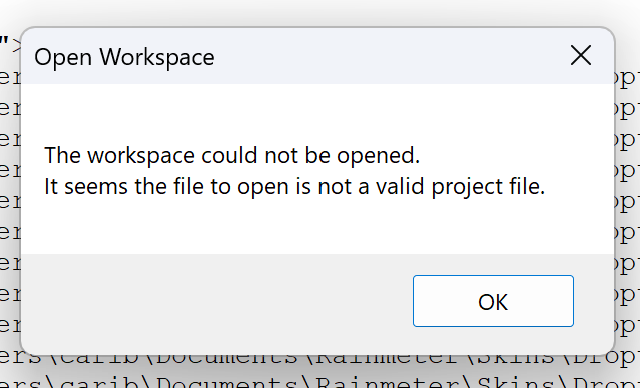
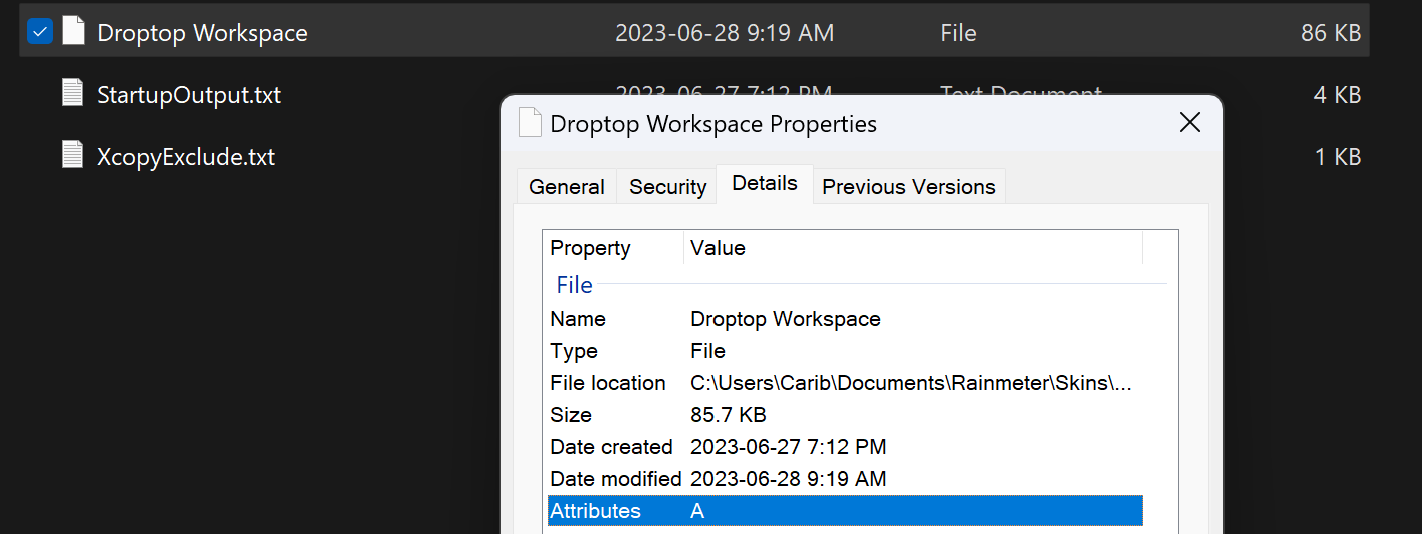
I’m trying to use the below PS1 script to replace the username in each line of the Workspace file to a different username. The script works, and the text is replaced correctly, but afterwards the Workspace file no longer works in Notepad++. Is there a specific filetype or encoding I need to set in order for the formatted file to be readable/usable in Notepad++ after the script is run?
Thanks.
$path = "c:\Users\$($env:username)\Documents\Workspace File" (Get-Content $path) -replace "username1","username2" | out-file $path -
What do you mean by “workspace file” and “no longer works”?
You see a different content when you open the file with npp? If so, what is different? -
-
@Cariboudjan PowerShell’s
out-filecommand outputs utf8NoBOM encoded files by default. From within Notepad++ first look at the right side of the status line at the bottom. If it saysUTF-8then the file should be displayed correctly. If you see something other thanUTF-8then, using theEncodingdrop down menu try picking UTF-8 and see if that works for you. I would not use the Convert to … options nor would I save the file from Notepad++ without first making a backup of the file. -
Alright. Changing the encoding to UTF8 fixed the issue. Below is the full solution:
$path = "c:\Users\$($env:username)\Documents\Workspace File"
(Get-Content $path) -replace "username1","username2" | out-file $path
Set-Content -NoNewline -Encoding OEM $path -Value (Get-Content -Raw -Encoding utf8 $path)
Or alternatively, with arguments:
$replace1 = args[0] $replace2 = args[1] $path = $args[2] $encoding = $args[3] (Get-Content $path) -replace $replace1,$replace2 | out-file $path Set-Content -NoNewline -Encoding OEM $path -Value (Get-Content -Raw -Encoding $encoding $path) -
@Cariboudjan said in Using Replace function in PShell to modify Workspace file:
Alright. Changing the encoding to UTF8 fixed the issue.
I am glad it seems to be working for you now.
A couple of points:
- The encoding shown on Notepad++'s status line is an estimate based on inspecting the file. The inspection process is not perfect and so I would not load a file into Notepad++ and 100% rely on what it says the encoding of that file seems to be. I have had Notepad++ say “ANSI” for example even when the file has 3 or 4 byte long UTF-8 encoded sequences near the beginning. Figuring out the encoding of a file can be a long topic in itself.
- In your code I’m bothered by your use of
-NoNewline -Encoding OEM. It just seems weird and is the sort of thing that will lead to unexpected results down the road. However, this forum is about Notepad++ and so I’ll leave it at that rather than topic-drifting into encoding and PowerShell.



Hello! It looks like you're interested in this conversation, but you don't have an account yet.
Getting fed up of having to scroll through the same posts each visit? When you register for an account, you'll always come back to exactly where you were before, and choose to be notified of new replies (either via email, or push notification). You'll also be able to save bookmarks and upvote posts to show your appreciation to other community members.
With your input, this post could be even better 💗
Register Login