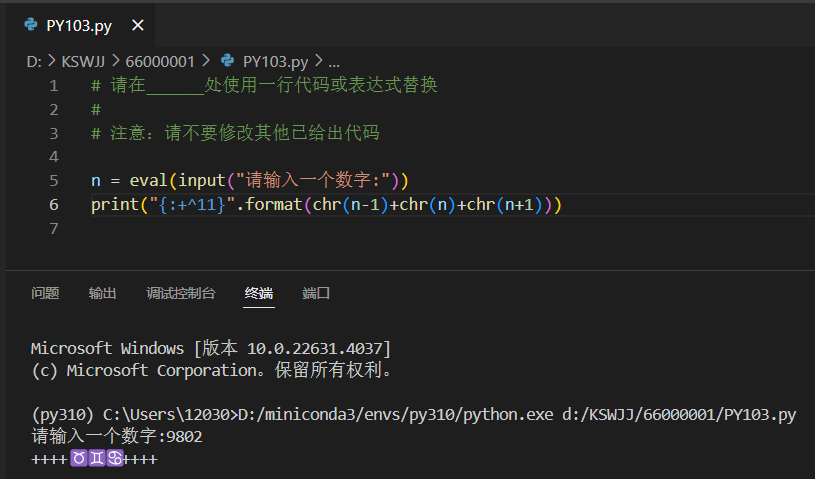
UnicodeEncodeError: 'gbk' codec can't encode character '\u2649' in position 4: illegal multibyte sequence

-
As shown in the figure, when running Python code, notepad++ reports an error “UnicodeEncodeError: ‘gbk’ codec can’t encode character ‘\u2649’ in position 4: illegal multibyte sequence”.
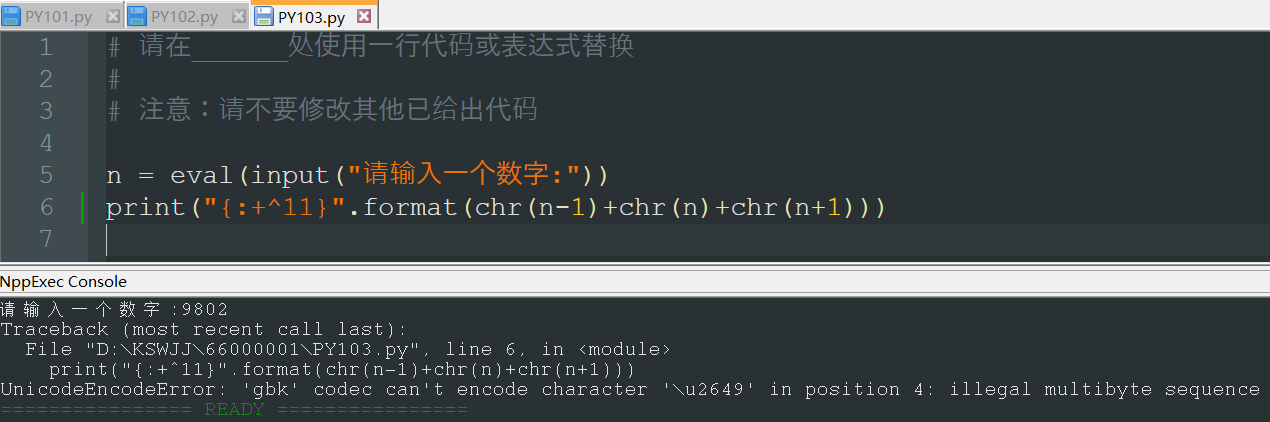
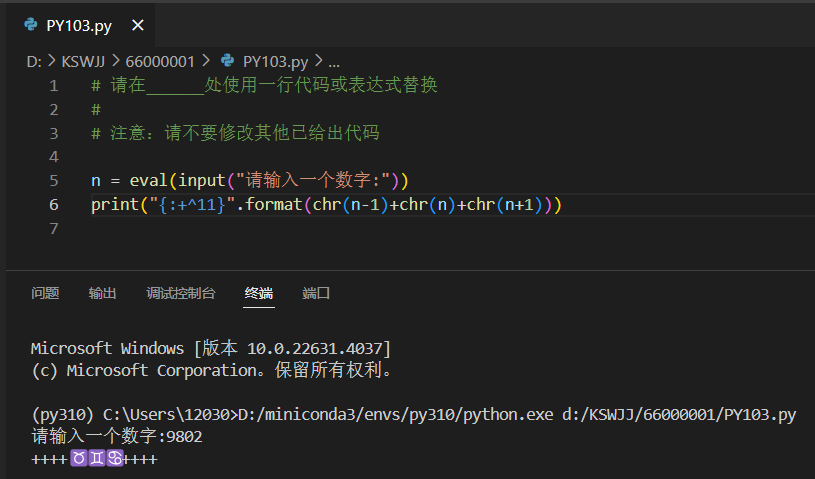
The same code will not report an error when running on vscode. What is the reason? How should notepad++ be set? Thank you for your answers.
-
it’s python.exe, not Notepad++, which is giving you that error. However, since Notepad++'s use of encoding might be the culprit, it’s still on-topic here.
Possibly, the file is not saved with the encoding that you think it is in Notepad++. You will want to look at Notepad++'s Encoding menu’s selection, and/or the status bar (which you didn’t show in the screenshot):
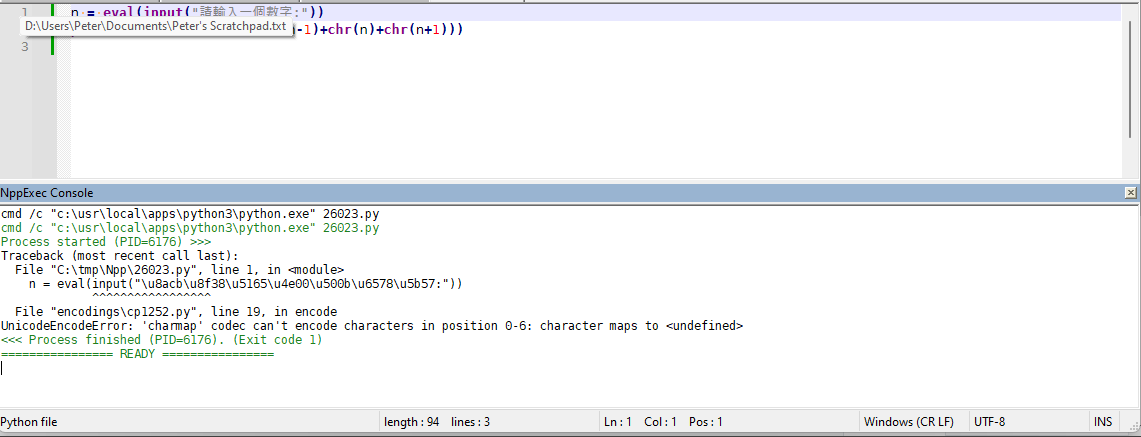
Also, look to see what encoding VSCode claims it is.
If I remember correctly, without an
# encoding=...or similar, python3 assumes UTF-8. I know that the one I showed has an error when I do UTF-8 – but I just used OCR on your screenshot to try to get similar characters… I have no idea how to enter the exact characters. (it would have been nice if you’d clicked on</>in the forum, then put your example code, with the right characters, in between the```lines, so we could copy/paste.) So it might be that by pasting from OCR, I got characters that won’t encode correctly.When looking at the error I get when I do Notepad++ in UTF-8, I thought Notepad++ might be using the surrogate pairs (But before posting, while re-reading, I noticed that it wasn’t actually listing anything in the surrogate-pair range, so this paragraph was probably wrong – at least for the characters I used; maybe your characters do, I’m not sure.U+D800–U+DFFF) to encode theU+1xxxx, and then encodes those into UTF-8 in the file. I don’t think UTF-8 normally needs/uses surrogate pairs, so that might be confusing the Python interpreter. (I think “modified UTF-8” allows it, but maybe not normal UTF-8.) And since Python 3.12 codecs says that it doesn’t support surrogates for even UTF-16 (which are the encodings for which surrogate pairs are defined), it wouldn’t surprise me if Python doesn’t accept the surrogates for UTF-8 either. But someone who knows more about Python’s encoding rules would really need to chime in for that.Since your error message included “gbk”, I tried setting
# encoding=gbk(which was listed in Python’s codecs), but then couldn’t find a Notepad++ Encoding (at least not in the Encoding > Character Set > Chinese) that matched GBK . I tried# encoding=gb2312and using that encoding in Notepad++ gives meSyntaxError: encoding problem: gb2312instead…(But I’m not an expert on Chinese encodings – everything that seems right in anything I said above specifically about those encodings was only because google apparently gave me good answers; anything that’s wrong is probably my fault for not understanding/interpreting correctly.)
I guess I might just be wasting everyone’s time, other than suggesting that you double-check encodings on both applications to see if there’s a difference. Sorry for the rambling. Maybe there’s someone else who has more experience with Chinese characters and python and Notepad++ all working together, who can come give you a real answer.
-
@PeterJones Thank you for your answer, here is the original code:
n = eval(input(“请输入一个数字:”))
print(“{:+^11}”.format(chr(n-1)+chr(n)+chr(n+1)))After running, enter 9802 in the console to reproduce.
-
see here for a solution to your problem


Hello! It looks like you're interested in this conversation, but you don't have an account yet.
Getting fed up of having to scroll through the same posts each visit? When you register for an account, you'll always come back to exactly where you were before, and choose to be notified of new replies (either via email, or push notification). You'll also be able to save bookmarks and upvote posts to show your appreciation to other community members.
With your input, this post could be even better 💗
Register Login