Option to always show arrow on scrollbars
-
For the moment, arrows on vertical and horizontal scrollbars are shown only when mouse is hovering the scrollbar.
Is there an option always show arrows ?
-
With my mouse cursor in the upper left over the tab’s title, or anywhere else, I can see the scroll bars just fine.
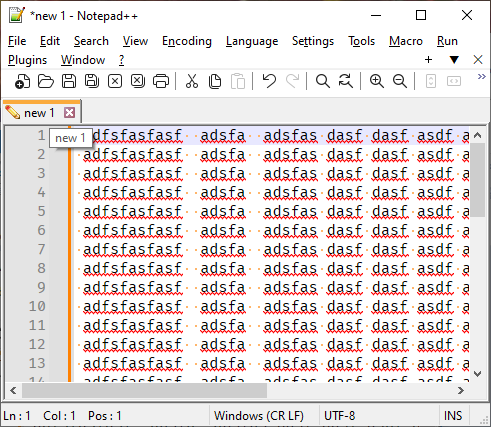
(WindowsAlt+PrintScreenscreenshot doesn’t include the mouse pointer, but you can tell it’s overing over the title of the tab because of the hover text).I’m not sure what you mean by “arrows” in this context.
-
-
-
@Eric-Coutier The layout of the scrollbars is determined by Windows 11, not NPP. They look different on older Versions. Maybe you can find an adjustment for that in personalization settings in Windows.
-
@gerdb42
Thanks for your answer. Sadly, it’s that I’ve seen searching on the Internet. But I fear there’s no solution:But I have found a workaround by applying a theme (on askvg - I cannot post link for the moment)
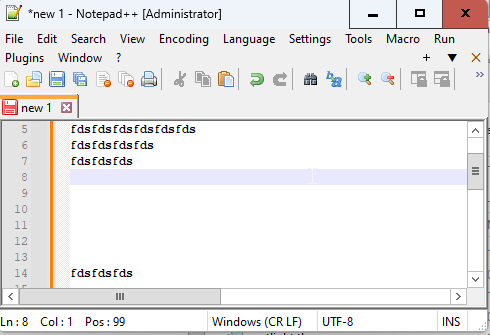


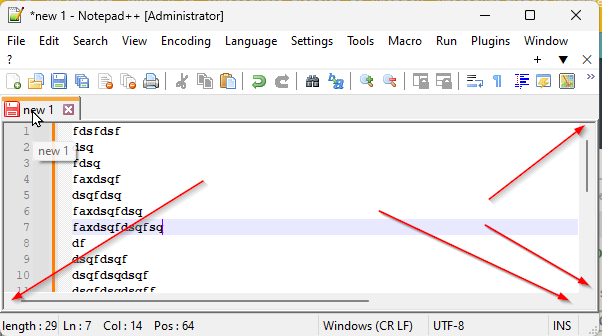
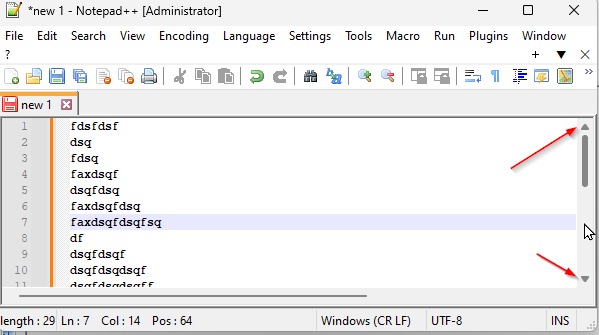

Hello! It looks like you're interested in this conversation, but you don't have an account yet.
Getting fed up of having to scroll through the same posts each visit? When you register for an account, you'll always come back to exactly where you were before, and choose to be notified of new replies (either via email, or push notification). You'll also be able to save bookmarks and upvote posts to show your appreciation to other community members.
With your input, this post could be even better 💗
Register Login