Is there anyway to modify "Function List" font style and size?
-
Hello! Thanks for your time reading this.
My question is just that. I couldn’t find any way to modify font size and style on
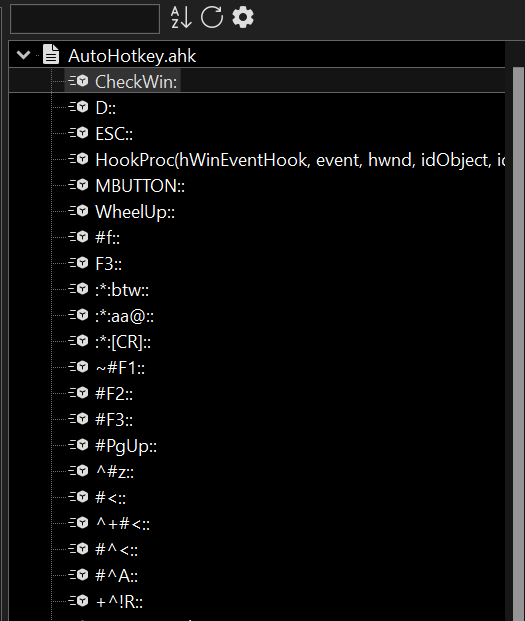 .
.
Does it exist?Thanks again!
--
moderator edit: embedded the image, instead of broken imgur link -
I don’t think you can change that font within Notepad++, because from what I remember, it’s just using the system “UI” font, the same as all the menus and other UI text. Your specific version of the Windows OS might have a deeply buried setting to allow you to change the system’s default menu/UI font, but that setting is not specific to the application but to your version of Windows (you can search the forum for other such mentions; I think we’ve pointed out a few of the places where you might find that before; if not, a generic internet search for
change windows ## system UI fontorchange windows ## system menu fontmight help you).If you are in Dark Mode (which your screenshot implies), the Settings > Preferences > Dark Mode > Tones can be used to customize the colors for the various GUI elements… but it will change it for all the elements that use a specific tone, not just the Function List panel.
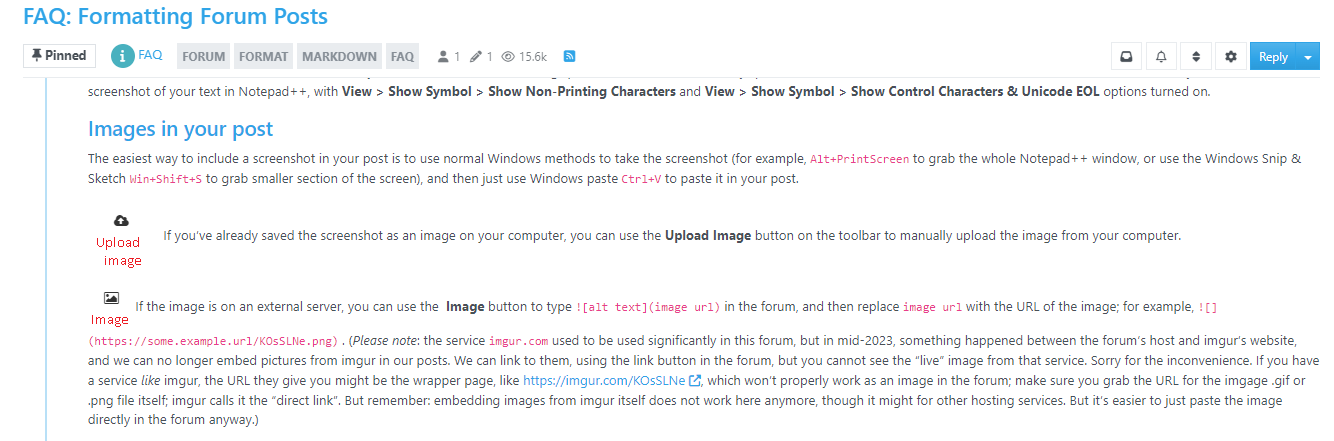
And an aside, as a moderator: to you, and any future readers: imgur seems to be fighting against consistently allowing us to embed images hosted on their server – probably because such embedding bypasses the imgur ad revenue – so it’s more reliable, and easier, to just paste your image directly in your post here, without relying on imgur or any other external image host: just take your screenshot and paste it in your post. This is described partway through our FAQ on formatting Forum posts:
-
@PeterJones said in Is there anyway to modify "Function List" font style and size?:
change windows ## system UI font or change windows ## system menu font
Hey Peter! Thanks for your detailed reply and your explanation. I would not like to tinker with my system fonts and make all text bigger just to have that effect in my Function List, but I really appreciate your arguments. Maybe a mod or a plugin?
About IMGUR, thanks for the heads-up about this.
Again, thanks for your help!
-
@Alberto-Casanova said in Is there anyway to modify "Function List" font style and size?:
Maybe a mod or a plugin?
I don’t think there is a way for a plugin to influence the font in a Notepad++-built-in panel.
I’m not a plugin author, so I’m not sure; but as I’ve documented the plugin-communication messages, there isn’t a message which affects the font in that panel. However, there might be a clever programming trick that I’m not aware of to hack something like that. Someone with more plugin experience than I have would have to chime in.


Hello! It looks like you're interested in this conversation, but you don't have an account yet.
Getting fed up of having to scroll through the same posts each visit? When you register for an account, you'll always come back to exactly where you were before, and choose to be notified of new replies (either via email, or push notification). You'll also be able to save bookmarks and upvote posts to show your appreciation to other community members.
With your input, this post could be even better 💗
Register Login