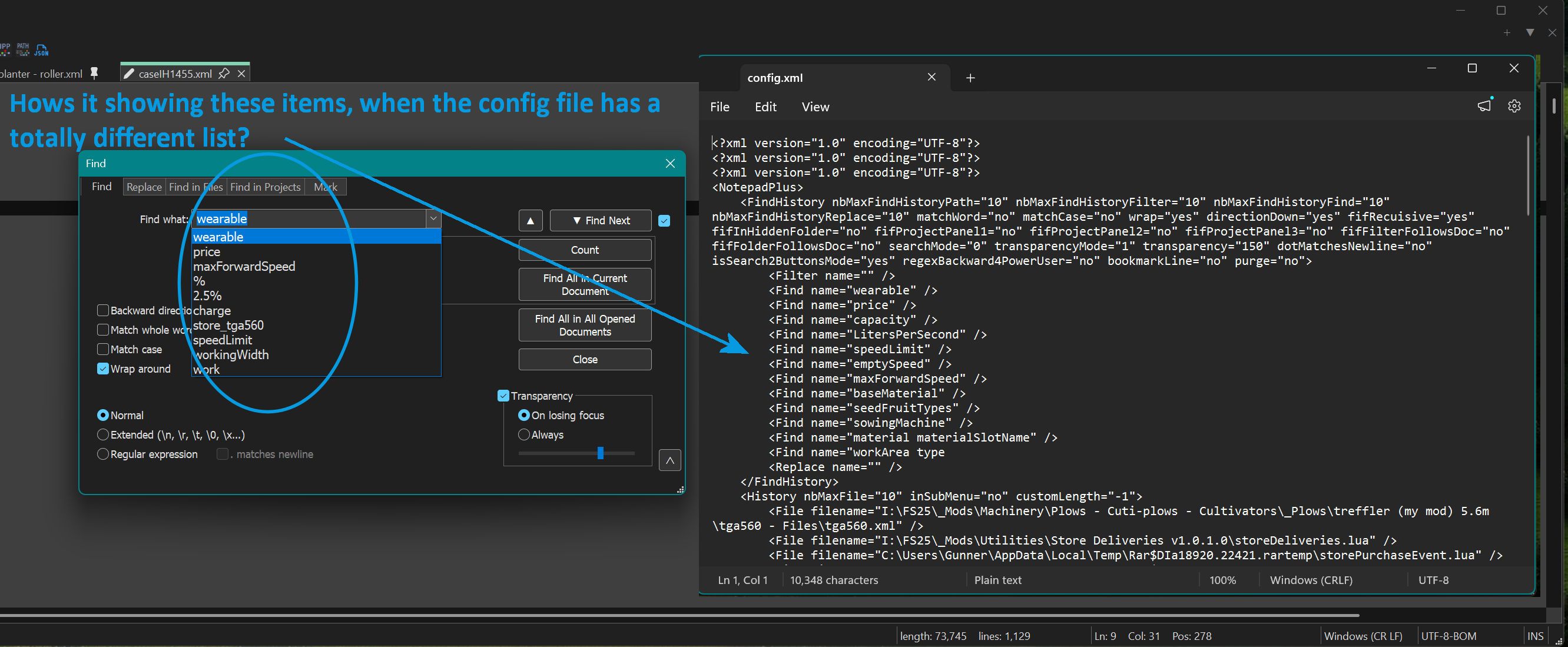
Config file - Not Seen
-
-
Couple of days ago notepad ++ updated to v8.9.6.4, this update broke all my settings.
(A) Scaled sized locating was gone, app shoved to upper right of my screen and very small.
(B) Lost all preferences and color scheme. -
I have a backup of my session file, copied it to Dir. (C:\Users\Gunner\AppData\Roaming\Notepad++), and nothing, I could not get it to load the from the BU session file. I finally gave up, move the app on my screen, resize it, went in and put all my preference in.
-
I have a list (text I use a lot) for the Search Find What, I pasted that into the config file and save. The darn app once again lost all my preferences and shrunk moving to the upper left of my screen. Once again I had to go through and reset everything, not a happy camper!
The app has been working fine for a couple of days, I had been doing a ton of search so half of my favorite items were lost. Today I copied my list back into the search file, when I open the app, only half of them were there, the rest were from the current list, old stuff was still showing. It like the app is looking toa different directory and using a different config file.
Crap, it just did it again, when I copied my search list (remembered), and the app lost all preferences, and moved to the upper left of my screen. The session file I copied in is the a new one that I saved from yesterday after I went through and set all my preferences. I thought or was told that the the app’s preferences etc. loaded from the Session file?
Question:
I can’t remember where you can change the setting or edit a line so more items are remembered in the Find What window, can you please tell me how to set it to (12)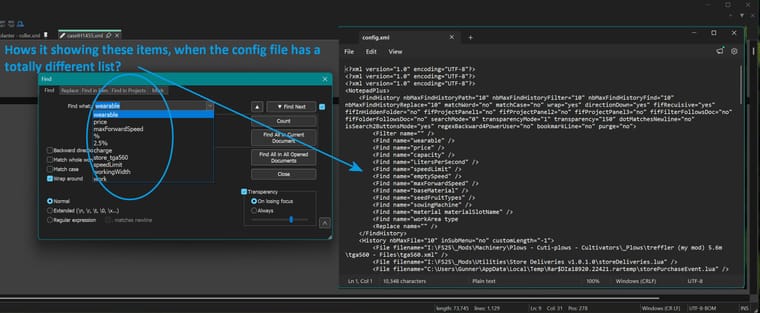
-
-
The installer shouldn’t lose your settings – it tries hard to not overwrite – but not impossible. But after it’s installed, it shouldn’t lose all the settings.
One guess is that the config.xml file doesn’t actually have normal write permissions, so when you make all the changes inside Notepad++, it tries to save the settings, but cannot – I would have thought it would prompt you for that, but maybe not. Use Explorer to go to
%AppData%\Notepad++\, and right click onconfig.xml, and check the permissions, to make sure your normal user has write permission to the file; and also make sure you aren’t running Notepad++ As Admin – it would haveAdministratorin the title bar, and list it as Admin Mode: ON in the ? > Debug Info – because maybe your system is set up so Admin cannot write to your AppData directory.Another guess is that you have two copies of Notepad++, and when your settings are changing, it is because it’s using a different copy of Notepad++, pointing to a different config location. Use Windows search to look for
notepad++.exe, and see if it finds more than one copy. (If you have multiple drives, make sure you check them all.)I thought or was told that the the app’s preferences etc. loaded from the Session file?
Nope. Settings are stored in
config.xml. The list of open files is stored insession.xmlI can’t remember where you can change the setting or edit a line so more items are remembered in the Find What window, can you please tell me how to set it to (12)
It’s a Preference for Advanced Users, which can only be changed by editing
nbMaxFindHistoryFindand similar attributes, as described in the User Manual. When manually editingconfig.xml, you have to follow the steps in the Editing Config Files section, reading about the differences in how you have to treatconfig.xmlbecause of its unique status in Notepad++'s inner workings.


Hello! It looks like you're interested in this conversation, but you don't have an account yet.
Getting fed up of having to scroll through the same posts each visit? When you register for an account, you'll always come back to exactly where you were before, and choose to be notified of new replies (either via email, or push notification). You'll also be able to save bookmarks and upvote posts to show your appreciation to other community members.
With your input, this post could be even better 💗
Register Login