[Fork] MarkdownViewer++ (WebView2)
-
Hi everyone,
I’d like to share MarkdownViewer++ (WebView2), a 64-bit fork of the MarkdownViewer++ preview plugin originally written by nea (Savas Ziplies).
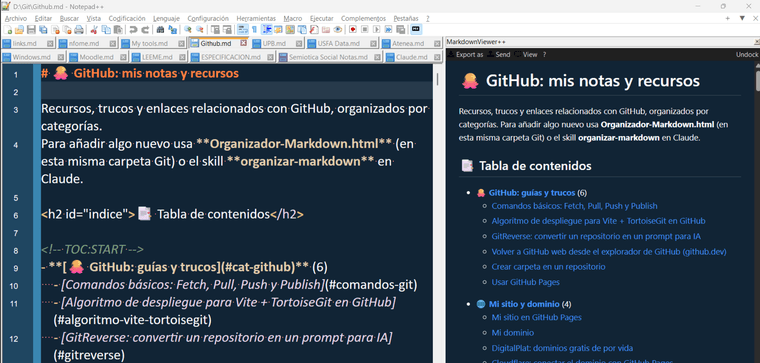
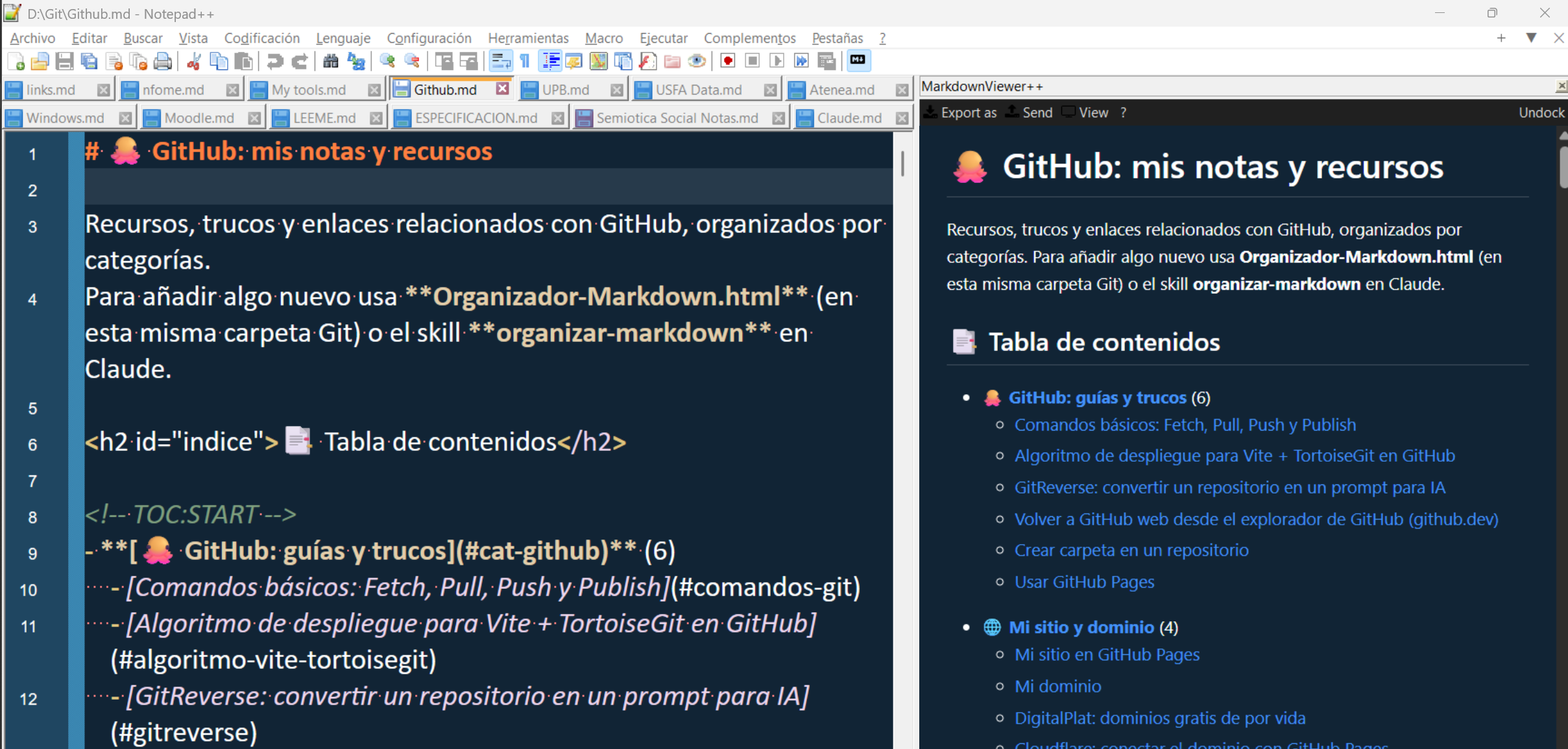
I’ve used MarkdownViewer++ for years to keep my notes in Markdown, but its last release (0.8.2, 2018) shows its age on a current 64-bit Notepad++. You can’t select or copy text in the preview, it stops refreshing while you edit, there’s no dark theme, emoji don’t render, and clicking an internal link scrolls the preview but leaves the editor behind. So, together with Claude (Anthropic), I forked it and replaced the old HtmlRenderer engine with Microsoft Edge WebView2, which already ships with Windows 10/11.
What it does
- Real browser rendering: select and copy text with Ctrl+C or the right-click menu. Color emoji,
:shortcode:emoji, GitHub alerts (> [!NOTE],> [!WARNING]…) with their icons, task lists, tables, and local images/SVG via relative,../or absolute paths. - Live refresh: the preview updates as you type (300 ms after you pause) and when you save. This also fixes the 0.8.2 bug where the panel stopped updating on 64-bit Notepad++ 8.3+, caused by the old SCNotification struct layout.
- Two-way sync: scrolling is synced by source line, not by percentage, in both directions. Clicking a
#headinglink in the preview jumps the editor to that line. A link toother.md#sectionopens that file in Notepad++ and goes to that section. Web links open in your browser. - Follows your theme: uses the editor colors from Style Configurator / Dark Mode, including the panel toolbar. You can turn this off from the plugin menu.
- Undock: an Undock/Dock button moves the preview into its own window with a taskbar button, so you can put it on a second monitor. The window remembers its position and size.
- Keyboard: Ctrl+Shift+M toggles the viewer, even when the preview has focus. Esc closes it from inside the preview, F5 refreshes, and Ctrl+S saves the file.
- Export: HTML, and PDF through Edge’s print engine, so the PDF looks like the preview. Print uses the Edge print dialog.
It’s a drop-in replacement for 0.8.2: same DLL name, and your settings (
plugins\Config\MarkdownViewerPlusPlus.ini) and custom CSS are kept.Download & Setup
- Grab
MarkdownViewerPlusPlus-WebView2-0.9.0-x64.zipfrom GitHub Releases. Source and full documentation are in the GitHub repo. - Close Notepad++ and extract the zip into
Notepad++\plugins\, so you getplugins\MarkdownViewerPlusPlus\MarkdownViewerPlusPlus.dllplus the DLLs next to it. If you already have 0.8.2, replace that folder. - Restart Notepad++, open a
.mdfile and press Ctrl+Shift+M, or go to Plugins > MarkdownViewer++ (WebView2).
Requirements: 64-bit Notepad++ 8.x (tested on 8.6.7), Windows 10/11, the WebView2 runtime (preinstalled on Windows 11) and .NET Framework 4.8.
Fork by RicardoQuiroz and Claude (Anthropic). The original plugin is by nea and, like this fork, MIT licensed. Feedback and bug reports are welcome on GitHub Issues.
- Real browser rendering: select and copy text with Ctrl+C or the right-click menu. Color emoji,
Hello! It looks like you're interested in this conversation, but you don't have an account yet.
Getting fed up of having to scroll through the same posts each visit? When you register for an account, you'll always come back to exactly where you were before, and choose to be notified of new replies (either via email, or push notification). You'll also be able to save bookmarks and upvote posts to show your appreciation to other community members.
With your input, this post could be even better 💗
Register Login