Comparison of the slew of Markdown Viewers Available
-
Apparently, people (or their AI agents) felt very strongly about MarkdownViewer++ going to official “archive” mode. Because there are superabundance of different Markdown-viewing panel plugins in Notepad++'s PluginsAdmin list (or soon to be).
The recent [Fork] MarkdownViewer++ (WebView2) announcement encouraged me to look into it: https://github.com/notepad-plus-plus/nppPluginList/pulls?q=is%3Apr+sort%3Aupdated-desc+markdown. I’m about halfway down it the first page (of three), and already getting tired of trying to summarize the tiny differences between most of these AI-generated plugins.
Do the people who spend their tokens (and thus the kilowatts of burned coal) to create these plugins even think of looking for other tools already released, or in the process of being submitted, before spending their tokens/electricity? Because it seems to me to have a huge waste of time, effort, and power to get so many different copies of what are essentially the same thing.
in Viewer Bits Sync Export Local Images TOC Screenshot Other Notes ✓ MarkdownViewer++ Original (0.8.2) 32, x64 editor→preview html, pdf, print, clipboard no no 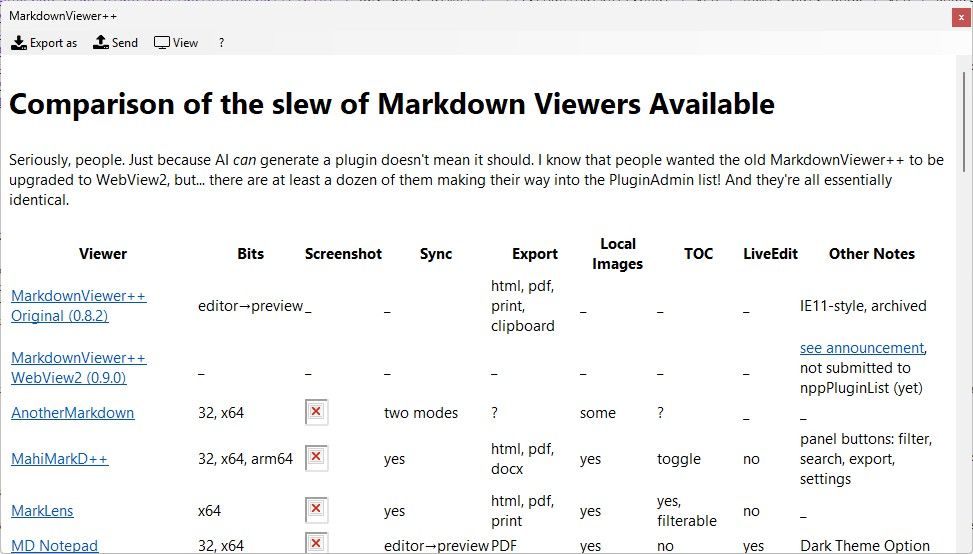
IE11-style, archived MarkdownViewer++ WebView2 (0.9.0) x64 yes html, pdf, print, clipboard yes no 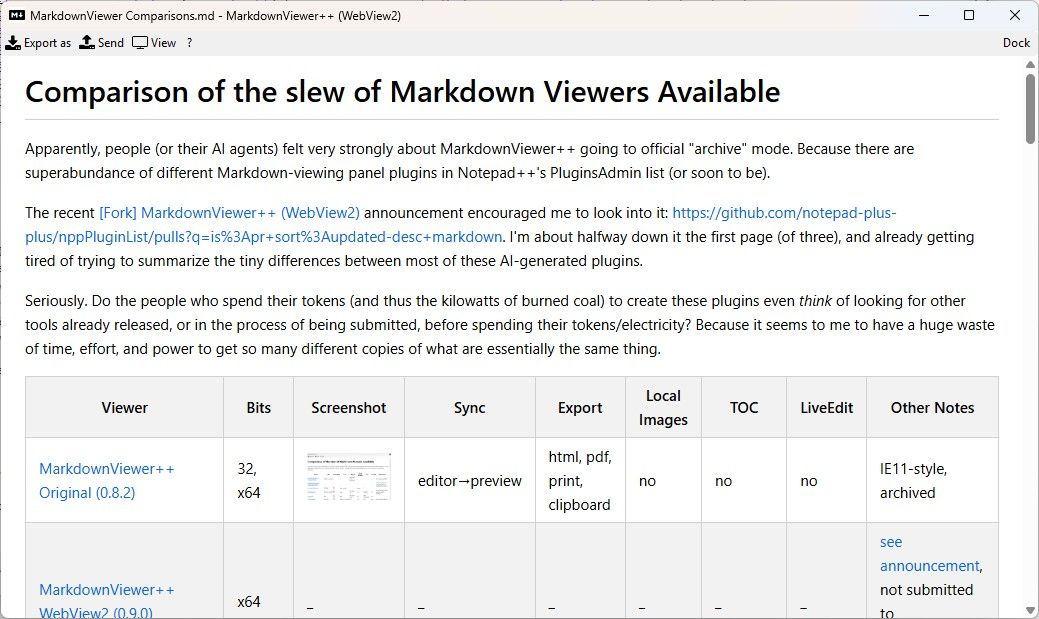
see announcement, not submitted to nppPluginList (yet) ✓ AnotherMarkdown 32, x64 two modes ? some no 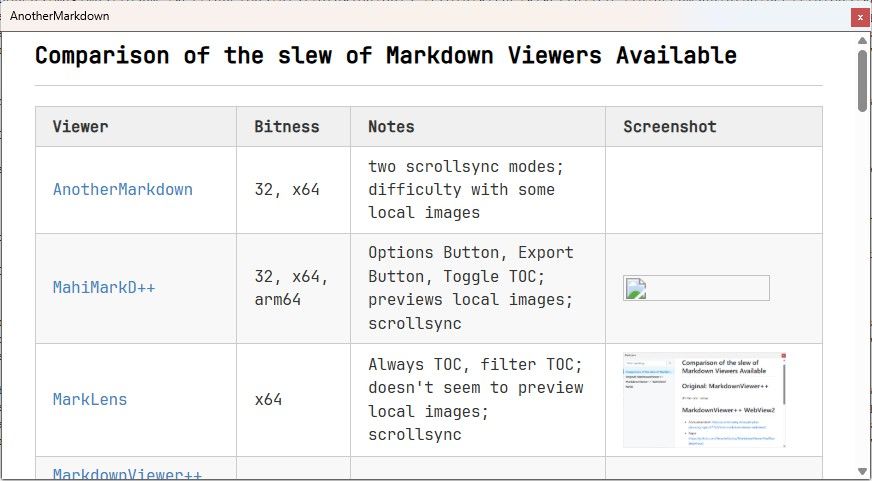
_ MahiMarkD++ 32, x64, arm64 yes html, pdf, docx yes yes 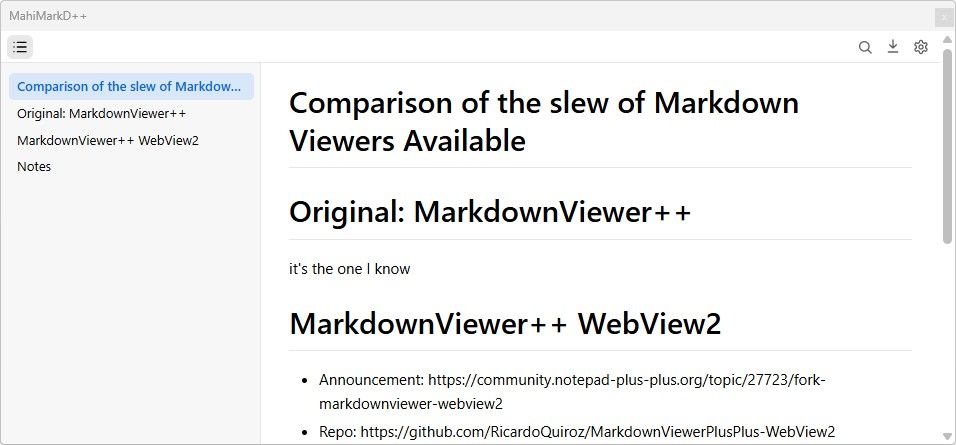
panel buttons: filter, search, export, settings ✓ MarkLens x64 yes html, pdf, print yes yes 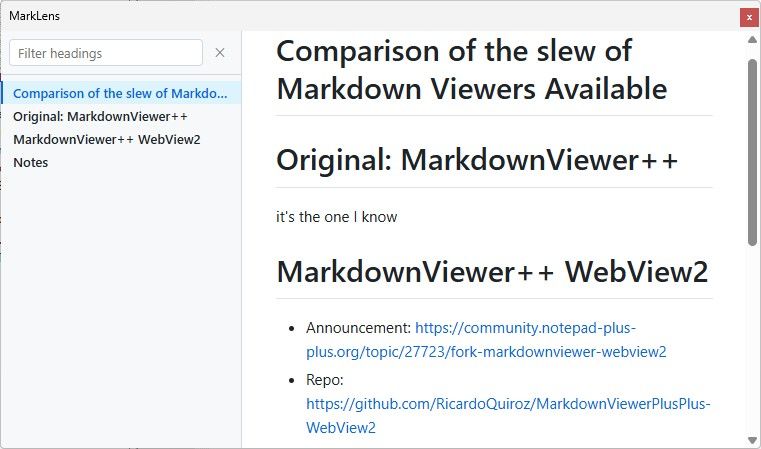
Can filter TOC; can optionally do mermaid diagrams and others MD Notepad 32, x64 editor→preview PDF some no 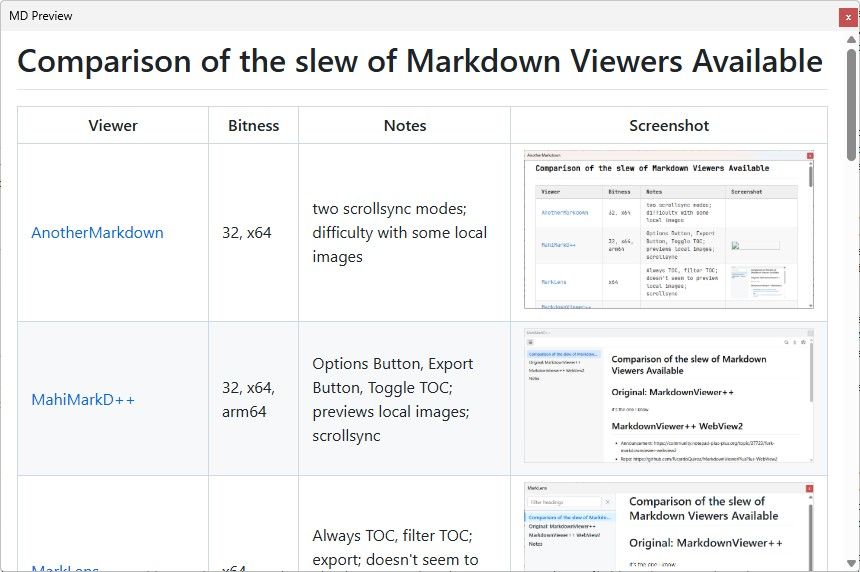
Allows you to edit the preview text directly MermaidViewer x64 yes HTML, PNG, SVG no yes 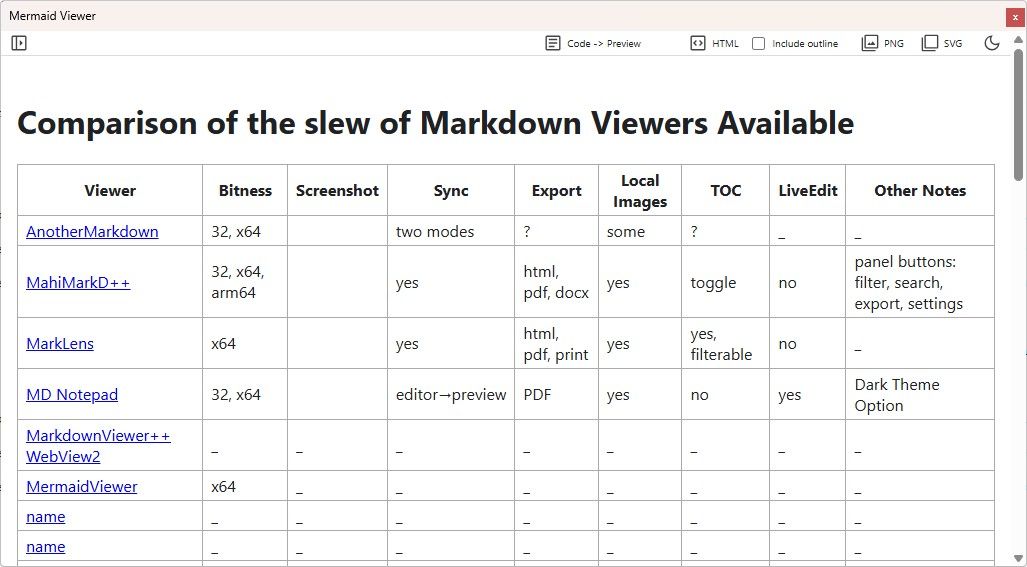
Mermaid diagrams ✓ Markdown_with_Mermaid 32, x64 editor→preview html, pdf, docx yes yes 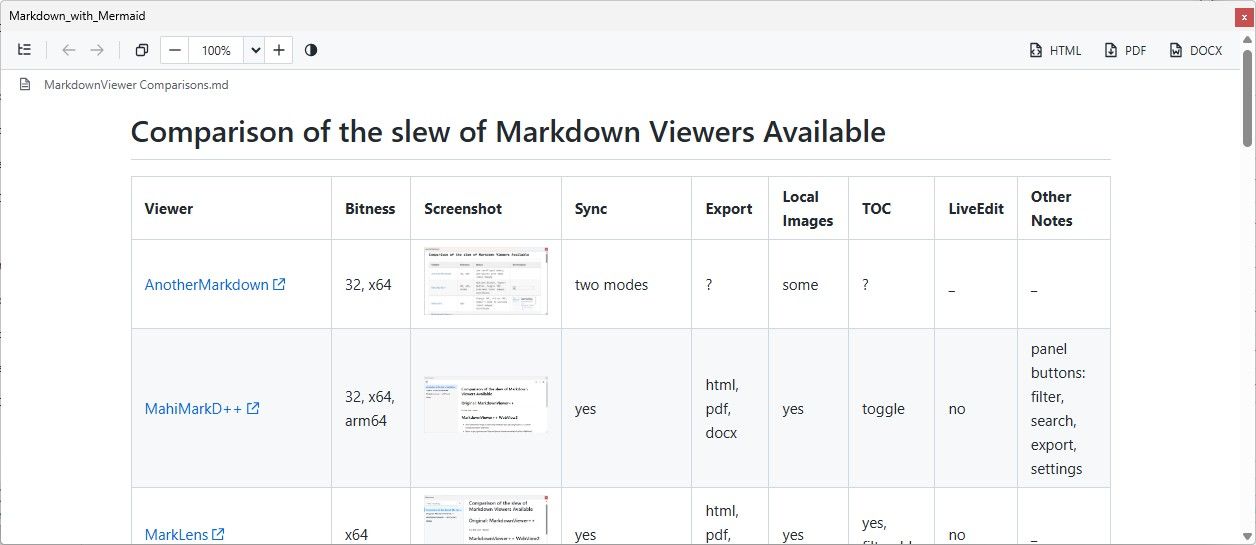
Mermaid diagrams ✓ MarkdownReader x64, arm64 yes html, pdf, print yes no 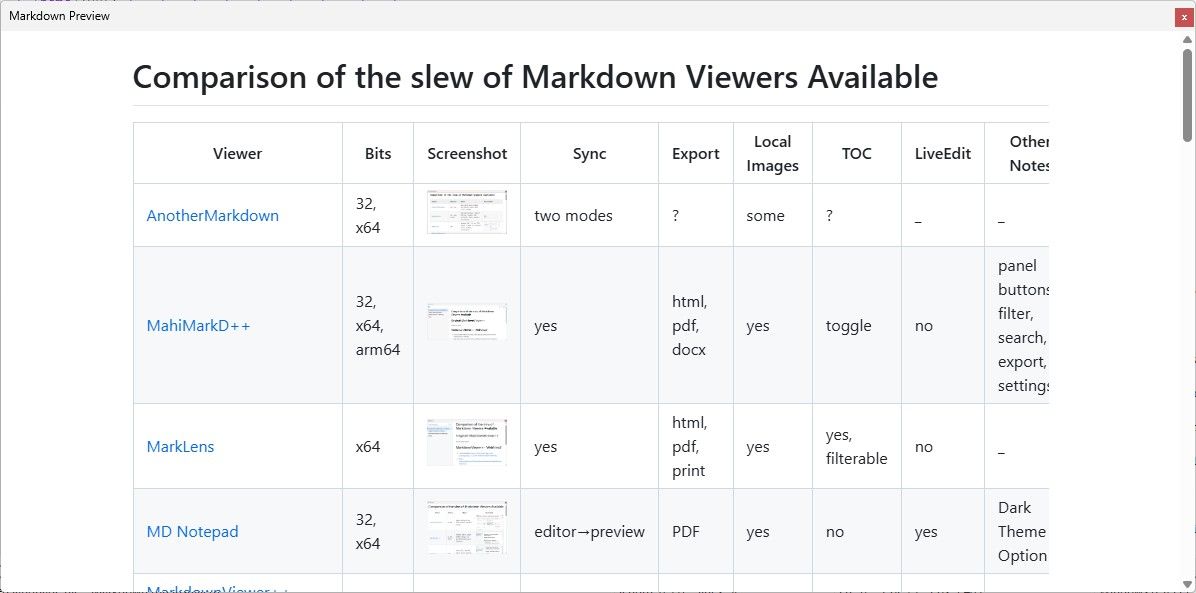
_ ✓ NMD = Modern Markdown Viewer x64 yes no yes no 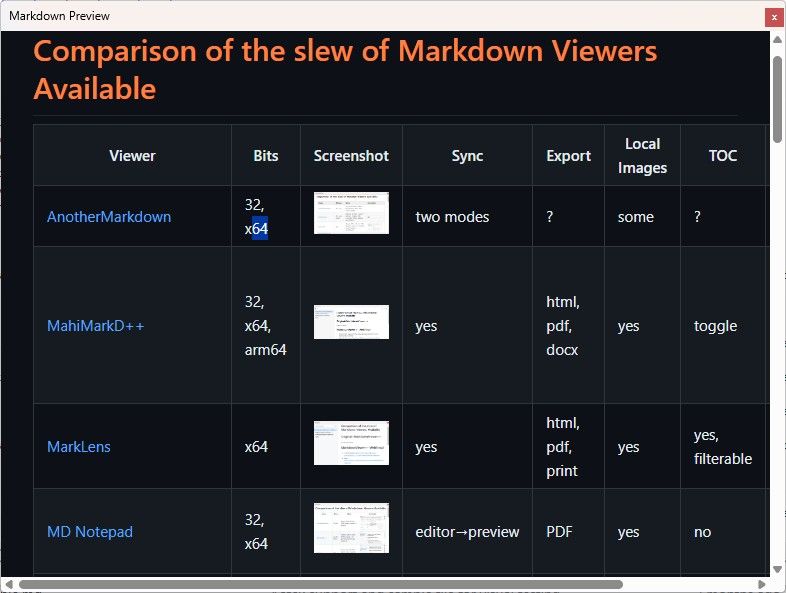
always Dark ✓ Markdown Features x64 n/a html, print, clipboard no yes 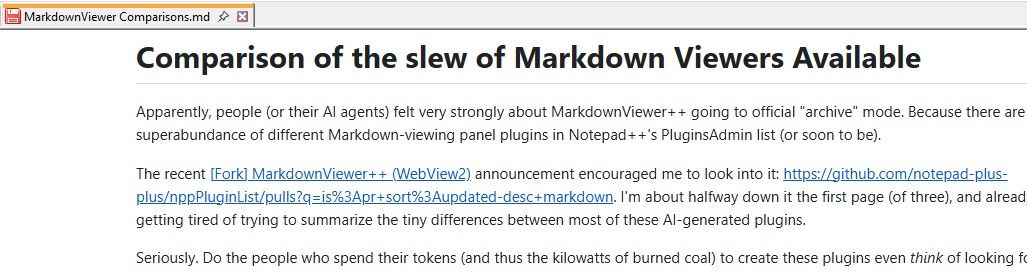
The “preview” replaces the active tab, but the outline version is a separate panel; also has a slew of other Markdown-related editing features ✓ Markdown Panel 32, x64 yes pdf yes yes 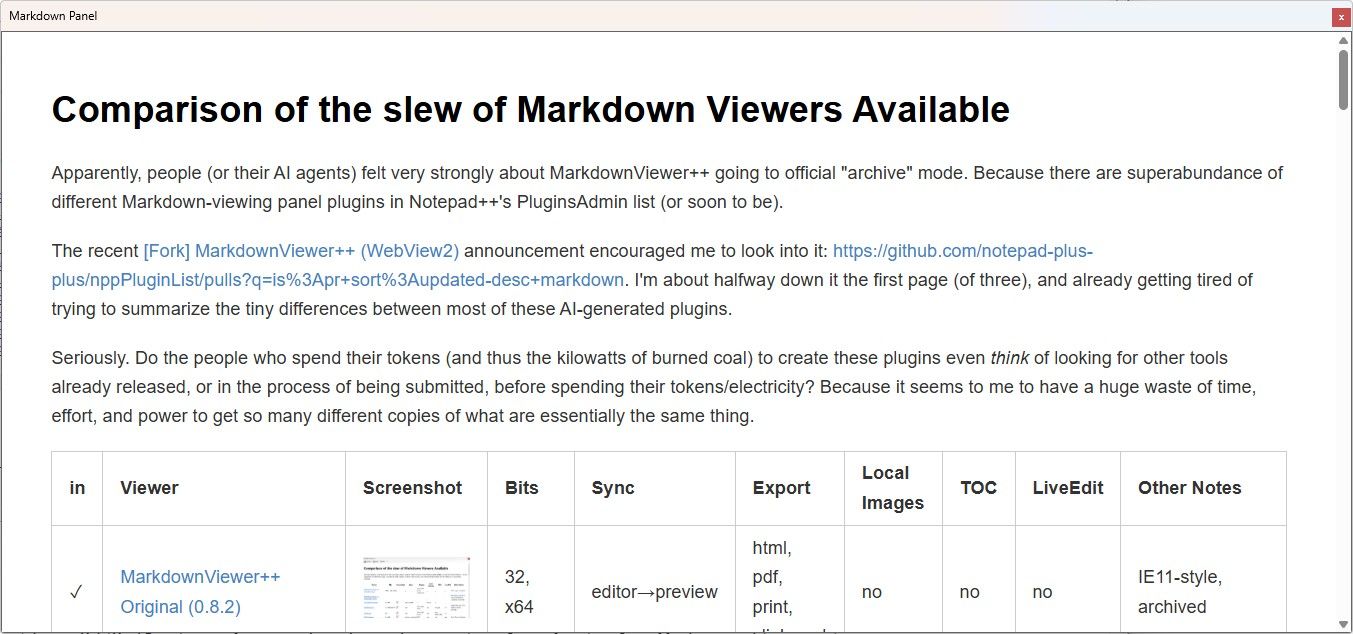
_ ✓ NppMarkdownNext 32, x64, arm64 editor→preview html, clipboard no yes 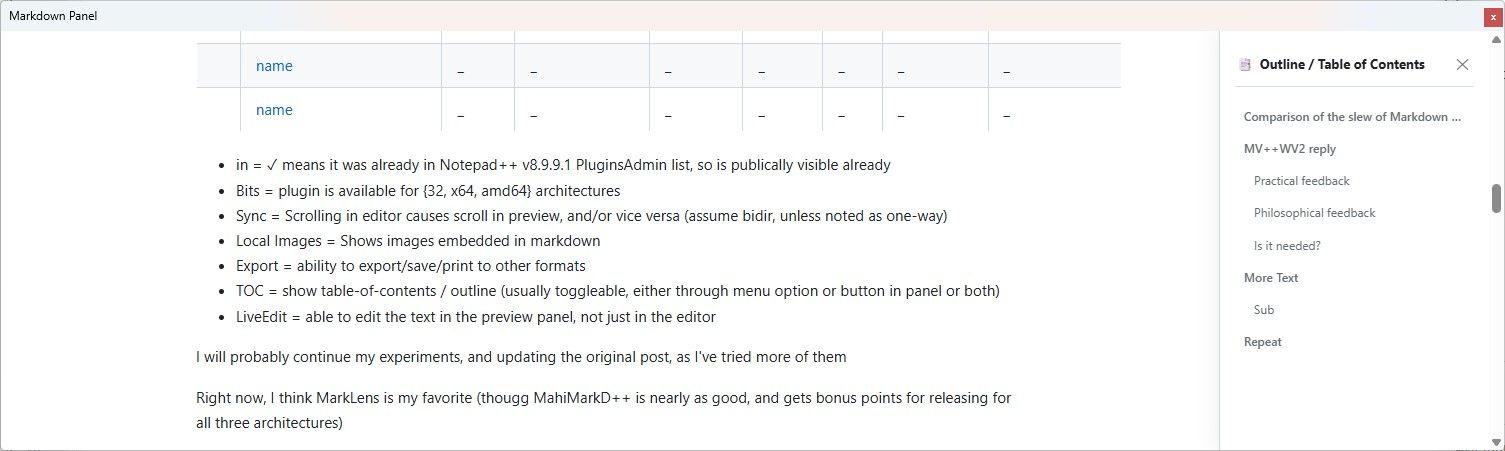
_ - in = ✓ means it was already in Notepad++ v8.9.9.1 PluginsAdmin list, so is publically visible already
- Bits = plugin is available for {32, x64, amd64} architectures
- Sync = Scrolling in editor causes scroll in preview, and/or vice versa (assume bidir, unless noted as one-way)
- Local Images = Shows images embedded in markdown
- Export = ability to export/save/print to other formats
- TOC = show table-of-contents / outline (usually toggleable, either through menu option or button in panel or both)
- LiveEdit = able to edit the text in the preview panel, not just in the editor
I will probably continue my experiments, and updating the original post, as I’ve tried more of them


Hello! It looks like you're interested in this conversation, but you don't have an account yet.
Getting fed up of having to scroll through the same posts each visit? When you register for an account, you'll always come back to exactly where you were before, and choose to be notified of new replies (either via email, or push notification). You'll also be able to save bookmarks and upvote posts to show your appreciation to other community members.
With your input, this post could be even better 💗
Register Login