Every word underlined in red
-
Running Notepad 7.9.1. on Windows 10. When the spell check is turned on, every word is underlined. Thanks for any help.

-
Enable the desired spelling dictionary, for example, if you enable only the Russian spelling dictionary and open the English text, everything will be highlighted in red.
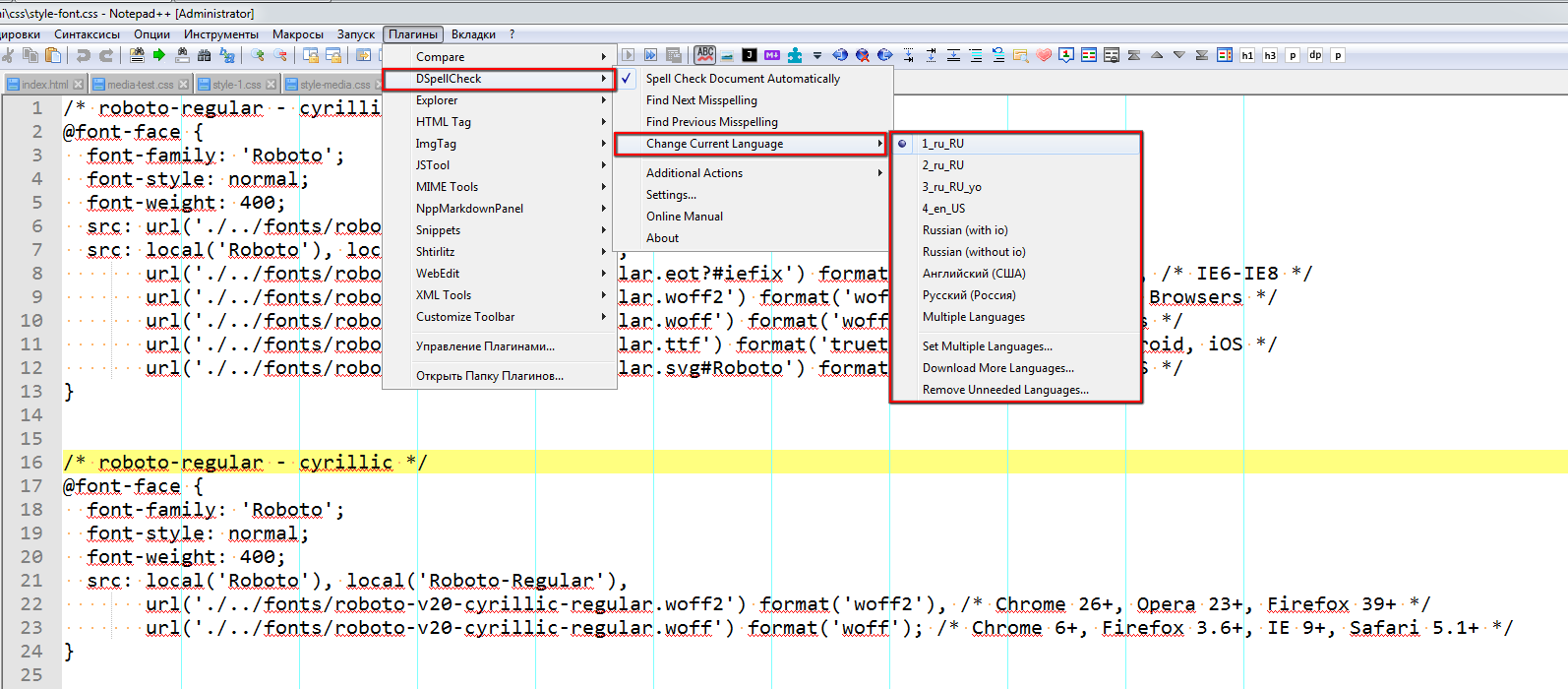
-
Thank you for your reply. I have indeed enabled the UK English dic, but the problem persists.
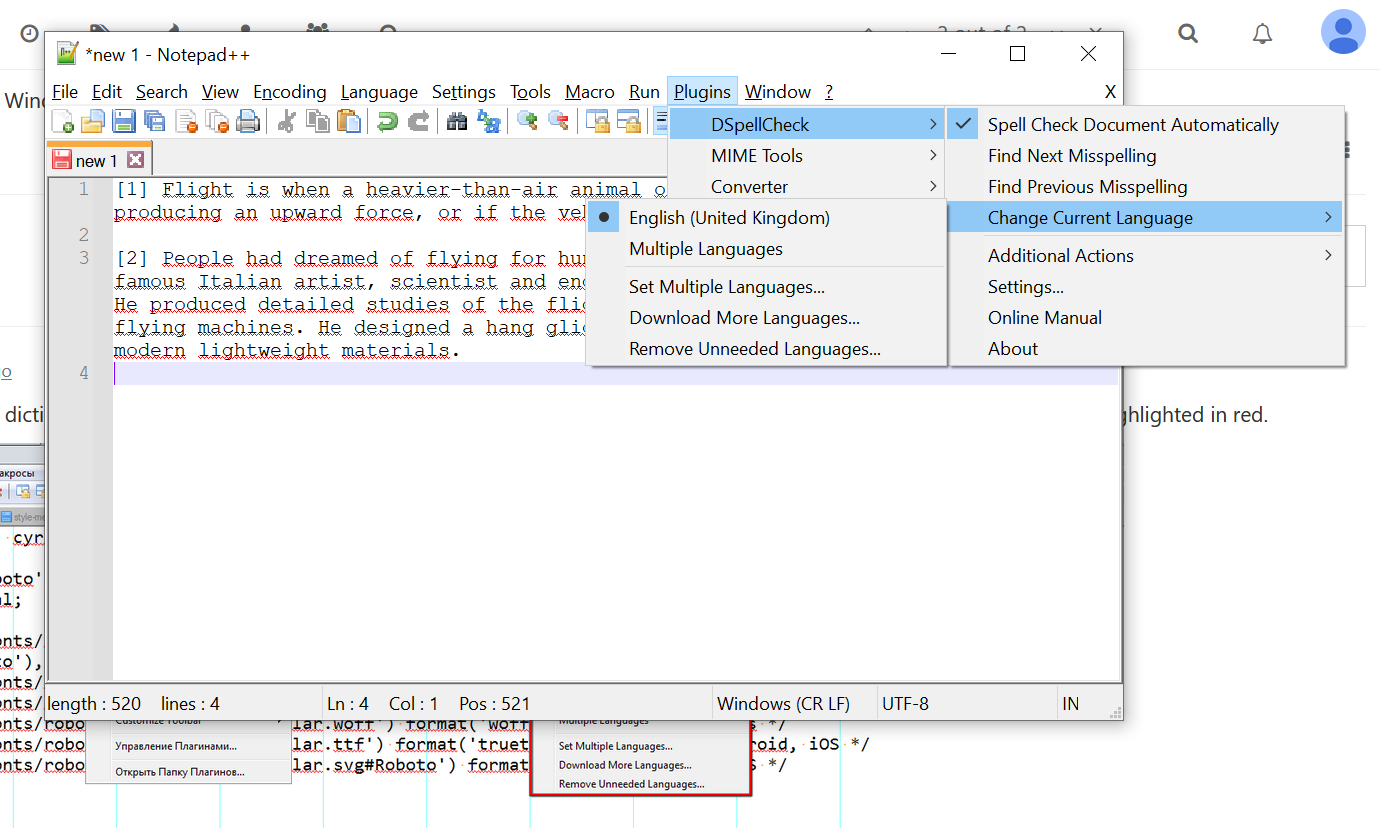
-
@Stephen-Austin Edit. Not sure if this is a workaround, but I find that setting the dictionary to ‘native Windows’ instead of Anspell or Hunspell seems to solve the problem.
-
@Stephen-Austin I use Hunspell, and dictionaries English USA
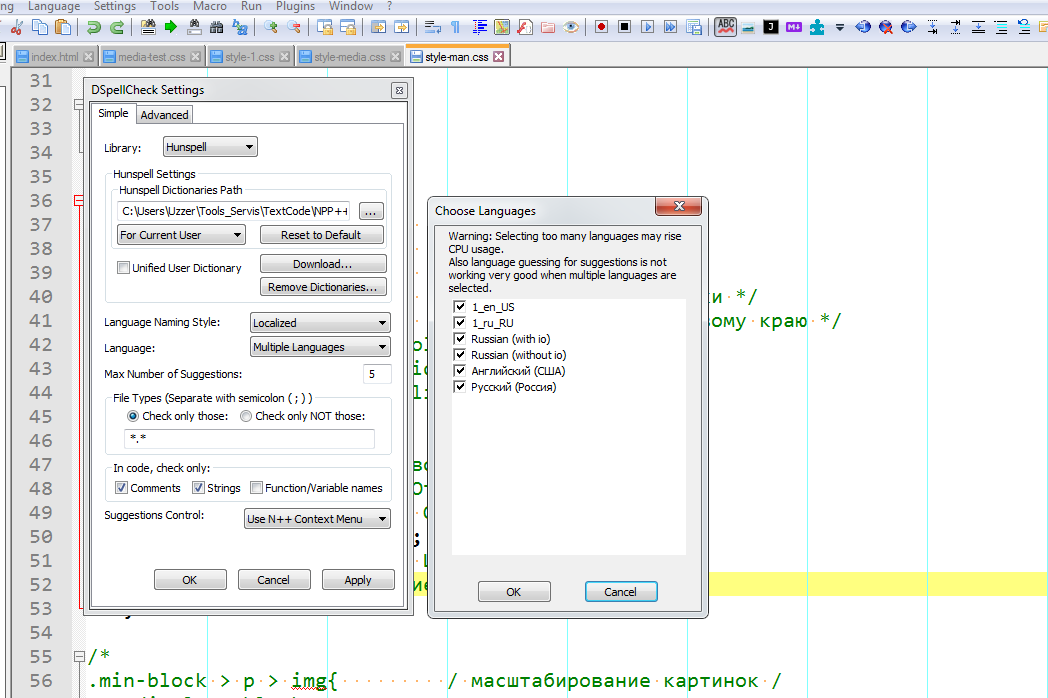
-
@Stephen-Austin Install the latest version of the plugin manually
https://github.com/Predelnik/DSpellCheck/releases/ -
OK. Seems to have fixed it. Thanks for the time and trouble taken to reply.

Hello! It looks like you're interested in this conversation, but you don't have an account yet.
Getting fed up of having to scroll through the same posts each visit? When you register for an account, you'll always come back to exactly where you were before, and choose to be notified of new replies (either via email, or push notification). You'll also be able to save bookmarks and upvote posts to show your appreciation to other community members.
With your input, this post could be even better 💗
Register Login