Whitespace background cannot be changed
-
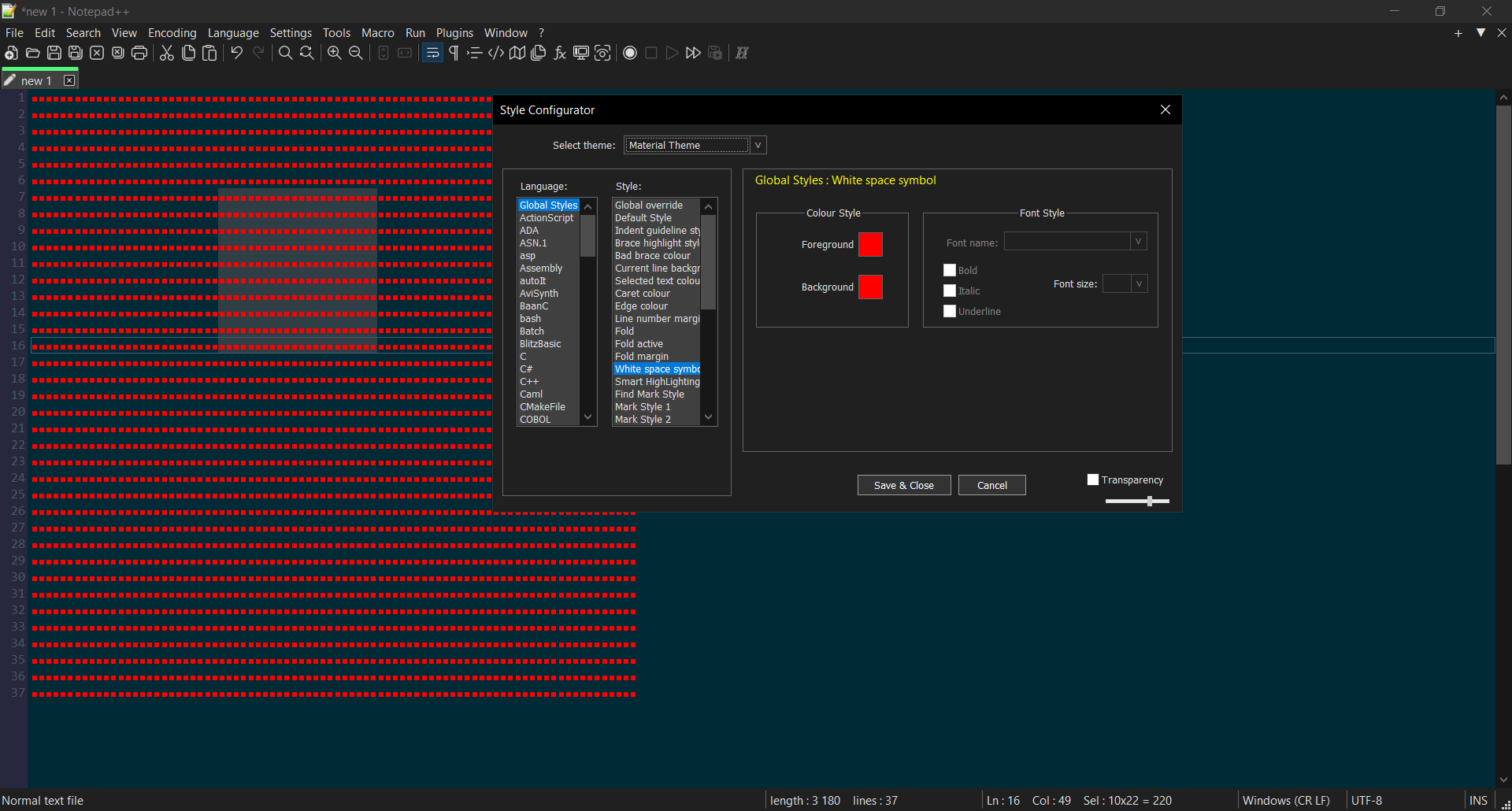
There is an option in the style configurator, but it does nothing -
The documentation already tells you it’s foreground only.

And in my v8.7.5, the “background” is greyed out, so you cannot try to change it.
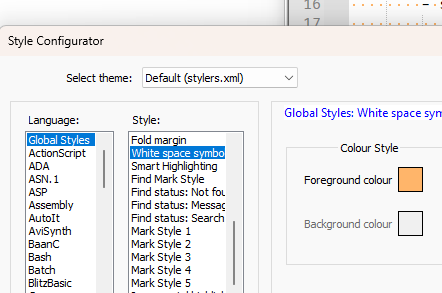
If I look at the stylers.model.xml or similar (ie, a theme maintained by the N++ developer), in the
<GlobalStyles>section, the “White space symbol” doesn’t have abgColorattribute, which is what causes it to gray out, I think

<WidgetStyle name="White space symbol" styleID="0" fgColor="FFB56A"></WidgetStyle>That implies that your “Material theme” incorrectly added that attribute (or that it was derived from an earlier version of the model, which incorrectly had that attribute). So to make it match reality, you should edit your “Material theme”'s XML to not have
bgColorattribute for the “White space symbol” entry, so that you don’t confuse yourself in the future. -
- do you know any way to make the whitespace symbol take up the entire whitespace then? currently increasing whitespace size makes the symbol wider, which makes it obstruct nearby characters.
- or, will whitespace background ever be added?
- delimiters can change the background of whitespaces, but folding is disabled inside delimiters (and folding styles have nesting options greyed out), will that ever be changed
-
@HalfOffHell said in Whitespace background cannot be changed:
- do you know any way to make the whitespace symbol take up the entire whitespace then? currently increasing whitespace size makes the symbol wider, which makes it obstruct nearby characters.
Nope, it’s not designed to do that.
- or, will whitespace background ever be added?
Doubtful, though I don’t think anyone has ever made an official feature request for that.
In my experience, you are the first user who wants whitespace indicators to not use the same background color as the rest of the text, and the developer doesn’t tend to work on such niche requests. But, of course, we’d never know for sure unless someone requested it.
- delimiters can change the background of whitespaces, but folding is disabled inside delimiters (and folding styles have nesting options greyed out), will that ever be changed
Doubtful, though I don’t think anyone has ever made an official feature request for that.
Reference
-
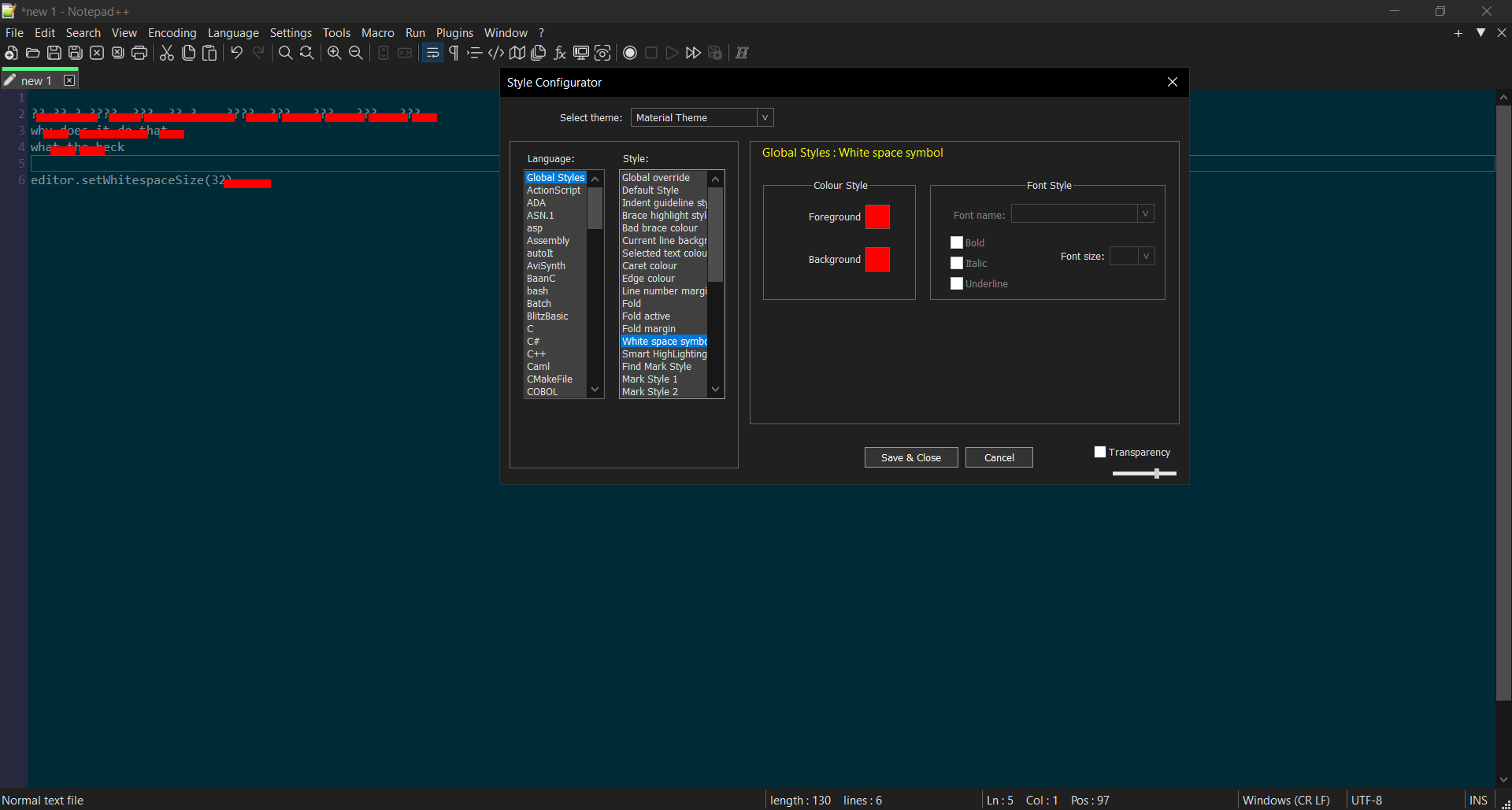
Your screenshot is of a “normal text file”. But it appears to actually have PythonScript, at least on the non-red-boxed line.
So if you are coding in some language, many of the language lexers have a DEFAULT color – including Python – which is used for the spaces. So it might be than changing Language:
Python> Style:DEFAULT> Background colour is sufficient for you.For example:
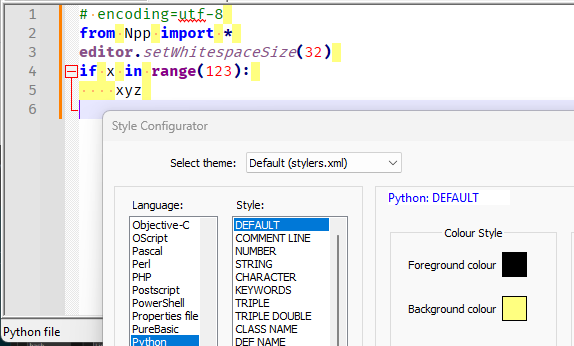
Caveat: Not all languages have or use a
DEFAULTstyle for whitespace – and some that have theDEFAULTalso use it for real text that doesn’t match any of their other Styles while lexing, not just whitespace, so changing the background of a language’sDEFAULTstyle might not work like you want for all languages … But for what I remember of Python, it doesn’t use theDEFAULTstyle for anything but whitespace, so it may meet at least some of your desires.


Hello! It looks like you're interested in this conversation, but you don't have an account yet.
Getting fed up of having to scroll through the same posts each visit? When you register for an account, you'll always come back to exactly where you were before, and choose to be notified of new replies (either via email, or push notification). You'll also be able to save bookmarks and upvote posts to show your appreciation to other community members.
With your input, this post could be even better 💗
Register Login