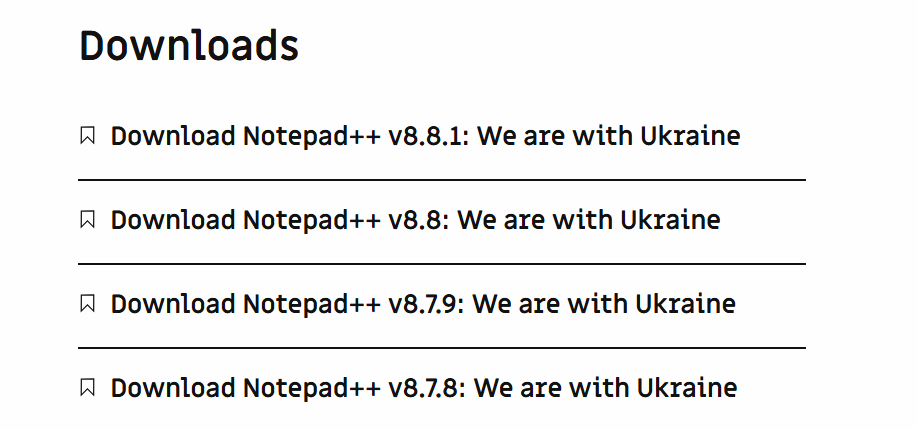
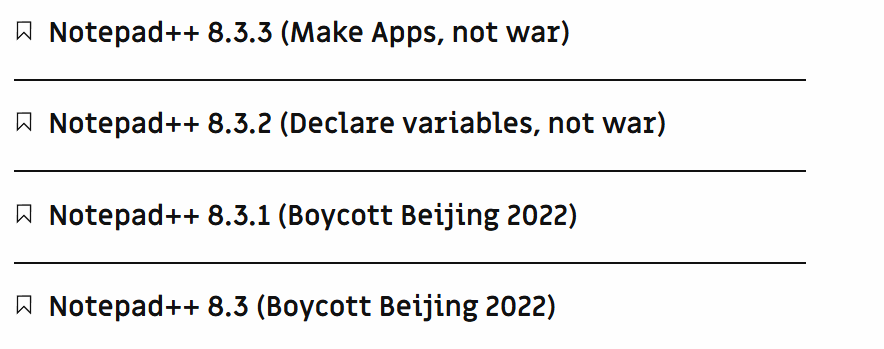
@shodanx2 ,
I normally stay out of the “Boycott” discussions, because they’re a complete waste of time (as is this one, for example, so I’ll be leaving this one again), but it seems really odd that you just started complaining about this a year after you successfully created your account and made your first post. But whatever, the haters are going to hate. (update: never mind, you were whining about this a year ago, too.)
If the owners of the forum software and the service that they are donating to host our forum (they normally charge people and organizations to host with them, but are giving the hosting for free to us, so beggars cannot be choosers), or the contributors to their ecosystem (not me, not the developer of Notepad++) ever provide a plugin that allowed a “login with XYZ” for any other OAUTH provider, I would enable that in a heartbeat, because I’m all for giving users a choice. I cannot speak for the rest of the internet, but the email-only didn’t work here, despite your repeated protestations, for whatever reason, so I’ve tried to help give users as much choice from OAUTH providers as possible; unfortunately, those are the only two for now.
Our choice of login has nothing to do with censoring people from speaking (as should be blatantly obvious, because we literally provide a topic for whining about Notepad++ in a forum dedicated to advocating for and helping people use Notepad++ … the N++ developer is highly into free speech), nor “shilling for the techbro cloud elites”, and everything to do with trying to make the user experience as good as possible for as many as we can.